Accessibility Widget Versus Code Fixes: The Facts
A keyboard user opens your WordPress navigation and cannot reach a submenu. A screen reader announces an unlabeled button. A PDF linked from a public meeting page has no readable structure. In an accessibility widget versus code fixes decision, those are the issues that matter – not how polished an on-screen toolbar looks.
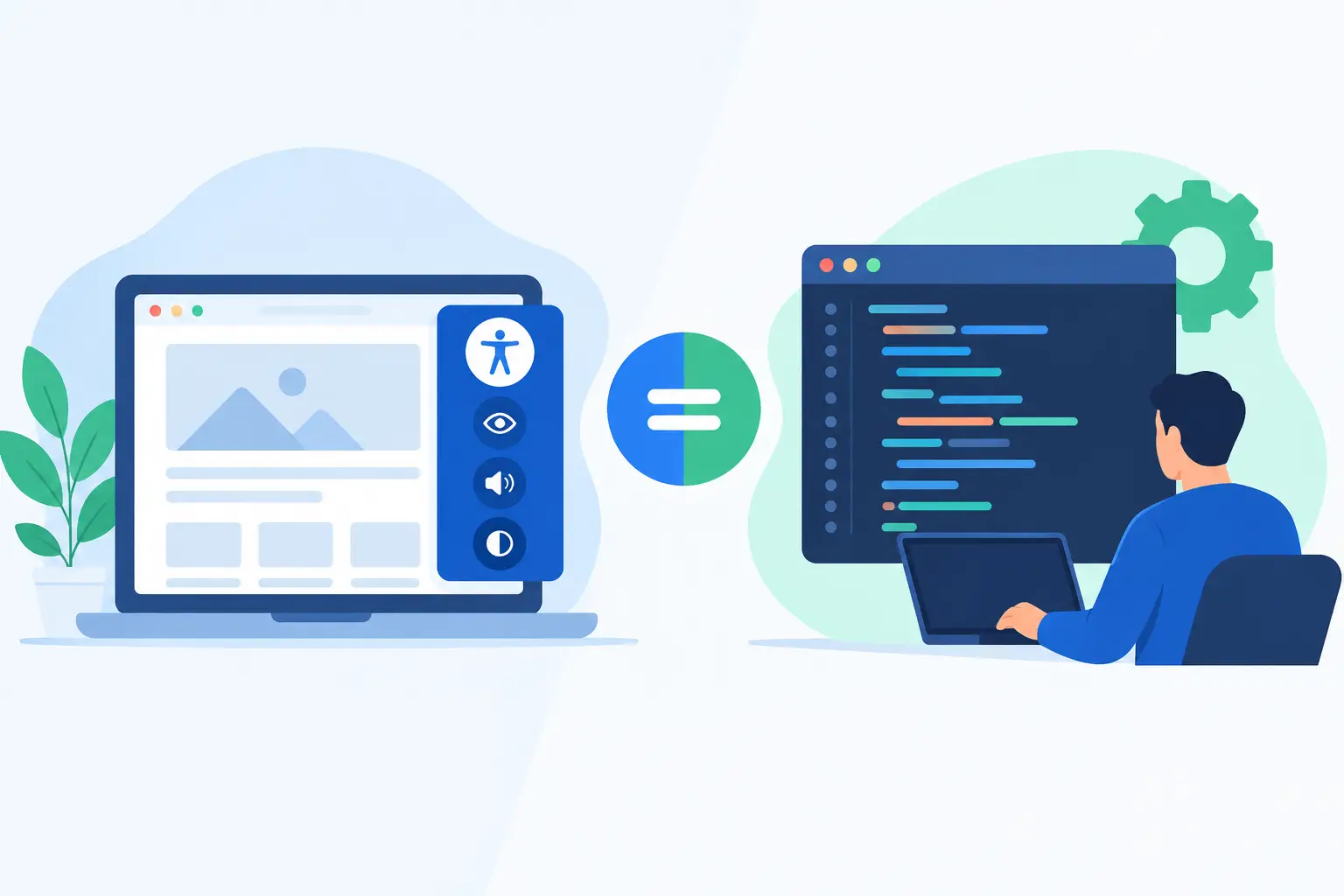
A widget can offer useful visitor controls and may address a limited set of presentation needs. It does not replace accessible source code, accessible documents, or a repeatable remediation process. Organizations responsible for ADA readiness, Section 508 obligations, or WCAG conformance need to understand the difference before treating any tool as a compliance solution.
Accessibility Widget Versus Code Fixes: What Is Different?
An accessibility widget is usually a front-end interface that gives visitors options such as increasing text size, changing contrast, adjusting spacing, or highlighting links. These controls can improve the experience for some people, particularly when a site has limited visual customization options.
Code fixes change the website itself. They may add an accessible name to a control, repair heading order, associate an error message with a form field, correct insufficient color contrast, provide a skip link, or make a custom menu operable by keyboard. These changes remain in place regardless of a visitor’s browser, device, settings, or decision to activate a toolbar.
That distinction has compliance consequences. WCAG evaluates whether web content is perceivable, operable, understandable, and robust in its delivered state. A visitor should not have to locate, understand, and activate a separate control before basic content and functionality become usable. If an image has no appropriate text alternative or a form cannot be completed with a keyboard, the underlying defect still requires remediation.
Where Widgets Can Help
A well-designed widget can be an additional usability feature. It may help visitors customize the presentation of content, and it can provide quick access to features that some audiences find useful. For site owners, a widget may also communicate that accessibility is being considered rather than ignored.
The right role for a widget is supplemental, not curative. It can sit alongside an accessible theme, properly authored content, tested forms, and a documented remediation workflow. It should not become the reason a team delays fixing known failures in templates, plugins, documents, or custom code.
There are also practical limits. Widgets generally cannot determine the correct meaning of an image, write accurate captions, resolve confusing instructions, repair a broken focus order, or make a poorly designed checkout process understandable. Accessibility depends on context. Automated interfaces cannot reliably supply that context for every page and user task.
Why Code-Level Remediation Carries More Weight
Code-level remediation addresses barriers at the source. When a developer corrects semantic markup, assistive technologies can interpret the page more accurately. When a content editor adds a meaningful text alternative, the information is available to visitors who cannot see the image. When a PDF is remediated or replaced with accessible HTML, the document itself becomes more usable.
This approach also supports consistency. A corrected WordPress template can improve every page that uses it. A repaired navigation component can benefit the entire site. A publishing rule that catches empty links, missing form labels, or heading errors before publication reduces the number of new issues entering the website.
Code fixes are not always fast. Large sites may have years of content, several page builders, custom themes, third-party integrations, and document libraries. Some corrections require developer time, content-owner review, and testing with keyboards or assistive technology. That is a reason to organize remediation carefully, not a reason to substitute a widget for the work.
The Risks of Relying on a Widget Alone
A widget-only strategy can create a false sense of completion. A toolbar may be visible on every page while serious barriers remain in menus, popups, embedded applications, payment flows, videos, PDFs, and error messages. It may also fail to address accessibility problems introduced after the widget was installed.
Legal and procurement expectations reinforce this point. ADA accessibility claims and Section 508 reviews commonly focus on the actual user experience and the applicable technical requirements. They do not treat the presence of a toolbar as proof that a website conforms to WCAG. No software, widget, or audit alone can guarantee legal compliance, especially when content and third-party systems change over time.
There is a user-experience concern as well. Some visitors already use browser settings, operating-system features, screen readers, magnification software, voice control, or personal style preferences. Requiring them to use another interface can add friction. In some cases, a widget’s controls can interfere with existing tools or introduce new keyboard and focus problems.
Build a WordPress Remediation Process That Holds Up
The more useful question is not whether to choose one approach forever. It is how to make accessibility measurable, prioritized, and maintainable across the WordPress environment.
Start with a site-wide audit that covers more than standard posts and pages. Review theme templates, custom post types, navigation menus, widgets, forms, media, PDFs, page-builder content, and linked pages. A scan should identify the issue, the affected element, and the location where a team member can begin remediation. Broad coverage matters because the most visible pages are not always the pages creating the greatest access risk.
Next, separate issues by impact and ownership. Keyboard traps, inaccessible forms, missing labels, insufficient contrast, empty links, and invalid heading structure often deserve prompt attention because they can block core tasks. Template-level issues should be addressed before repeating the same manual correction across dozens of pages. Content teams need clear guidance for the items they control, such as alternative text, headings, link language, table structure, captions, and document uploads.
Then add quality controls to publishing. Accessibility is not a one-time project completed after a redesign. Each new article, event page, plugin update, image, or PDF can introduce barriers. Automated checks inside the WordPress workflow help editors identify many issues before content goes live, while scheduled scans help teams find regressions in existing material.
WP ADA Compliance Check supports this operational model by scanning WordPress content and site components against WCAG 2.1, WCAG 2.2, and Section 508 criteria, flagging issues with remediation guidance, and automatically correcting a defined set of error types. Its reporting helps administrators, agencies, and development teams move from a general concern about accessibility to assigned, verifiable work.
When a Widget Is Still Reasonable
A widget can be reasonable when it is presented honestly as an optional visitor preference tool and is evaluated for accessibility itself. Before deploying one, test whether it works with a keyboard, exposes understandable controls to screen readers, maintains visible focus, and avoids blocking site functionality. It should also be compatible with the site’s existing responsive design and user settings.
Do not let the widget obscure the path to source-level fixes. Keep an issue register, assign responsible owners, set remediation deadlines based on impact, and document testing. For public-sector, education, and enterprise sites, this documentation can be as valuable as the fixes themselves because it shows an active, governed accessibility program.
The strongest accessibility posture is built into the website: semantic code, accessible content, usable documents, tested interactions, and continuous monitoring. A widget may offer visitors an extra preference layer, but the work that protects users and reduces compliance risk happens in the code, content, and publishing process behind it.
Subscribe
Subscribe to receive daily Web Accessibility - Did you know? articles in your inbox.