
Ecommerce Accessibility Example for Safer Checkout
Ecommerce accessibility example: See how a typical checkout can exclude keyboard and screen reader users, and how WordPress teams can remediate WCAG issues
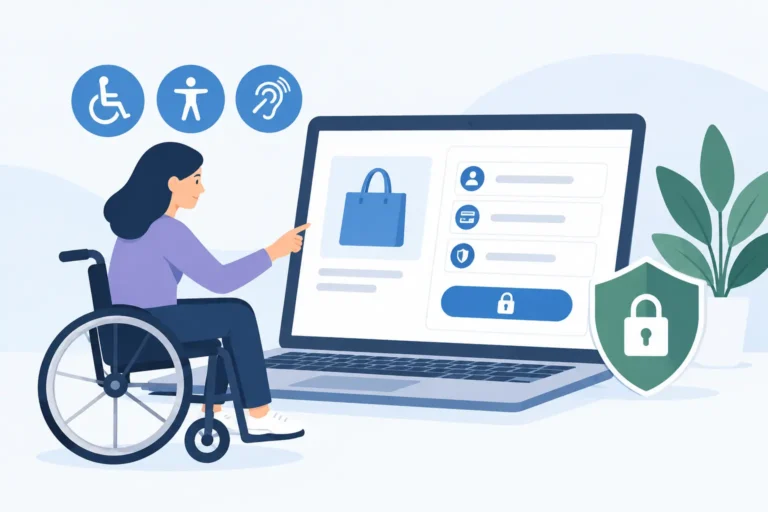
Ecommerce accessibility example: See how a typical checkout can exclude keyboard and screen reader users, and how WordPress teams can remediate WCAG issues
This ADA audit case study shows how a WordPress team identified WCAG failures, prioritized fixes, and built accessibility into publishing workflows daily.
Imagine bookmarking a series of important articles on a website, opening multiple browser tabs, and turning on a screen reader to review them. As you click through each tab, your screen reader repeats the exact same generic phrase over and over again, or simply stays completely silent. You have no way of knowing which tab…
Imagine navigating a detailed website layout using a keyboard or a screen reader, and you come across an interactive graphic with multiple clickable zones. You tab through the layout, knowing you should be able to select specific links, but your screen reader remains completely silent or simply repeats “link” over and over again. You have…
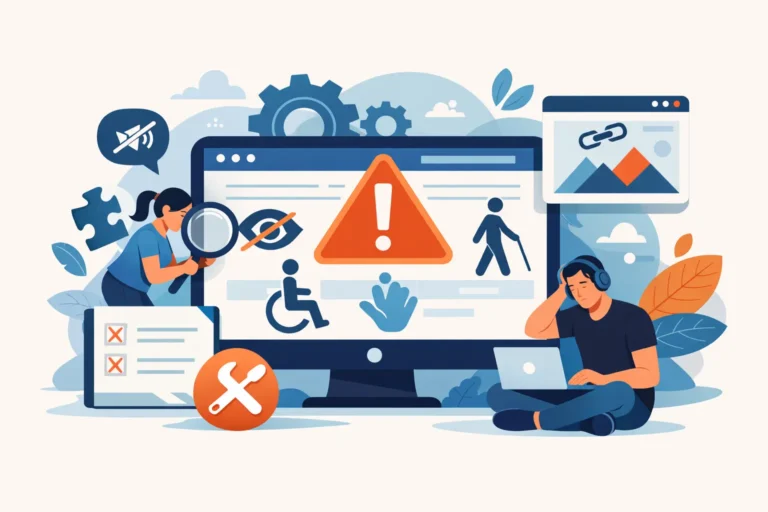
Imagine reading an insightful blog post using a screen reader, only to have the narration interrupted by a string of meaningless code. You approach a vital visual element, and your screen reader confidently announces, “spacer.gif,” “blue-button-final.png,” or simply “image.” Even worse, you land on a beautiful travel blog, and the software reads, “decorative graphic of…
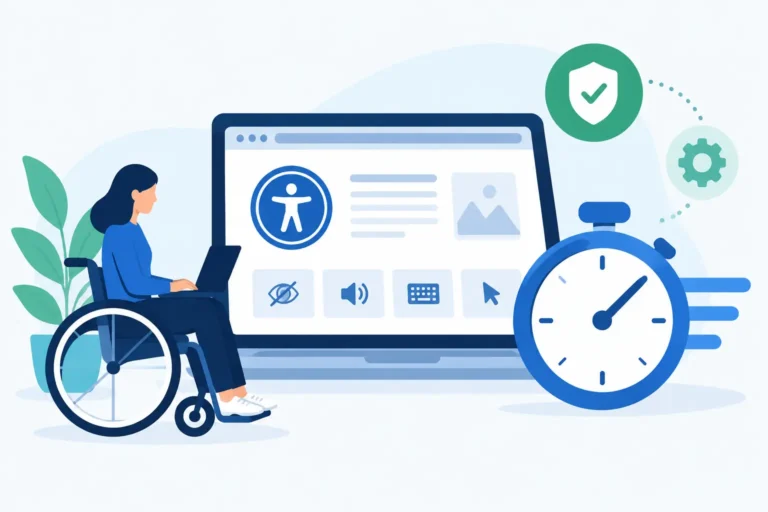
Imagine browsing a website with your eyes closed, relying entirely on a screen reader to describe the world on your screen. You navigate smoothly through the text, but suddenly, the voice stops and simply says, “image,” or worse, rattles off a long, confusing file string like “IMG_4920_final_v2_optimized.jpg.” You have no way of knowing if that…
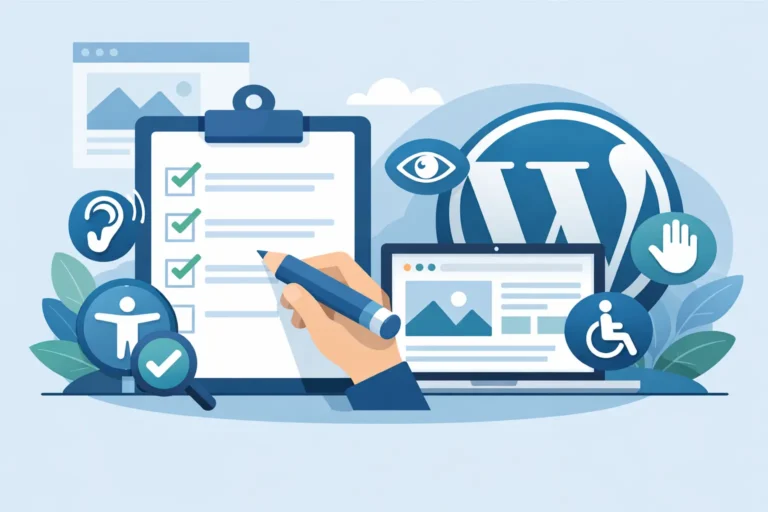
Imagine browsing a website with your eyes closed, relying entirely on a screen reader to describe the world on your screen. You navigate smoothly through the text, but suddenly, the voice stops and simply says, “image,” or worse, rattles off a long, confusing file string like “IMG_4920_final_v2_optimized.jpg.” You have no way of knowing if that…
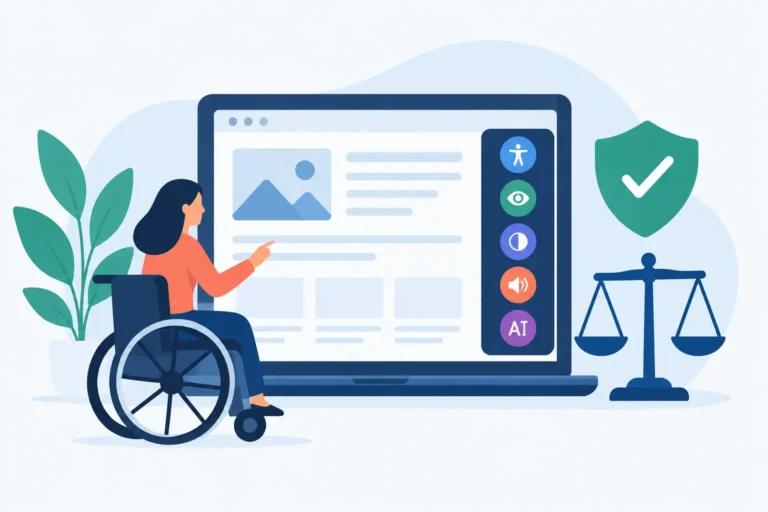
Imagine navigating a website form using a screen reader or keyboard, only to find yourself stuck on a blank input field. You know you need to type something, but because there is no text connected to the field, your screen reader remains completely silent. You have no idea if the form is asking for your…
Imagine opening a web page and suddenly being blasted by loud music or video audio, but you cannot find the button to turn it off. For most users, this is an annoyance. For users with disabilities, it is a severe digital barrier that makes a website completely unusable. If your WordPress website uses <audio>, <video>,…
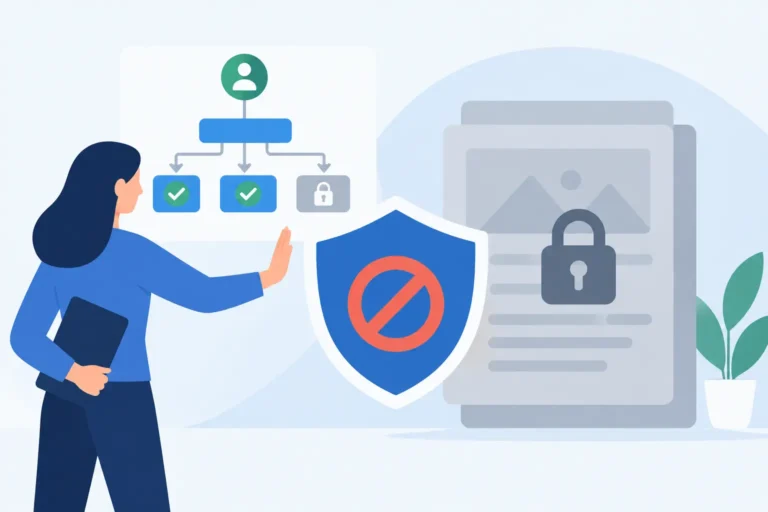
See how workflow controls stop inaccessible content by blocking the publication of posts or pages before WCAG issues create compliance risk on your site.
XThe accessibility of our website is taken very seriously. We strive to meet WCAG 2.2 AA Web Accessibility standards by routinely evaluating our website using automated evaluation tools and manual testing when required. As content changes we review and correct issues and are responsive to our users needs. If you encounter issues with our website, please report them so they may be corrected in a timely manner.
Thanks for reading our blog! When you are ready to make a purchase, use promocode SAVE20 at checkout to receive 20% off a single site license of the WP ADA Compliance Check plugin.