
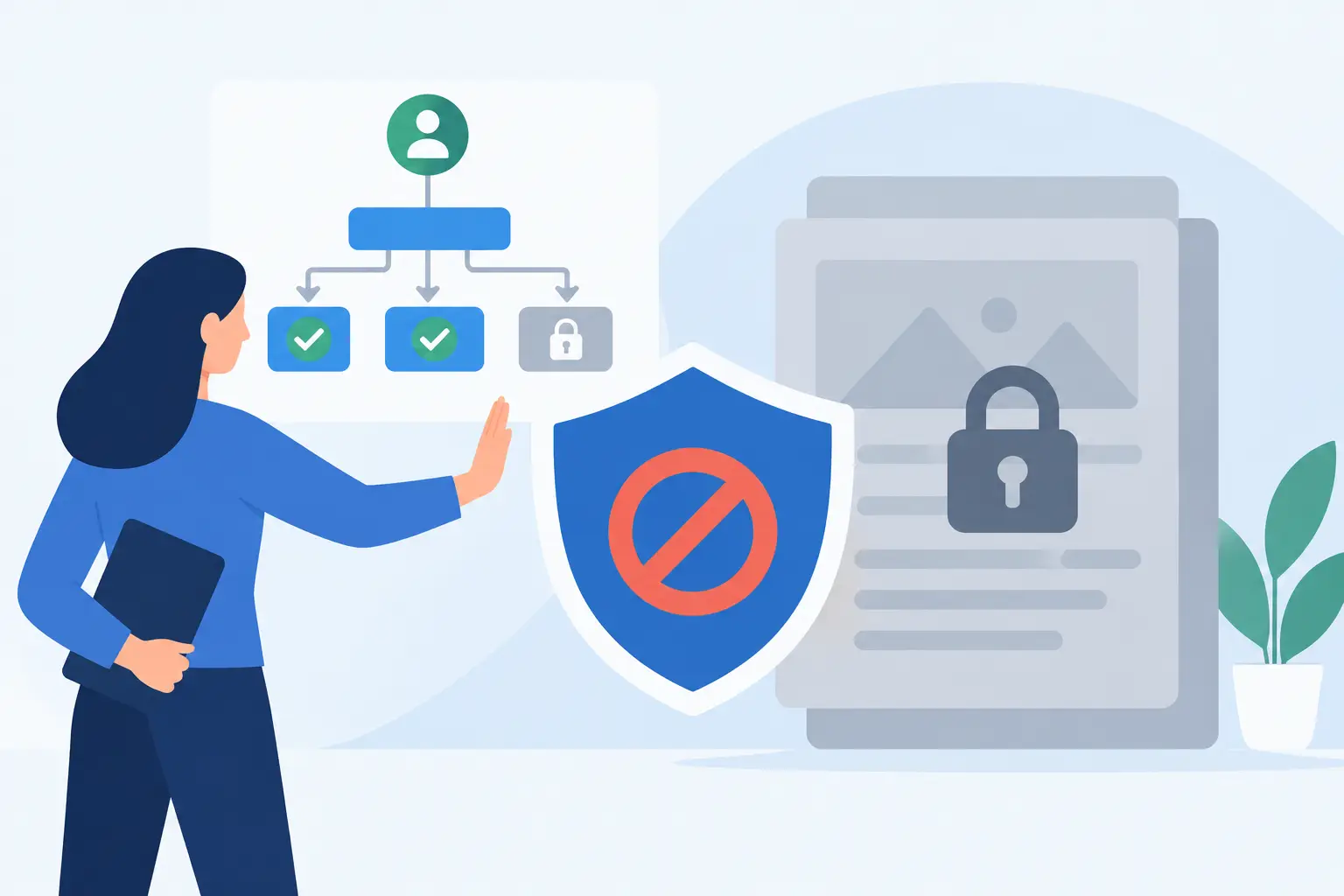
Workflow Controls Block Inaccessible Content
A single inaccessible page can create a compliance problem the moment it goes live. Workflow controls stop inaccessible content by blocking the publication of posts or pages until identified issues receive attention. For WordPress teams managing frequent updates, this changes accessibility from a periodic cleanup task into a publishing requirement.
Why post-publication accessibility checks are not enough
Most accessibility failures are introduced during normal content work. An editor adds an image without alternative text, pastes a heading with the wrong hierarchy, uses a color combination with insufficient contrast, or uploads a PDF that cannot be read by assistive technology. None of these actions necessarily look like errors in the WordPress editor. Yet each can prevent visitors from accessing information, services, forms, or documents.
If the site only scans after publication, the inaccessible material has already reached the public. The organization must then identify the page, assign remediation, make corrections, verify the fix, and account for the period when users could not access the content. That is an inefficient response for any organization, but it is particularly risky for government agencies, schools, healthcare providers, and businesses with public-facing services.
A publishing workflow should reflect the reality that accessibility is a release criterion. Content should not be treated as complete because it has been approved for messaging, branding, or legal review. It must also meet the accessibility standards the organization has adopted.
How workflow controls block inaccessible content
Workflow controls connect accessibility testing directly to the publication process. When an author saves, schedules, or attempts to publish a post or page, the system evaluates the content for defined accessibility issues. If the scan finds errors that violate the configured publishing threshold, publication can be prevented until the errors are corrected or reviewed by an authorized user.
This is different from a dashboard report that merely lists problems. Reports are valuable for audits and remediation planning, but they depend on someone taking action. A publication block creates an immediate operational checkpoint. The person creating the content sees the issue while the context is still fresh and before the content becomes publicly available.
The strongest workflows provide specific feedback, not a generic warning. An author needs to know what failed, where it appears, and what action is required. For example, a useful result identifies an image that is missing alternative text, a link that uses non-descriptive text, or a heading that skips a level. The correction path should be clear enough that a non-technical editor can address common errors without waiting for a developer.
Publication rules must be configured carefully
Not every finding should receive the same treatment. Some issues are definite failures, such as an empty form label or an image that lacks meaningful alternative text. Others may require human judgment. A decorative image, for example, may intentionally use empty alternative text, while a complex chart might need a longer text alternative than a standard image field can provide.
For that reason, workflow controls work best when teams establish clear rules about which errors block publication, which warnings require review, and who can approve exceptions. The objective is not to create an obstacle course for content authors. It is to prevent known accessibility barriers without forcing editorial teams to guess at technical requirements.
What to check before a page goes live
A meaningful publishing gate should evaluate more than one visible element. WCAG compliance depends on how content is structured, labeled, presented, and used with a keyboard or assistive technology. The exact set of checks depends on the site and its content types, but a practical WordPress workflow should account for the following areas:
- Text alternatives for meaningful images, embedded media, and non-text content.
- Heading structure that communicates a logical page outline.
- Link text that explains the destination or action without relying on surrounding visual context.
- Color contrast and non-color cues for instructions, errors, charts, and status messages.
- Form labels, error identification, and instructions that work with screen readers.
- Table markup that correctly identifies headers and relationships.
- Keyboard access for interactive elements, including components introduced by plugins or custom code.
- Document and media accessibility, especially for downloadable PDFs and linked resources.
The distinction between content-level and site-level checks matters. A publishing control can catch many problems inside a post or page, but an individual author may not be able to resolve a menu problem, a theme template error, or an inaccessible custom widget. Those issues still require routine full-site audits. The right process combines preventive checks at publication with broader monitoring across templates, custom post types, theme files, menus, and third-party integrations.
Build accountability into the WordPress editorial process
Accessibility failures often persist because ownership is unclear. Editors assume developers will address the problem. Developers expect editors to provide accessible source material. Compliance managers may receive reports but lack the ability to stop a deadline-driven publication. Workflow controls make the division of responsibility visible.
Authors should be responsible for correcting straightforward content issues before submitting work. Editors should verify that content is accurate, understandable, and ready for release. Developers should remediate template, component, and code-level barriers. A designated accessibility or compliance lead should define the blocking policy, review exceptions, and monitor recurring error patterns.
This model is especially useful for agencies and large organizations that manage multiple contributors or WordPress sites. Without consistent controls, accessibility quality varies by author, department, and deadline. With a defined publishing gate, the minimum requirement remains consistent even when the people producing content change.
There is a trade-off. Strict blocking can slow urgent publishing if the team has not been trained or if the platform returns unclear results. That is not an argument against controls. It is a reason to introduce them with documented remediation guidance, role-based responsibilities, and a limited exception process. A genuine emergency may justify an approved exception, but exceptions should be logged, time-bound, and followed by remediation. They should not become a routine way to bypass standards.
Use findings to improve the system, not just the page
The value of a workflow control grows when teams analyze why the same issues keep appearing. If authors repeatedly publish images without alternative text, the solution may be training or a required media-library field. If contrast errors occur in call-to-action blocks, the design system may need approved color combinations. If heading failures appear after content is imported from another source, the import process may need cleanup rules.
Recurring errors are operational data. They reveal where your WordPress configuration, authoring guidance, templates, or governance process is allowing barriers into the site. Fixing the source reduces future remediation work and improves the consistency of every page built afterward.
This is also where detailed scan reporting matters. A report that identifies the exact code location, element, and editing path helps teams distinguish between an author error and a system error. It gives developers enough information to repair underlying markup while giving site managers a practical way to assign and verify work.
Choosing publishing controls that support compliance work
A publishing gate is only as useful as the accessibility checks behind it. Look for a WordPress solution that evaluates content against current standards, including WCAG 2.1, WCAG 2.2, and Section 508 requirements where applicable. It should provide understandable error descriptions, support the post types your organization uses, and scan beyond published pages to account for site-wide accessibility risks.
For organizations that need a WordPress-native process, WP ADA Compliance Check can add accessibility checks directly to the editorial workflow while providing detailed remediation guidance and broader site scanning. The goal is not to replace expert review for complex interfaces or legal decisions. It is to catch preventable barriers early, document the work, and give teams a repeatable control they can use every day.
Accessibility compliance cannot depend on a quarterly audit or a last-minute review before a major launch. Make accessible publishing the normal condition of your WordPress workflow, so the next page is available to more people before it ever reaches the public.
Subscribe
Subscribe to receive daily Web Accessibility - Did you know? articles in your inbox.
