
Configure WordPress Accessibility Scan Settings
Learn how to configure WordPress accessibility scan settings for useful WCAG results, smarter alerts, and a dependable remediation workflow across teams.
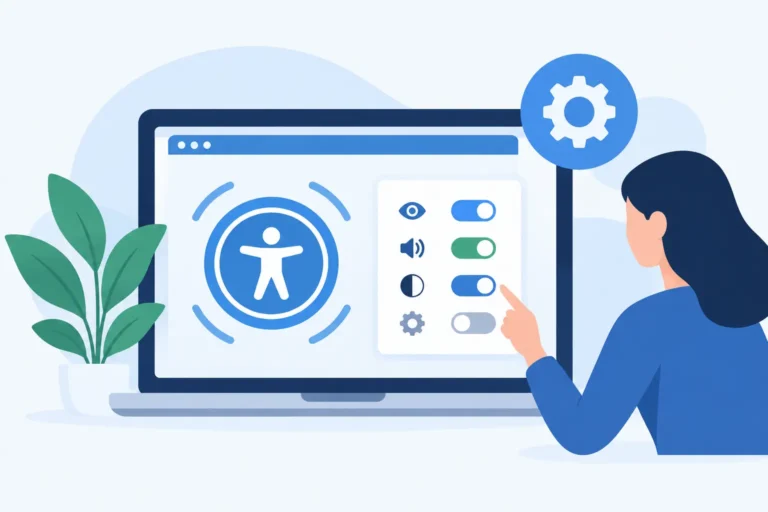
Learn how to configure WordPress accessibility scan settings for useful WCAG results, smarter alerts, and a dependable remediation workflow across teams.
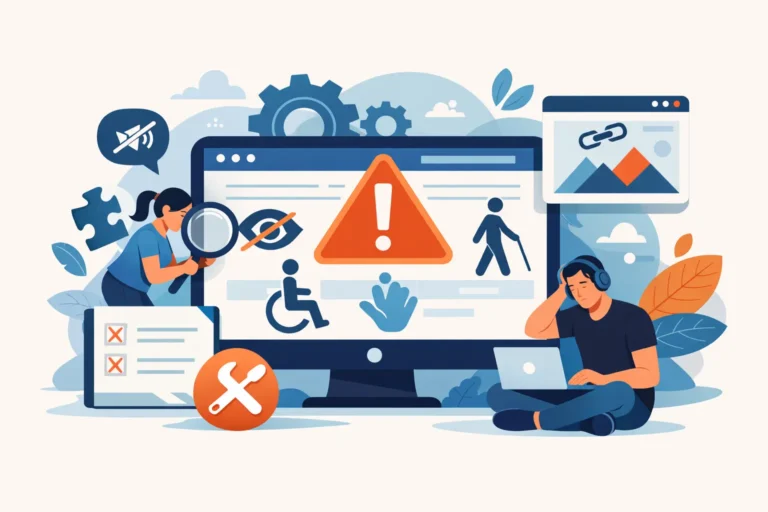
When designing a user interface, it is common to append a target=”_blank” attribute to links that point to external domains or downloadable PDF files. The logical intent is clear: keep visitors on your website while letting them view supplementary information elsewhere. However, forcing a hyperlink to open a new tab or window without letting the…
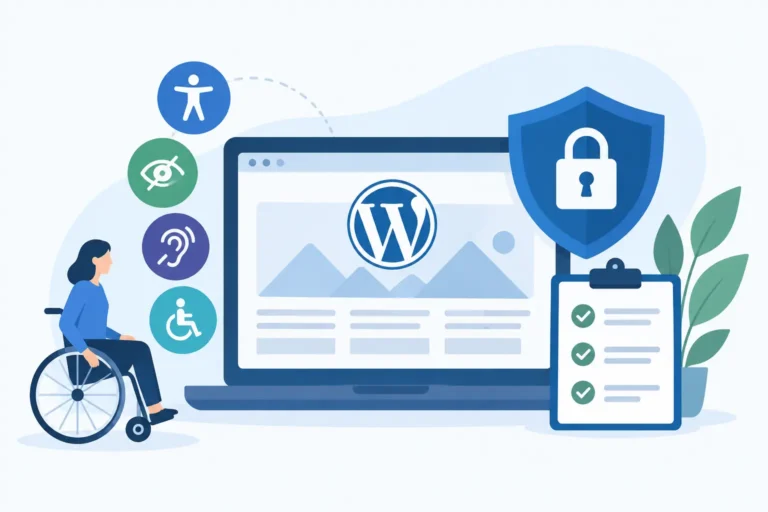
Ensuring your website is fully accessible is no longer just a best practice—it is a legal and ethical necessity. For small business owners, web developers, and digital marketers, understanding web accessibility often begins with automated testing. **Free accessibility checkers** offer an excellent entry point to flag immediate vulnerabilities, identify critical coding errors, and safeguard your…
The versatile HTML <object> tag has long been a fallback for web developers needing to embed external multimedia assets into a page layout. Whether you are loading legacy Flash components, interactive SVG diagrams, Java applets, or multimedia audio-visual streams, the object container pulls these assets directly into the viewport. Yet, because these files load outside…
When embedding interactive maps, video players, or third-party widgets into your layout, the HTML <iframe> element is often the easiest implementation choice. It acts as a nested window on your page, loading an entirely separate document inside your structure. However, without a clear semantic marker, this window becomes completely opaque to anyone navigating your website…
Imagine browsing an e-commerce website and seeing three separate buttons in a single view, each labeled “View Details.” Visually, you can infer that the first button belongs to a laptop, the second to a pair of headphones, and the third to a backpack. But for a user relying on assistive technology, or a search engine…
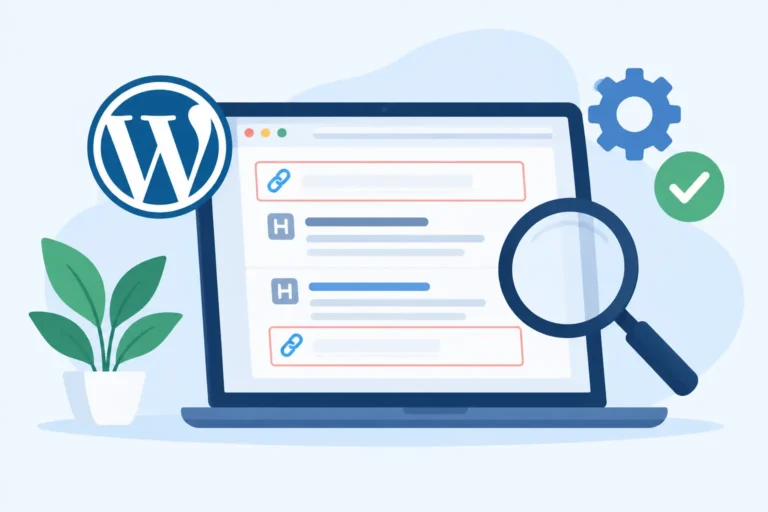
Learn how empty link and heading tags affect WCAG compliance, confuse screen reader users, and can be found and fixed in WordPress reliably.
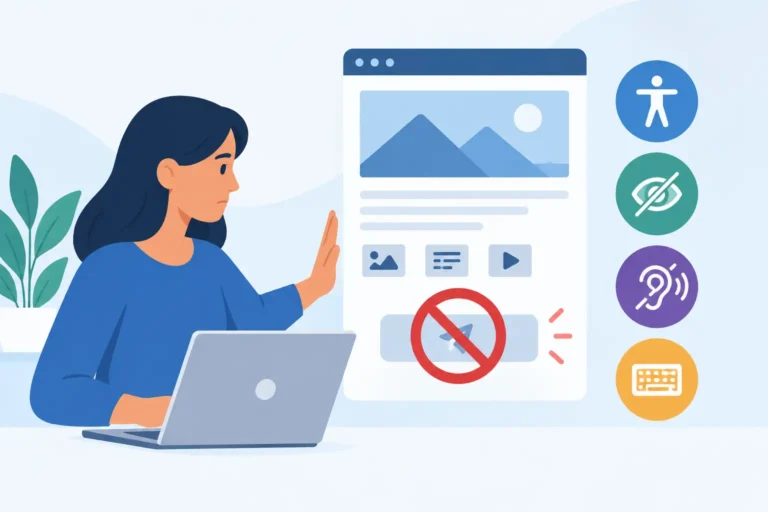
Why generic navigation text violates WCAG standards and how to restore contextual compliance. When scanning a webpage, sighted users quickly read surrounding text to understand where a button or hyperlink will take them. However, relying on phrases like “click here,” “read more,” “download,” or “learn more” creates massive barriers for users navigating with assistive technologies.…
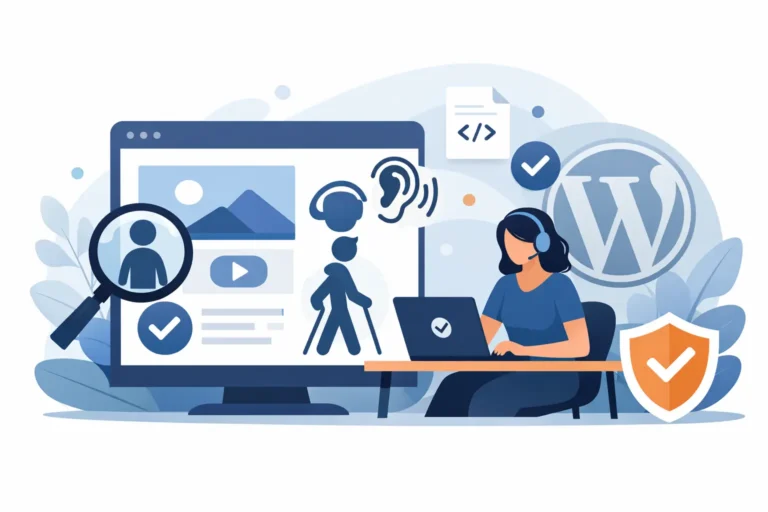
When designing a WordPress theme, using pixels (px) or absolute keywords (like xx-small or large) to lock down text measurements seems harmless. Designers love absolute font sizes because they provide perfect, rigid control over a layout. However, in the world of web accessibility, absolute measurements introduce critical structural blockages that can expose your organization to…
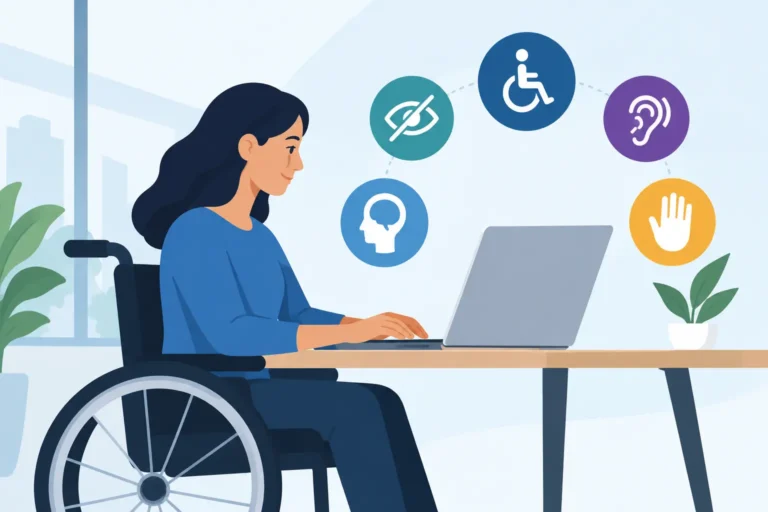
Where can I learn more about the requirement for ADA compliance? Find authoritative rules, WCAG guidance, audit steps, and WordPress workflow help now.
XThe accessibility of our website is taken very seriously. We strive to meet WCAG 2.2 AA Web Accessibility standards by routinely evaluating our website using automated evaluation tools and manual testing when required. As content changes we review and correct issues and are responsive to our users needs. If you encounter issues with our website, please report them so they may be corrected in a timely manner.
Thanks for reading our blog! When you are ready to make a purchase, use promocode SAVE20 at checkout to receive 20% off a single site license of the WP ADA Compliance Check plugin.