
Accessibility Scanner vs Manual Audit: Which Works?
A high-traffic WordPress site can contain thousands of pages, posts, PDFs, menus, forms, widgets, and template components. Reviewing that environment requires more than a one-time check. The accessibility scanner vs manual audit decision is not about choosing convenience over quality. It is about assigning the right work to automation and the right work to qualified human review.
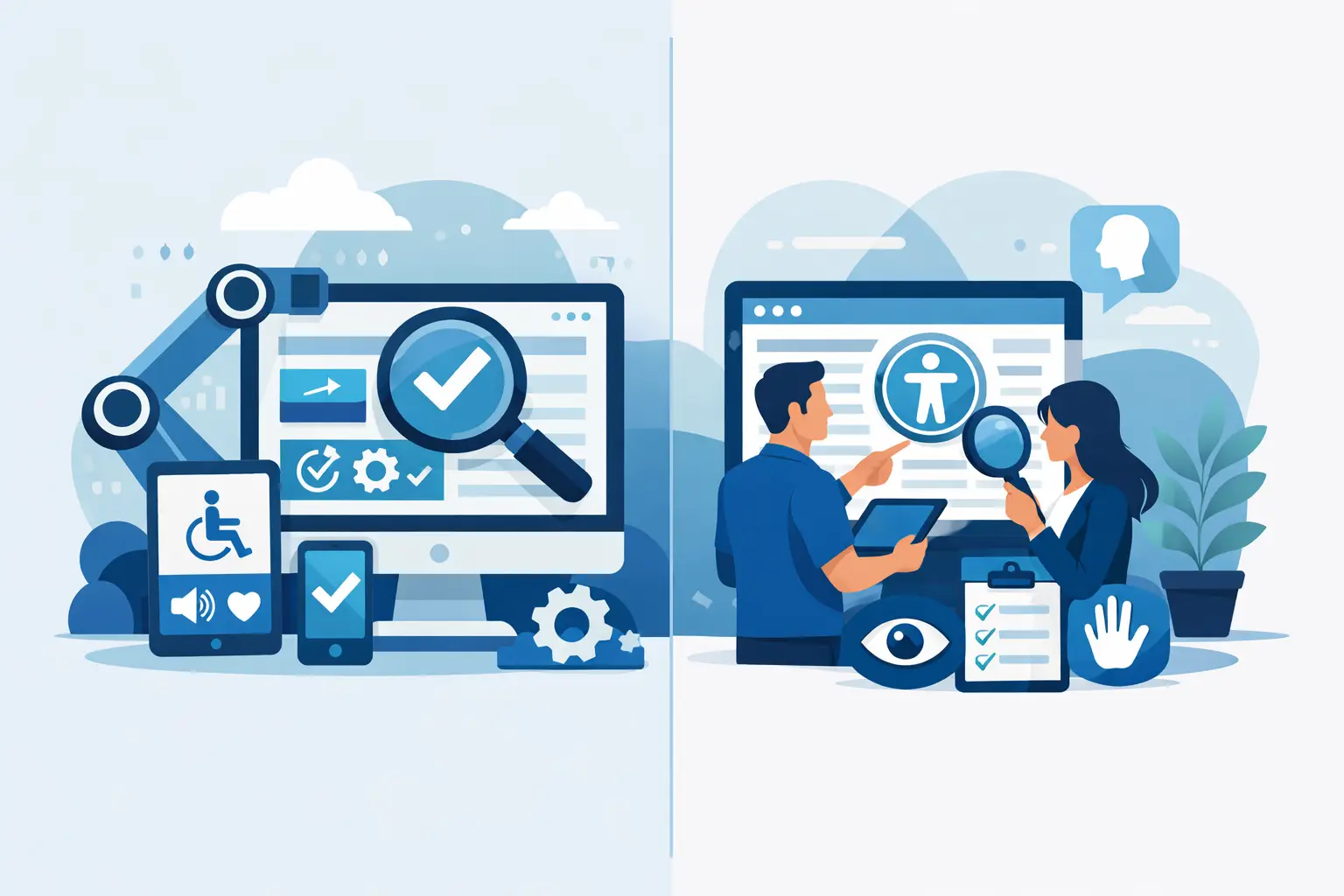
Automated scanning gives organizations the coverage and repeatability needed to manage accessibility at scale. Manual audits provide the contextual testing required to evaluate keyboard behavior, user flows, and whether content is understandable in actual use. For ADA readiness and WCAG conformance work, both methods have a role, but they do not produce the same findings or carry the same operational cost.
Accessibility Scanner vs Manual Audit: The Core Difference
An accessibility scanner evaluates code, content, and technical patterns against rules that can be programmatically detected. It can identify issues such as missing alternative text, empty links, improper heading order, form fields without labels, invalid ARIA use, low color contrast, missing document language, and certain PDF accessibility problems. The exact coverage depends on the scanner and its ruleset.
A manual audit is performed by an accessibility specialist who tests pages, templates, and critical workflows directly. That reviewer uses assistive technology, keyboard-only navigation, browser tools, and WCAG success criteria to determine whether a real user can complete a task. Manual testing can assess whether link language makes sense in context, whether a modal manages focus correctly, whether error messages are understandable, and whether a screen reader user receives the information needed to submit a form.
The distinction matters because a scanner can detect many failures quickly, but it cannot reliably judge intent, meaning, or every interaction outcome. A reviewer can make those judgments, but cannot efficiently inspect every repeated pattern and content item across a large site without automation.
What an Accessibility Scanner Does Well
For WordPress teams, automated scanning is the practical starting point for continuous accessibility management. Content changes constantly. Editors publish new pages, upload PDFs, add images, install plugins, and update navigation. A manual audit performed six months ago cannot confirm that this week’s changes meet the same standard.
A properly configured scanner provides broad, repeatable coverage. It can inspect published content and identify recurring problems across posts, pages, custom post types, theme files, widgets, menus, and linked documents. This is particularly valuable for agencies and institutions responsible for multiple sites or large editorial teams.
Automation is also effective at finding patterns that are easy to miss manually. A site may have hundreds of images without alternative text, the same unlabeled search field in every template, or dozens of pages using a heading hierarchy incorrectly. These are not isolated defects. They are systemic remediation opportunities. Finding the source pattern can prevent the same issue from being republished across the site.
The best accessibility scanners do more than produce a score. They identify the affected element, explain the relevant WCAG requirement, show the code location or WordPress editing path, and provide actionable remediation guidance. That turns a scan from a technical report into a workable task list for developers, content editors, and compliance managers.
Automation also supports preventive controls. A WordPress-native tool can evaluate content during publishing workflows, alert editors to detectable errors, and in some configurations prevent inaccessible content from being published. This is more efficient than allowing problems to accumulate and paying for a cleanup later.
Where Automated Scans Have Limits
Automated results must be interpreted correctly. A scanner can confirm that an image has alternative text, but it cannot always determine whether that text communicates the image’s purpose. “Chart” may technically satisfy a presence check while providing no useful information to a person using a screen reader.
The same limitation applies to many high-risk interactions. A scanner may detect that a button has an accessible name, yet it cannot fully determine whether activating the button moves focus predictably, announces a status message, or exposes a usable interface on mobile and keyboard-only navigation.
Automated tools also generate findings that require human validation. Some may be false positives, while others are warnings that cannot be resolved without understanding the page’s context. For example, a color contrast finding may need a reviewer to determine whether text is decorative, disabled, or part of an essential control. Teams should never treat a scan as proof of complete WCAG conformance.
A clean automated report means that detectable issues have been addressed within the scan’s coverage. It does not mean every success criterion has been manually verified. That is a critical distinction for organizations managing legal risk, procurement requirements, or public-sector accessibility obligations.
What a Manual Accessibility Audit Adds
Manual testing answers the questions automation cannot reliably answer: Can a person use the site? Can they understand what happened? Can they complete essential tasks without a mouse, without vision, or with different input methods?
A qualified auditor typically reviews representative pages and templates, then focuses heavily on critical user journeys. For a municipal website, that may include paying a bill, finding meeting records, submitting a permit request, and accessing emergency information. For a school, it may include admissions, course registration, financial aid, and learning resources. For an ecommerce business, it includes product discovery, cart updates, checkout, account access, and customer support forms.
Manual review is essential for keyboard navigation. An auditor can verify that every interactive element receives visible focus, operates with expected keystrokes, follows a logical tab order, and does not trap users inside a component. They can also test dialogs, accordions, sliders, cookie notices, CAPTCHA alternatives, and dynamically updated content in ways an automated rule cannot fully reproduce.
Screen reader testing adds another layer. The reviewer can determine whether headings communicate page structure, landmarks are useful, form instructions are announced at the right time, and error handling gives users a clear path to recovery. These findings often separate technically present markup from a genuinely usable experience.
Manual audits also address content quality. They can evaluate whether headings are descriptive, tables are understandable, link text is meaningful, video captions are accurate, and PDFs are usable with assistive technology. Those decisions require judgment, subject knowledge, and an understanding of the user’s task.
The Trade-Off: Coverage, Cost, and Timing
A manual audit is deeper, but it is necessarily selective. Testing every page of a large WordPress environment manually can be expensive and slow, especially when much of the site uses repeated templates. Auditors generally sample representative pages, document recurring component issues, and prioritize high-impact workflows.
An accessibility scanner is broad and fast, but it does not replace expert evaluation. It is suited to routine monitoring, large-scale issue discovery, editorial governance, and verification after remediation. It is not a substitute for testing complex interactions or claiming full conformance based only on an automated result.
The right balance depends on your site and risk profile. A small brochure site with limited interaction may need regular automated checks plus targeted manual review after major redesigns. A government, education, healthcare, financial, or ecommerce site should plan for continuous automated monitoring and scheduled expert audits of core journeys, templates, and custom functionality.
New features also deserve manual attention. A redesigned navigation system, an online application, a payment flow, or a third-party form integration can introduce serious barriers even when the rest of the site scans well. Treat these releases as accessibility testing events, not ordinary content updates.
A Defensible WordPress Accessibility Workflow
The most effective program combines both methods in a defined process. Start with a full-site automated scan to establish an inventory of detectable issues. Group the results by severity, frequency, affected template, and WCAG criterion. Fix global theme and plugin problems first, because one corrected component can resolve errors across hundreds of pages.
Next, assign content-level findings to the people who can correct them. Editors should address missing alt text, heading structure, link text, and document uploads. Developers should handle markup, ARIA, keyboard behavior, focus management, contrast in components, and template-level defects. Compliance staff should track remediation status and ensure priorities align with public-facing risk.
Then use manual testing to validate the areas where failure has the highest consequence: navigation, search, forms, authentication, transactions, documents, and any custom interactive feature. Re-test after fixes are deployed. Keep audit records, issue logs, remediation decisions, and validation results. Documentation does not replace accessibility, but it demonstrates that the organization has an active, repeatable compliance process.
WP ADA Compliance Check supports this workflow by scanning WordPress content and site components against WCAG 2.1, WCAG 2.2, and Section 508 requirements, while providing issue-specific remediation guidance inside the environment your team already uses. The goal is not to eliminate human judgment. It is to ensure that expert time is spent on the accessibility questions that actually require it.
Do Not Treat Accessibility as a One-Time Project
The practical answer to accessibility scanner vs manual audit is usually both, applied at different points in the lifecycle. Automation identifies and helps prevent recurring technical failures. Manual review verifies real usability in the places where users depend on your website most.
Build scanning into publishing and maintenance, schedule expert review around significant changes, and keep remediation moving between audits. That approach gives WordPress teams a clearer view of risk and a more reliable path toward accessible digital services.
Subscribe
Subscribe to receive daily Web Accessibility - Did you know? articles in your inbox.
