
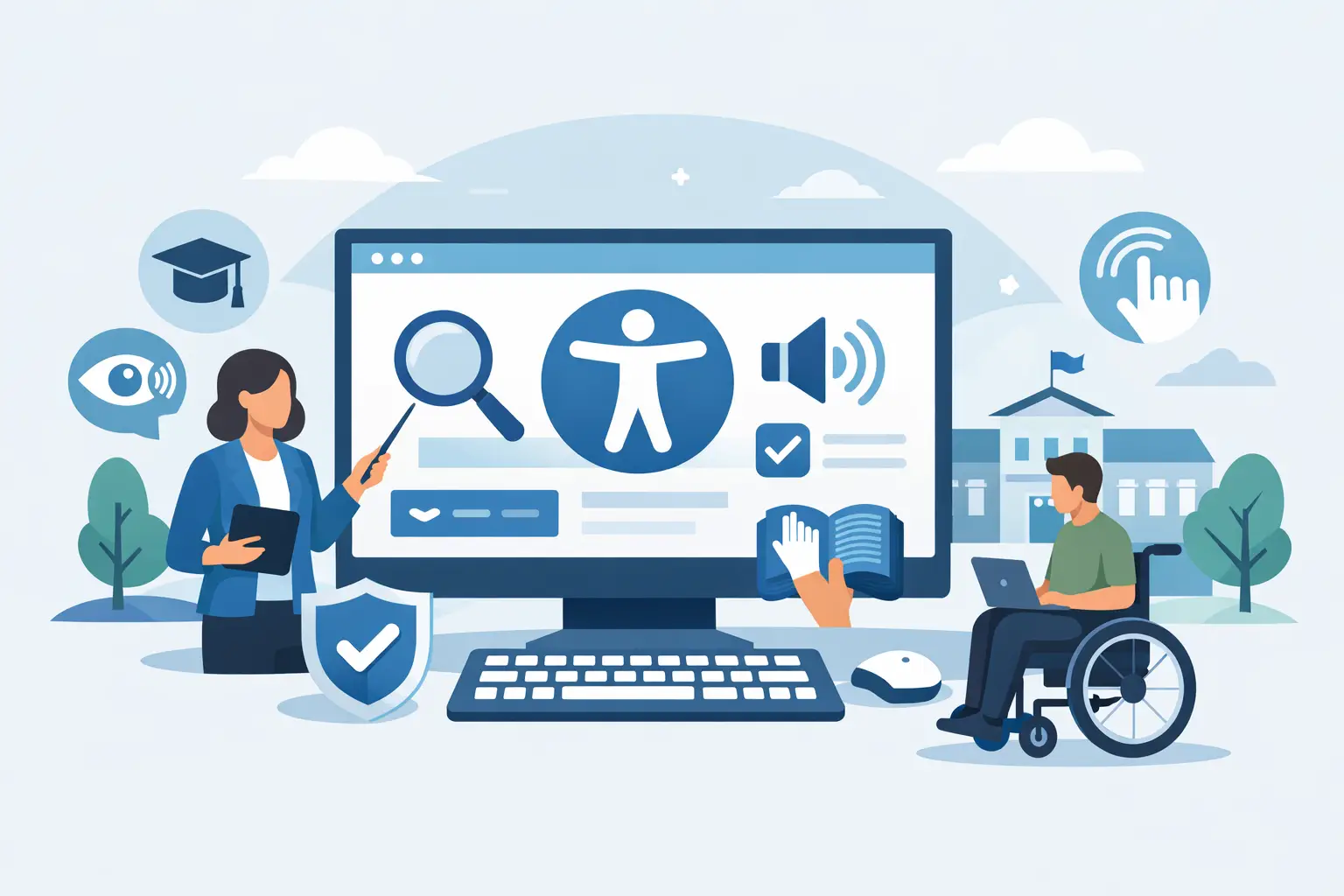
Website Accessibility for Schools That Holds Up
A district homepage can look polished and still prevent a parent from registering a child, a student from reviewing an assignment, or a community member from reading a board agenda. Website accessibility for schools is not a design preference or a project to revisit once a year. It is an operational requirement that affects enrollment, instruction, communications, public records, and legal exposure.
For schools using WordPress, the challenge is rarely limited to one page. Accessibility issues accumulate across old PDFs, classroom resources, calendar embeds, forms, image-heavy news posts, theme templates, and content published by multiple departments. A defensible program needs standards, clear ownership, routine testing, and controls that prevent known errors from reaching the public site.
Why Website Accessibility for Schools Requires Ongoing Control
Public schools and districts often operate as state or local government entities. The Department of Justice’s Title II web accessibility rule establishes WCAG 2.1 Level AA as the technical standard for covered web content and mobile applications, subject to defined exceptions and compliance timelines. The applicable deadline can depend on the size of the government entity, so districts should confirm how the rule applies to their organization rather than assume a single date fits every school.
Private schools may face different obligations, including requirements under the ADA and Section 504 when they receive federal financial assistance. Section 508 can also matter where federally funded programs, agencies, or procurement requirements are involved. The governing legal framework depends on the institution, its funding, and the services it provides. The practical standard is more consistent: content should be usable with keyboards, screen readers, magnification, alternative input methods, and other assistive technologies.
A one-time audit can identify a point-in-time sample of problems. It cannot control what happens after the audit when a staff member uploads an untagged PDF, adds a linked image without alternative text, or publishes a form with unlabeled fields. Schools need accessibility built into the publishing process because their websites change constantly.
Start With the Services People Cannot Be Denied
Not every page presents the same level of risk. Begin with the tasks students, families, staff, and community members must complete to participate in school life. These typically include enrollment and registration, transportation information, meal applications, special education resources, emergency notices, online payments, employment applications, board materials, calendars, and contact forms.
This priority order matters when a district has years of archived content. A complete remediation program is the goal, but a high-impact barrier on a current registration page should not wait behind a low-traffic announcement from several years ago. Document the prioritization decision, assign owners, and establish a schedule for resolving the remaining content.
Third-party platforms deserve the same scrutiny. A school may use separate systems for student information, athletics, payment processing, learning management, forms, and event registration. Linking to a vendor does not remove the accessibility impact on the user. Procurement teams should require accessibility documentation, testing evidence, remediation commitments, and a clear escalation process before adopting a platform.
Build a WCAG-Aligned WordPress Publishing Workflow
Accessibility becomes manageable when editors know what is expected before they click Publish. The objective is not to turn every teacher or communications staff member into a WCAG specialist. It is to make accessible choices the normal path and route complex issues to the appropriate technical owner.
At a minimum, establish written rules for headings, alternative text, links, media, tables, documents, and forms. Editors should use heading levels to create a meaningful page structure, rather than selecting large bold text to simulate a heading. Links need descriptive text that explains the destination or action. A phrase such as Download transportation schedule is useful; Click here is not.
Alternative text requires judgment. A meaningful image needs a concise description of the information it conveys. A decorative image generally should be ignored by assistive technology rather than described. Complex charts, maps, and infographics may need an adjacent text explanation or a separate accessible data table. There is no single alternative-text formula that works for every image.
Video content should have accurate captions, while audio-only material needs a transcript. If a video conveys essential visual information not available in the audio, it may also require audio description or a comparable text alternative. Auto-generated captions can provide a starting point, but schools should review them carefully, particularly for names, technical terms, and multilingual content.
Forms are another frequent failure point. Every input needs a programmatic label, instructions must not rely only on color, errors must be understandable, and required fields must be identified in more than one way. A form that appears clear visually can be unusable when a screen reader announces only edit text with no indication of what information is required.
Treat PDFs as a Separate Accessibility Workstream
Schools publish a large volume of PDFs: handbooks, notices, lunch menus, policy documents, IEP-related resources, meeting packets, and forms. Many are scanned pages without selectable text. Others contain text but lack document tags, headings, table structure, language settings, or a logical reading order.
An accessible web page is often the better format for frequently updated information. It is easier to read on mobile devices, easier to maintain, and generally easier to make accessible. PDFs remain appropriate for fixed-layout documents and printable materials, but they should not be the default response to every publishing request.
For documents that must remain PDFs, establish a review process before publication. The source file should be structured correctly, converted using an accessible workflow, and checked after export. A screen reader and keyboard test can reveal problems that visual inspection misses. If a legacy PDF cannot be remediated promptly, provide an accessible HTML version or a documented method for obtaining the information in an accessible format while remediation proceeds.
Combine Automated Scanning With Manual Validation
Automated testing is essential for finding recurring, machine-detectable failures across a large WordPress environment. It can identify missing image alternatives, empty links, heading-order concerns, duplicate IDs, form-label issues, contrast failures in many cases, and other errors that are costly to find manually page by page.
Automation has limits. A scanner cannot reliably determine whether alternative text is meaningful, whether captions are accurate, whether keyboard focus follows a logical order, or whether an instructional sequence makes sense to a screen reader user. Those questions require human review.
The strongest approach combines both methods. Run automated scans continuously or on a scheduled basis, then use manual testing for templates, high-traffic workflows, interactive components, and representative pages from each content area. Test keyboard navigation without a mouse. Review key tasks with a screen reader. Check mobile reflow and zoom. These tests should focus on whether a person can complete the task, not merely whether the page produces a low error count.
A WordPress-native tool such as WP ADA Compliance Check can support this workflow by scanning published content, themes, templates, widgets, menus, custom post types, linked pages, and documents while providing issue-specific remediation guidance. Publishing controls are especially valuable in school environments where many contributors create content but a smaller web team carries responsibility for site quality.
Make Ownership and Evidence Part of the Program
Accessibility fails when it is assigned vaguely to everyone. District leadership should designate a program owner with authority to set standards and track remediation. Web administrators and developers should own theme, plugin, template, and code-level issues. Content teams should own routine page and document quality. Procurement, communications, special education, and IT each need defined responsibilities where their work affects public digital services.
Keep records of audits, scan reports, remediation tickets, staff training, vendor communications, accessibility statements, and user-reported barriers. Documentation does not make an inaccessible service acceptable, but it demonstrates that the organization has a defined process and is acting on identified issues. It also helps teams avoid repeating work when staff roles change.
An accessibility statement should provide a practical contact method for reporting barriers and requesting assistance. Those requests need an internal response path with a named owner, service expectations, and a way to track resolution. A generic mailbox that receives no timely response creates another barrier rather than a solution.
Measure the Work That Prevents Repeat Problems
Raw issue totals can be useful, but they are not enough. A large site may show more detected issues simply because it has more content under review. Track overdue critical issues, time to remediation, recurring error types, inaccessible documents published during a period, accessibility performance of new templates, and completion of priority user journeys.
When the same problem appears repeatedly, address the source rather than correcting each page in isolation. If editors frequently create vague links, update training and editorial guidance. If a page builder generates invalid heading structures, repair the template or change the component. If uploaded PDFs are consistently inaccessible, revise the document intake process.
Schools serve people under real time pressure: a parent completing registration before a deadline, a student checking an assignment, or a resident trying to attend a board meeting. The most useful accessibility program is the one that makes those actions possible every day, then gives staff the controls and evidence to keep them possible as the website evolves.
Subscribe
Subscribe to receive daily Web Accessibility - Did you know? articles in your inbox.
