
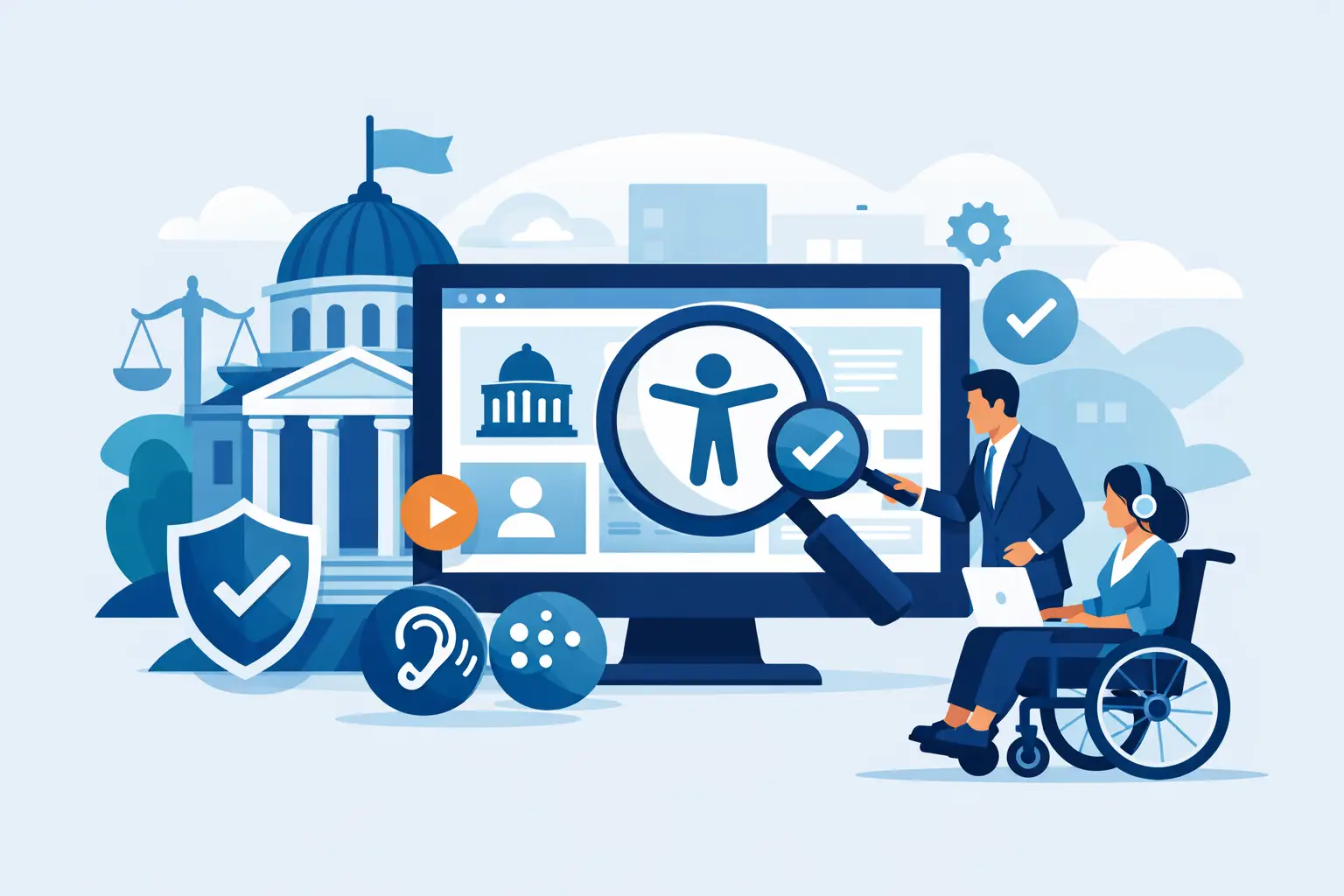
Government Website Accessibility Compliance
A government site can fail accessibility long before anyone files a complaint. A PDF agenda without tags, a navigation menu that cannot be used by keyboard, or a form field with no programmatic label can block public access just as effectively as a locked office door. That is why government website accessibility compliance is not a design preference or a one-time remediation project. It is an operational requirement tied to public service, civil rights, and publishing control.
For teams running WordPress, the challenge is rarely limited to a few page templates. Government websites publish alerts, meeting notices, forms, minutes, policy documents, calendars, maps, and departmental content across many contributors and content types. Compliance work has to account for the full environment, including theme output, editor behavior, media, menus, widgets, linked resources, and archived files. If the process only checks a handful of pages, risk remains in the parts of the site that change most often.
What government website accessibility compliance actually means
In practical terms, government website accessibility compliance means making digital content available to people with disabilities in a way that aligns with enforceable standards and documented internal processes. For US public entities, the baseline discussion usually centers on Section 508, WCAG success criteria, and ADA-related obligations to provide equal access to programs, services, and information.
That does not mean every agency faces the exact same compliance path. Federal agencies work directly within Section 508 requirements. State and local governments often align procurement, policy, and remediation efforts around WCAG and Section 508 expectations, while also evaluating ADA exposure. The legal framework matters, but from a website operations standpoint the day-to-day question is straightforward: can residents, employees, applicants, students, and vendors actually use the content with assistive technology and keyboard navigation, without avoidable barriers?
This is where many organizations underestimate the scope. Accessibility is not limited to color contrast and image alt text. A compliant review has to consider page structure, headings, landmarks, focus order, error identification, form instructions, link purpose, table markup, document language, embedded media, downloadable files, and dynamic interface behavior. It also has to account for how editors create content after launch.
Why government websites face a higher compliance burden
Government websites serve the public at scale. They publish essential information under deadlines, often through decentralized workflows, and they cannot choose their audience. If a resident needs to pay a utility bill, apply for a permit, read an emergency notice, or access a public meeting packet, the site has to work for that user regardless of disability.
That creates a higher operational burden than many private sector websites. Public-sector content tends to be document-heavy, deadline-driven, and spread across departments with mixed technical skill levels. One office may publish accessible HTML pages consistently, while another uploads scanned PDFs with no text recognition. One team may use clean heading structures, while another pastes styled text from external documents and breaks semantic order. The result is inconsistency, and inconsistency is where compliance problems multiply.
There is also a reputational factor. Accessibility failures on a government site are not just technical defects. They can interfere with public participation, benefits access, employment applications, and records transparency. That raises the stakes beyond general usability.
Standards are necessary, but process is what keeps a site compliant
Many teams start by asking which standard to follow. That is the right question, but not the complete one. Standards tell you what success looks like. They do not, by themselves, create a repeatable publishing system.
A government WordPress site needs controls that work before publication and after publication. Before publication, editors need guardrails that identify common violations while content is being created. After publication, administrators need sitewide scanning that catches template-level issues, recurring code patterns, inaccessible documents, and legacy content that remains live. Without both layers, compliance becomes reactive.
This is why manual audits alone are not enough for most public-sector websites. A manual audit is valuable for expert validation, assistive technology testing, and issue prioritization. But it is not designed to monitor every new post, every department page, every menu change, and every document upload over time. Government environments change too often for a static audit to serve as the only line of defense.
Common failure points in government website accessibility compliance
The most persistent accessibility failures usually come from ordinary publishing behavior, not exotic development mistakes. PDFs are a major source of exposure because public entities rely on them for agendas, forms, reports, and notices. If those files are untagged, improperly ordered, image-based, or missing document metadata, users with screen readers may not be able to access the content.
Forms are another frequent problem area. Missing labels, unclear instructions, inaccessible error handling, and poor focus management can make essential transactions unusable. That matters when the form is tied to permit requests, service applications, employment submissions, or public records intake.
Navigation systems also deserve close attention. Dropdown menus, mobile toggles, and repeated header components often create keyboard traps or poor focus visibility when they are customized without accessibility review. Even when the page body is relatively clean, theme-level navigation defects can affect the entire site.
Then there is the issue of content sprawl. Old meeting pages, archived notices, staff directories, and landing pages built by different teams may remain indexed and publicly available for years. If the accessibility review excludes custom post types, widget areas, linked pages, and theme-generated output, a large share of actual user experience goes untested.
How WordPress teams should approach compliance work
The most effective approach is to treat accessibility as a standing website function, not a project with an end date. That starts with broad scanning coverage. A tool limited to post content will miss too much. Government WordPress environments need visibility into theme files, templates, menus, sidebars, media context, custom fields, and documents, along with page-level markup issues.
The next requirement is actionable reporting. Compliance teams do not need vague warnings. They need issue descriptions tied to standards, exact code locations where possible, and a clear editing path so the right person can fix the right problem quickly. This is especially important when content is managed by multiple departments or outside agencies.
Automation helps, but only when it is specific. Some errors can be corrected automatically or prevented at the workflow level. Others require human review because context matters. Alternative text, link purpose, heading logic, and document structure often need editorial judgment. The right compliance process combines automation for scale with remediation guidance for decisions that cannot be safely guessed.
Publishing controls are another major advantage in regulated environments. If inaccessible content can move live without review, the organization is relying on luck. Workflow-based checks that flag or block known accessibility violations before publication reduce repeat errors and help establish internal accountability.
A platform such as WP ADA Compliance Check fits this model because it combines standards-based scanning, WordPress-native remediation guidance, and broad coverage across content and code. That matters for agencies that need ongoing visibility rather than occasional spot checks.
What a realistic compliance program looks like
No serious team should promise perfect accessibility across every asset at all times. Legacy content, vendor systems, document backlogs, and custom applications create real constraints. A credible program acknowledges those constraints while still enforcing a structured remediation process.
In practice, that means setting a documented standard, scanning the entire site on a recurring schedule, fixing high-impact issues first, training editors on recurring mistakes, and validating templates before broad rollout. It also means treating PDFs and linked resources as part of the website experience, not as separate problems for later.
There are trade-offs. Aggressive publishing restrictions can improve compliance but may frustrate departments that need to post quickly. Fully manual review may produce better judgment on complex content but is difficult to sustain at scale. Automated scanning increases coverage dramatically, but it does not replace user testing or expert review for interactive workflows. The right balance depends on site size, staffing, and risk tolerance, but the direction should be the same in every case: fewer preventable errors entering production and faster remediation of known defects.
Government website accessibility compliance is ongoing risk management
The strongest public-sector accessibility programs are not built around a single audit report. They are built around repeatable detection, remediation, and governance. When that framework is in place, compliance becomes more manageable because the team is no longer guessing where issues exist or waiting for complaints to expose them.
For government organizations using WordPress, the practical goal is clear. Make accessibility checks part of the publishing workflow, scan beyond the obvious pages, account for documents and templates, and give staff reports they can act on without delay. Public access depends on that level of discipline, and so does long-term compliance confidence.
The useful question is not whether your website has accessibility issues. It is whether your team can find them early enough, fix them efficiently enough, and prevent the same failures from returning next week.
Subscribe
Subscribe to receive daily Web Accessibility - Did you know? articles in your inbox.
