Future of Website Accessibility Compliance
A website can pass an accessibility review on Monday and become inaccessible by Friday after a new PDF, a theme update, a form change, or an editor-published page. That operating reality defines the future of website accessibility compliance. For WordPress organizations, accessibility can no longer be treated as a one-time project completed before a launch or after receiving a demand letter. It must function as an ongoing, documented publishing and remediation process.
The direction of travel is clear: more attention to digital access, more detailed technical standards, and greater scrutiny of whether an organization has made accessibility part of its normal operations. The practical question is not whether every website will become perfectly compliant overnight. It is whether your organization can identify barriers, prioritize fixes, prevent repeat errors, and demonstrate a credible accessibility program.
Why Compliance Is Becoming an Operational Requirement
The Americans with Disabilities Act does not provide a single technical checklist specifically written for every private website. Yet ADA-related digital accessibility claims, government enforcement activity, procurement requirements, and public expectations have made WCAG the working benchmark for many organizations. Federal agencies and organizations receiving federal funds also face Section 508 obligations, while state and local government requirements continue to place added focus on accessible digital services.
This environment changes how site owners should think about risk. A statement claiming that accessibility matters is not enough if visitors cannot complete a form with a keyboard, understand error messages, access a required PDF, or navigate a menu with a screen reader. Likewise, installing an overlay or running one automated scan does not establish compliance. Those measures may help address certain issues, but they do not replace accessible source content, semantic code, manual testing, and documented remediation.
For agencies, institutions, and larger WordPress teams, the most meaningful shift is governance. Accessibility needs an owner, a repeatable review process, and clear rules for what can be published. Without those controls, new barriers reappear faster than a quarterly audit can find them.
The Future of Website Accessibility Compliance Is Continuous
Periodic audits remain valuable. They establish a baseline, identify high-risk templates, and expose systemic problems in themes, plugins, forms, and content patterns. But a point-in-time audit is evidence of a site at one moment, not proof of its condition after ongoing edits.
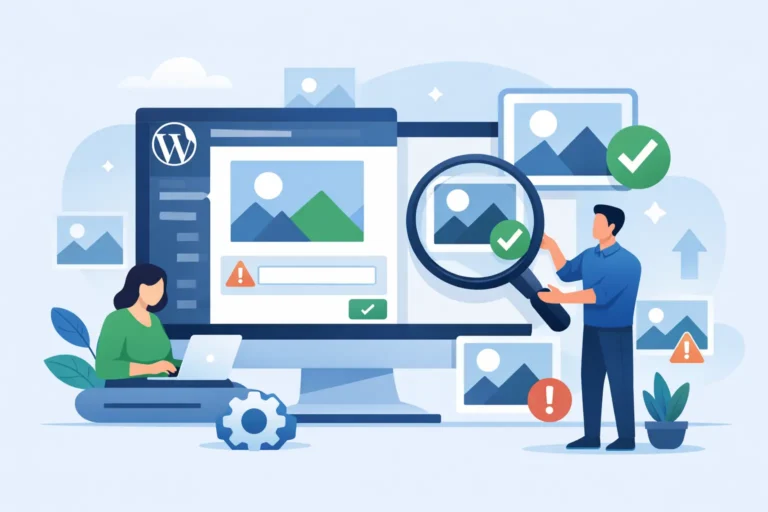
Continuous monitoring closes that gap. It scans the pages, posts, custom post types, menus, widgets, theme files, and linked assets that change over time. It flags issues such as missing alternative text, empty links, poor heading order, form labels, color contrast failures, inaccessible tables, and language attributes before they become entrenched across the site.
Automation is particularly useful because large WordPress environments contain too much content for a team to inspect manually on every publishing cycle. It can find repeatable, machine-detectable errors quickly and show the responsible user where an issue exists. A meaningful system should identify the specific element, provide the editing path or code location, and explain the relevant WCAG success criterion so remediation does not become a guessing exercise.
That said, automated auditing has limits. A scanner can detect an image without alternative text, but it cannot always determine whether a written description accurately conveys the image’s purpose. It may identify a heading-level problem, but it cannot fully judge whether the page’s information hierarchy makes sense. Keyboard behavior, screen-reader announcements, video captions, and the clarity of instructions require human review. The stronger model is automation for broad coverage and speed, supported by targeted manual testing for context and usability.
WCAG 2.2 Raises the Standard for Publishing Teams
WCAG 2.1 remains widely referenced, but WCAG 2.2 adds criteria that matter to ordinary website tasks. Its requirements address areas including visible keyboard focus, drag-and-drop alternatives, target size, consistent help, redundant entry, and accessible authentication. These are not theoretical concerns. They affect appointment scheduling, account portals, application forms, ecommerce checkouts, and other interactions where a visitor must complete a task independently.
The implementation challenge is that accessibility failures are often introduced outside the main page editor. A marketing plugin can add a pop-up. A donation tool can embed a third-party form. A page builder update can alter heading markup. A document uploaded by a department can be unreadable to a screen reader. The future compliance program must account for the whole digital property, not just the visible body copy of selected pages.
For WordPress owners, this means setting standards before content goes live. Editors need practical guidance on headings, link text, images, tables, captions, and documents. Developers need expectations for semantic HTML, focus management, ARIA use, and component testing. Procurement teams need accessibility questions for plugin, theme, and vendor selection. When each group works from different assumptions, accessibility becomes expensive cleanup work.
Documentation Will Matter as Much as Detection
Organizations should expect more requests to explain what they have done to identify and resolve accessibility barriers. A credible record does not require claiming perfection. It requires showing a disciplined process.
Keep dated audit reports, remediation tickets, testing notes, and records of policy or training updates. Document which templates and content types were reviewed, what standards were used, which issues were fixed, and which items remain under active remediation. For a complex site, prioritize barriers that prevent users from accessing essential services or completing key transactions.
This evidence serves operational purposes beyond legal preparedness. It helps a new agency team understand known issues. It gives leadership visibility into resource needs. It shows whether the same error classes keep returning after a theme update or editorial change. It also prevents the common cycle of paying for a new audit only to rediscover the same unresolved failures.
Build Accessibility Into the WordPress Workflow
The most effective compliance programs move review closer to the moment content is created. Waiting until a redesign, annual audit, or complaint allows avoidable errors to multiply.
A practical workflow starts with baseline scans across the full site, including templates, archives, media, PDFs, custom content, and critical user paths. Teams then triage issues by severity and impact. Keyboard traps, missing form labels, inaccessible navigation, broken focus order, and unreadable documents deserve faster attention than minor formatting inconsistencies.
Next, make accessibility checks part of publishing. Content creators should receive clear error notices before publication, while developers should test theme and plugin changes in staging before deployment. Publishing controls can be especially valuable for organizations with many editors because they stop known, detectable problems from entering production.
WP ADA Compliance Check supports this operating model by auditing WordPress content and site components against WCAG 2.1, WCAG 2.2, and Section 508 criteria, while providing remediation guidance and automatic correction for a defined set of errors. The goal is not to substitute software for informed judgment. It is to make recurring detection, reporting, and correction manageable inside the WordPress workflow.
What to Prioritize Over the Next Year
The right priorities depend on your site type, traffic, services, and regulatory obligations. A government department handling public applications has different exposure than a small informational business site. Still, most organizations should focus on four areas:
- Establish a complete baseline that includes theme templates, plugins, PDFs, forms, menus, and high-traffic pages.
- Correct barriers on essential user journeys first, including contact, payment, enrollment, booking, login, and application processes.
- Set publishing requirements for editors and developers so recurring errors are caught before release.
- Maintain reports and remediation records that show continuous attention rather than an isolated audit.
Do not let a perfect future-state plan delay meaningful fixes. An inaccessible form label or missing document tag can exclude a visitor now. Addressing known barriers while building better controls is usually the most defensible and useful path.
Accessibility Will Be Measured by Outcomes
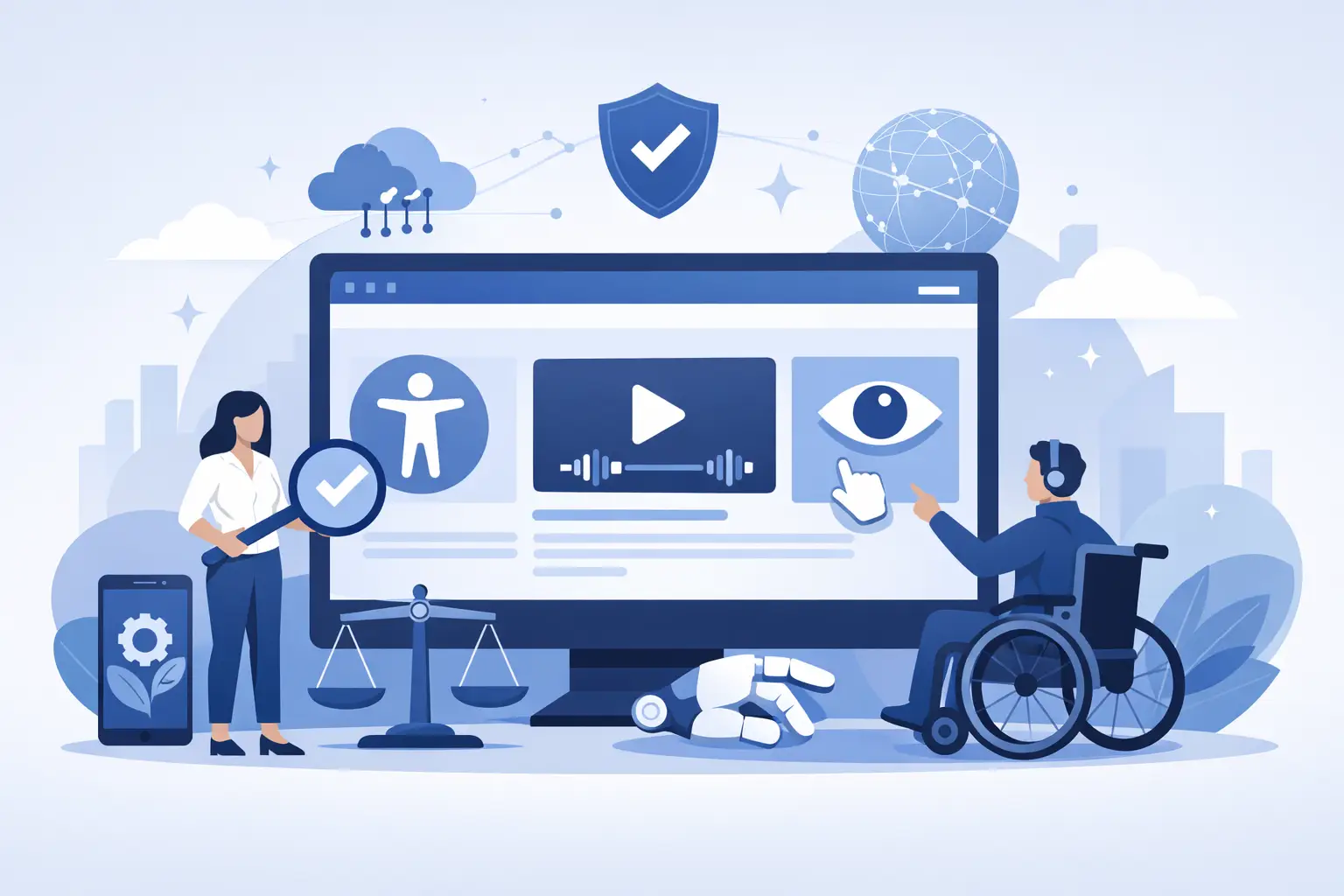
The future of compliance is not a badge, a widget, or a single score. It is whether people with disabilities can use your website to obtain information, complete tasks, and interact with your organization without unnecessary barriers. Standards-based scanning, manual validation, controlled publishing, and documented remediation each contribute to that outcome.
Start by treating accessibility as a permanent part of WordPress ownership. When every update is an opportunity to preserve or improve access, compliance becomes less reactive, risk becomes more manageable, and your website becomes more usable for the people it is meant to serve.