
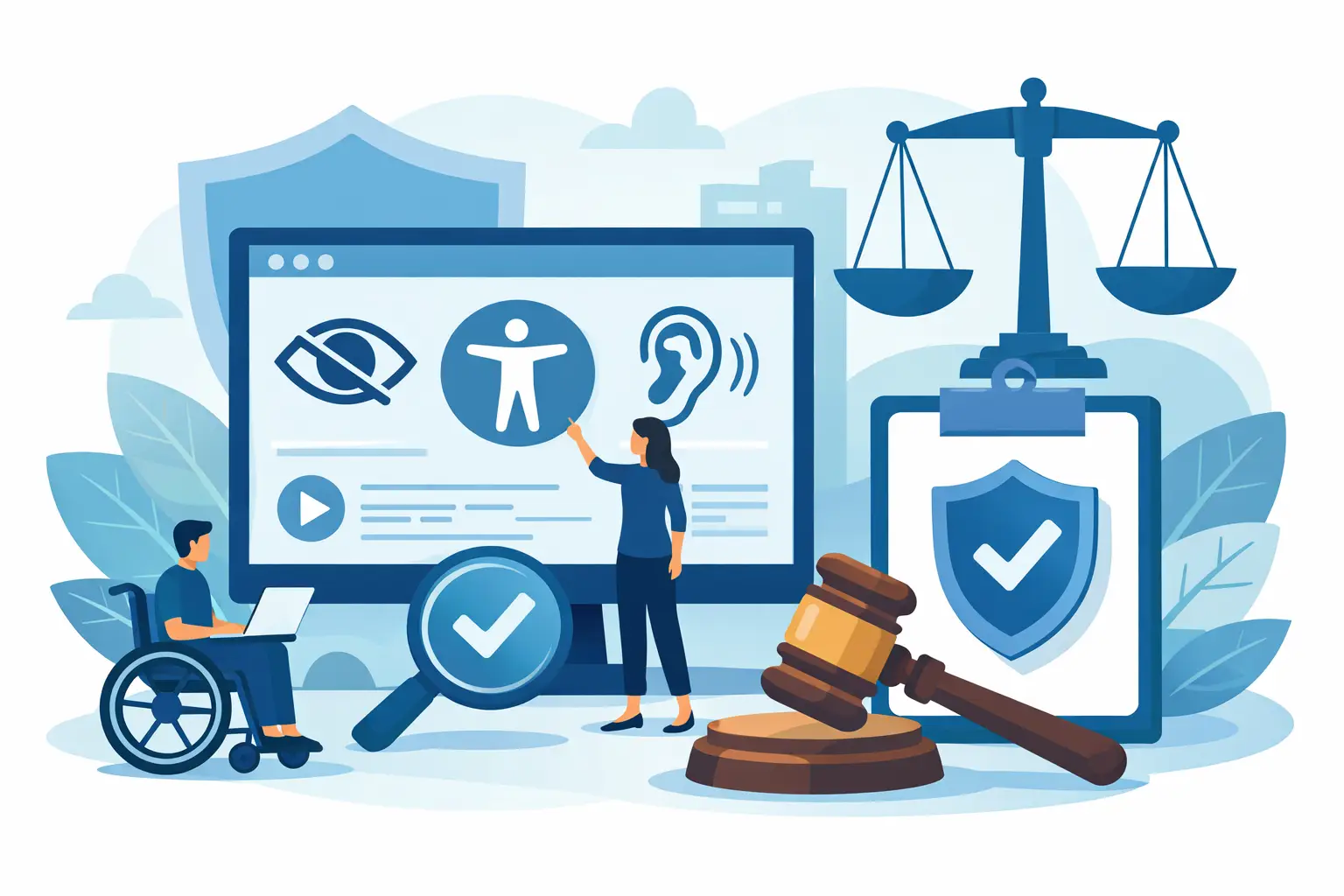
Website Accessibility Lawsuit Prevention
A demand letter rarely starts with a complicated legal argument. More often, it starts with a user who could not complete a basic task on your site – submit a form, read a PDF, use a menu, or complete a purchase with a keyboard or screen reader. That is why website accessibility lawsuit prevention is not just a legal discussion. It is an operational discipline that affects content publishing, theme development, plugin choices, and ongoing quality control.
For WordPress site owners, agencies, schools, healthcare organizations, and public entities, the risk is usually not one catastrophic error. It is the accumulation of routine accessibility failures across pages, templates, media, and documents. Preventing lawsuits means reducing those failures before they become patterns that plaintiffs, regulators, or internal stakeholders can document.
What website accessibility lawsuit prevention actually involves
The phrase website accessibility lawsuit prevention can sound narrower than it is. It does not mean buying a single tool and assuming the problem is solved. It means building a defensible process around recognized standards, regular audits, remediation workflows, and publishing controls.
In the United States, the legal pressure usually centers on ADA expectations, Section 508 obligations for applicable organizations, and the growing use of WCAG as the technical benchmark for evaluating website accessibility. Courts and enforcement activity do not always apply standards in exactly the same way, which is why there is no perfect immunity strategy. Still, organizations that can show consistent auditing, documented remediation, and standards-based governance are in a much stronger position than those relying on assumptions.
That distinction matters. A site that looks modern and functions well for most users can still present serious barriers for users of assistive technology. Accessibility claims often focus on very specific failures such as missing alternative text, empty buttons, low color contrast, unlabeled form fields, inaccessible navigation, poor heading structure, or PDFs that are unreadable by screen readers. These are not edge cases. They are common defects in actively managed WordPress environments.
Why WordPress sites are frequently exposed
WordPress is flexible, which is one reason it powers so many business and institutional websites. That same flexibility creates risk. Accessibility issues can come from the theme, a page builder, third-party plugins, custom code, embedded media, editors uploading documents, or content creators working without clear review standards.
The challenge is scale. A home page might be checked carefully while hundreds of older pages, custom post types, and downloadable files remain unreviewed. Menus can be updated by non-technical staff. Widgets can introduce errors sitewide. A redesign can improve visual appearance while quietly breaking keyboard access or focus order. If your process only reviews isolated pages, you are likely missing the parts of the site that create the highest legal exposure.
This is also why manual review alone is rarely enough. Manual testing is essential for usability validation, but it does not scale efficiently across large WordPress sites with frequent publishing activity. Automated scanning cannot catch everything either. The practical answer is a layered process that combines broad automated detection with targeted human review and structured remediation.
The legal risk is real, but prevention is still practical
Organizations sometimes approach accessibility only after receiving a complaint. That is the expensive version of compliance. At that point, the conversation shifts from prevention to damage control, with compressed timelines, legal review, developer costs, and public accountability.
A better approach is to treat accessibility like security or privacy governance. You do not wait for a breach before implementing controls. You assess exposure, fix known issues, establish repeatable standards, and monitor for regressions.
There is no honest way to promise zero lawsuit risk. Even organizations making a serious compliance effort can face claims. But there is a major difference between having no evidence of diligence and having documented scans, issue logs, remediation records, policies, and publishing controls tied to WCAG criteria. The first situation invites criticism. The second supports a credible defense that accessibility is being actively managed.
How to build a website accessibility lawsuit prevention process
The first step is comprehensive auditing. That means more than checking a few landing pages. You need visibility into published content, templates, navigation structures, forms, images, linked files, and recurring design elements. If your site includes PDFs, event listings, course pages, location pages, or other custom content types, those assets need to be included in the review.
The second step is prioritization. Not every issue carries the same practical or legal weight. Problems that block core user tasks deserve immediate attention. A missing form label, inaccessible checkout path, broken keyboard navigation, or unreadable PDF can expose the organization more directly than a minor structural inconsistency on a low-traffic archive page. That does not mean lower-severity issues should be ignored. It means remediation should start where barriers are most consequential.
The third step is fixing the source, not just the symptom. If the same accessibility error appears across hundreds of pages, the problem may be in a template, block pattern, widget, or content workflow. Correcting one page at a time may satisfy a short-term need, but it is inefficient and likely to fail over time. Sustainable prevention depends on eliminating recurring causes.
The fourth step is governance. Someone must own accessibility review, publishing rules, and follow-up testing. Without accountability, the site will drift back into noncompliance. This is especially true in organizations where marketers, editors, IT teams, agencies, and departments all publish independently.
Website accessibility lawsuit prevention in WordPress workflows
WordPress creates a clear opportunity because publishing workflows can be controlled inside the platform. That matters. If inaccessible content can be published without review, your legal exposure grows every time a page is updated.
A mature workflow includes automated scans of live content, reporting that identifies the exact issue location, and clear remediation guidance that editors and developers can act on. It should also cover theme files and sitewide elements, not just page body content. Otherwise, major accessibility defects can remain hidden in navigation, templates, and reusable components.
This is where specialized WordPress accessibility tooling has practical value. A system that scans against WCAG 2.1, WCAG 2.2, and Section 508 requirements, identifies issue locations, evaluates custom post types and theme files, and supports publishing controls can reduce the time between detection and correction. For organizations managing large or decentralized sites, that operational efficiency matters as much as the audit itself.
WP ADA Compliance Check fits that use case because it supports broad WordPress-native scanning, detailed issue reporting, and remediation workflows designed for ongoing compliance management rather than one-time review. That kind of integration helps teams move from reactive cleanup to repeatable control.
Common gaps that increase lawsuit exposure
Many organizations believe they are covered because they installed an overlay, ran a homepage scan, or included an accessibility statement. None of those steps is a substitute for finding and fixing actual barriers. Accessibility statements can support transparency, but they do not correct inaccessible code. Automated overlays may help with some interface adjustments, but they do not reliably remediate source-level WCAG failures across all content and files.
Another common gap is ignoring documents. PDFs, downloadable forms, meeting packets, menus, and reports are frequent sources of complaints. If they are linked from the website and necessary for access to information or services, they should be part of your accessibility review.
The last major gap is treating accessibility as a redesign project instead of a continuous process. Sites change constantly. New staff publish content. Plugins update. Templates evolve. Lawsuit prevention depends on monitoring and enforcement, not a one-time cleanup.
What a defensible accessibility posture looks like
A defensible posture is not perfection. It is evidence of control. Your organization should be able to show that it has adopted recognized standards, audited the site regularly, prioritized remediation, corrected high-impact failures, and established a process to prevent new issues from being published.
For some teams, that also means documenting training for content editors and developers. For others, it means routing high-risk assets such as forms and PDFs through a formal review step. The exact structure depends on the size of the site, the sector, and the resources available. A government department or university may need stricter documentation than a small business, but both need repeatable oversight.
The practical standard is straightforward. If a plaintiff’s firm, regulator, or internal auditor reviewed your website today, could you show a current record of accessibility evaluation and corrective action? If the answer is no, prevention has not started yet.
The right next step is not panic. It is control. Audit the full site, fix what blocks access, tighten publishing workflows, and keep scanning. That is how accessibility becomes manageable, and that is how legal risk becomes smaller over time.
Subscribe
Subscribe to receive daily Web Accessibility - Did you know? articles in your inbox.
