
WCAG Scanner vs Accessibility Consultant: Which?
A homepage can look polished, load quickly, and still fail a keyboard user at the first navigation menu. That is why the decision between a WCAG scanner vs accessibility consultant is not simply a question of software versus services. It is a decision about how your organization detects issues, assigns remediation work, validates results, and prevents the same failures from returning with the next content update.
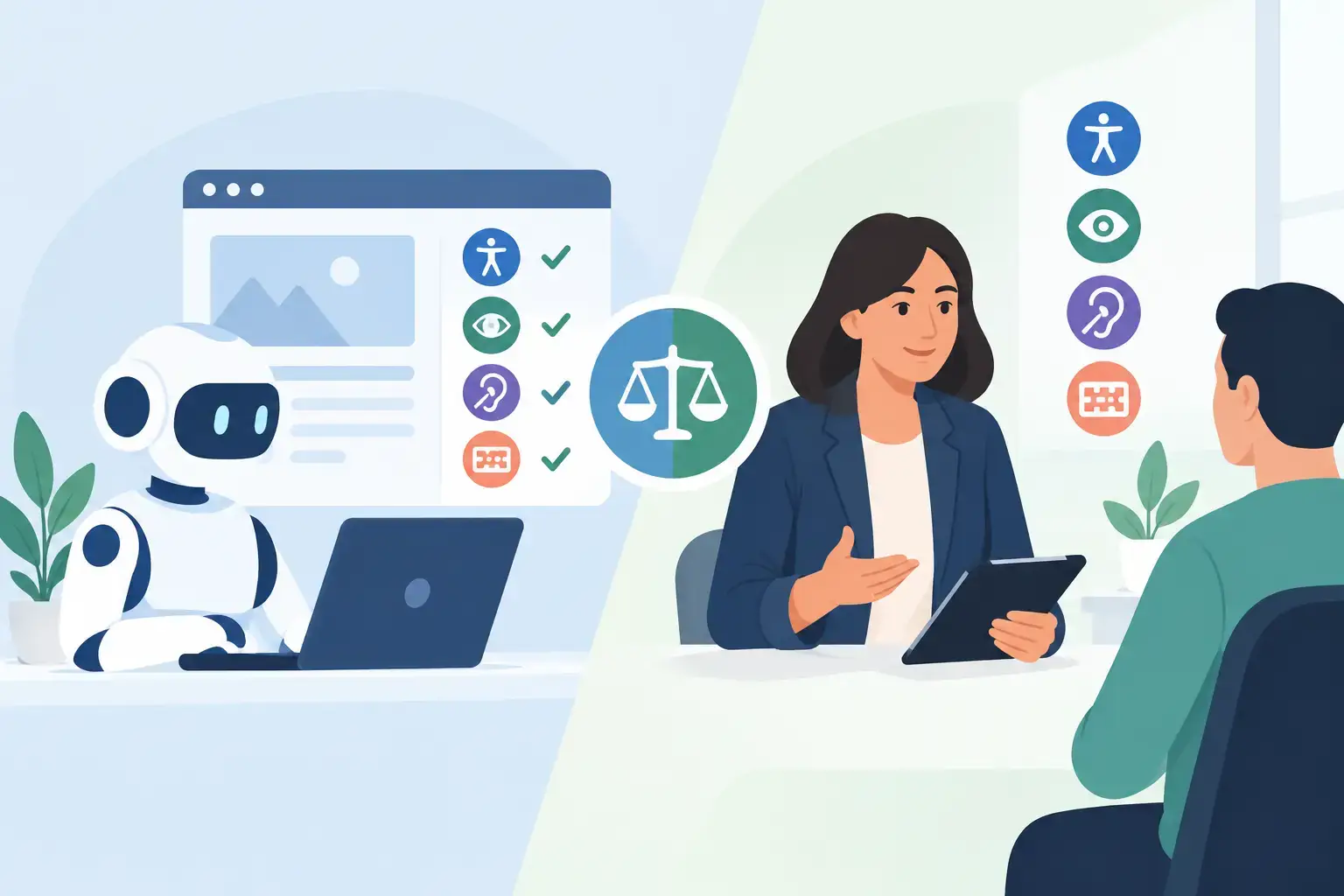
For most WordPress sites, the strongest compliance process uses both. Automated scanning gives your team broad, repeatable coverage across a changing website. An accessibility consultant adds human testing, judgment, and strategic guidance where automated rules cannot determine whether an experience actually works for people.
What a WCAG scanner does well
A WCAG scanner evaluates website code and content against testable accessibility rules. It can identify issues such as missing alternative text, empty links, heading-order errors, form fields without labels, insufficient color contrast, duplicate IDs, missing language attributes, and inaccessible document links.
Its greatest advantage is scale. A WordPress website is rarely just a collection of pages. It may include posts, custom post types, product listings, archive templates, menus, widgets, media attachments, PDFs, and content created by multiple editors over several years. Reviewing that volume manually on a regular basis is slow, expensive, and difficult to standardize.
A scanner can assess large portions of that environment repeatedly. That matters because accessibility is not a one-time remediation project. New posts, plugin updates, theme changes, embedded third-party tools, and revised templates can introduce new barriers after an initial audit is complete.
For WordPress teams, a scanner built into the publishing workflow is especially useful. Rather than discovering errors months later, content authors can receive guidance while they are writing or editing. Publishing controls can also help stop known accessibility errors from entering production in the first place.
Where automated scanning has limits
A scanner can only confirm what it can reliably detect through code, page structure, and defined rules. It cannot determine whether alternative text communicates the purpose of an image, whether a heading is meaningful in context, or whether a keyboard interaction is understandable to a real user.
Consider a button labeled “Click Here.” It may have valid markup and pass an automated rule, but it gives little context when a screen reader user encounters it outside the surrounding visual layout. Similarly, a video may include captions, yet those captions may be inaccurate or omit important speakers and sounds.
Automated results should therefore be treated as a prioritized remediation queue, not a certification of full compliance. A clean scan reduces known technical errors. It does not prove that every user journey meets WCAG requirements or that the site is legally insulated from accessibility claims.
What an accessibility consultant does well
An accessibility consultant brings expert review to questions that require judgment. Their work often includes manual keyboard testing, screen reader testing, review of interactive components, assessment of content quality, analysis of user flows, and evaluation of issues in custom functionality or third-party integrations.
Consultants are particularly valuable when your site includes complex elements such as appointment schedulers, payment flows, learning management systems, maps, data tables, modal dialogs, document libraries, or custom JavaScript applications. These areas can contain failures that are technically subtle but highly disruptive for users.
A qualified consultant can also help interpret WCAG 2.1 and WCAG 2.2 success criteria in the context of your organization. For a government department, educational institution, or enterprise team, that may include defining remediation priorities, establishing accessibility governance, training staff, and documenting testing procedures for procurement or compliance records.
Where consulting has limits
Human expertise is valuable, but consulting is not an unlimited monitoring system. A consultant reviews the scope you authorize at a particular point in time. If your editors publish dozens of pages, replace PDFs, or change forms after the engagement, new defects can appear immediately.
Cost and timing are also practical considerations. A comprehensive manual review of a large website requires qualified specialists and sufficient time. That investment may be appropriate for a high-risk site, a public-sector platform, or a major redesign. It may not be realistic as the sole accessibility process for a small business or an agency managing many client sites.
Consultants can identify problems and provide recommendations, but your organization still needs an operational process to apply fixes, verify them, and maintain standards after the engagement ends.
WCAG scanner vs accessibility consultant: the practical choice
The right choice depends on your site’s complexity, change frequency, internal capabilities, and risk profile. If you manage an active WordPress site with regular publishing, an automated scanner should be the foundation. It provides continuous visibility into recurring, machine-detectable issues and gives content, development, and compliance teams a shared list of remediation tasks.
If your site has complex custom features, serves the public in a regulated environment, has received a demand letter, or is preparing for a formal accessibility review, consultant involvement becomes more urgent. Manual testing can reveal barriers that an automated tool cannot evaluate and can help your team prioritize the problems with the greatest user impact.
The common mistake is treating these options as substitutes. A consultant without ongoing scanning may leave you blind to new defects. A scanner without expert review may leave meaningful usability barriers unresolved. The better model is automation for breadth and continuity, supported by human expertise for depth, validation, and difficult decisions.
Build an accessibility workflow inside WordPress
Start by establishing a baseline scan of your entire site, not only the homepage or a handful of high-traffic pages. Include published content, templates, navigation, widgets, custom post types, PDFs, and linked pages where possible. Accessibility defects often originate in theme files and shared components, meaning one correction can improve hundreds of pages.
Next, sort findings by severity, frequency, and user impact. A missing form label in a required application flow usually deserves faster attention than a minor structural issue on an older blog post. Repeated failures should be addressed at the template, component, or editorial-process level rather than corrected page by page.
Assign remediation work to the people who control the affected area. Content authors can correct headings, alternative text, link language, and document uploads. Developers may need to repair semantic HTML, focus behavior, ARIA implementation, contrast tokens, or theme templates. Compliance managers need reports that show what was found, what has been fixed, and what remains open.
WP ADA Compliance Check supports this type of workflow by scanning WordPress content and site components against WCAG 2.1, WCAG 2.2, and Section 508 checks, while providing issue details and remediation guidance. For teams managing frequent content changes, the ability to identify errors at the source is more useful than receiving a static audit months after the fact.
When you should bring in a consultant
Automated auditing should not delay specialist review when the stakes are high. Consider engaging an accessibility consultant when you are launching a redesigned site, remediating a public-facing service, responding to a complaint, evaluating a complex application, or needing independent verification of completed work.
A consultant is also useful when automated findings repeat despite repeated fixes. That pattern can indicate a training gap, a flawed design system, an inaccessible third-party component, or a workflow that allows noncompliant content to bypass review.
Ask prospective consultants how they test, which assistive technologies they use, whether their scope includes WCAG 2.2, how they report issues, and whether they provide retesting after remediation. A useful report should identify the affected URL or component, explain the relevant success criterion, describe the user impact, and provide practical repair guidance.
Accessibility maintenance is the real compliance test
A one-time audit can establish where your site stands. It cannot maintain accessibility through the next year of publishing, design changes, plugin updates, and staff turnover. That requires repeatable scanning, clear ownership, documented remediation, and periodic manual review of the experiences that matter most.
Treat automated WCAG checks as your day-to-day control system and expert consulting as the layer that tests what automation cannot judge. That approach gives WordPress teams a more defensible process, a clearer remediation path, and a website that is more usable for the people who rely on it.
Subscribe
Subscribe to receive daily Web Accessibility - Did you know? articles in your inbox.
