
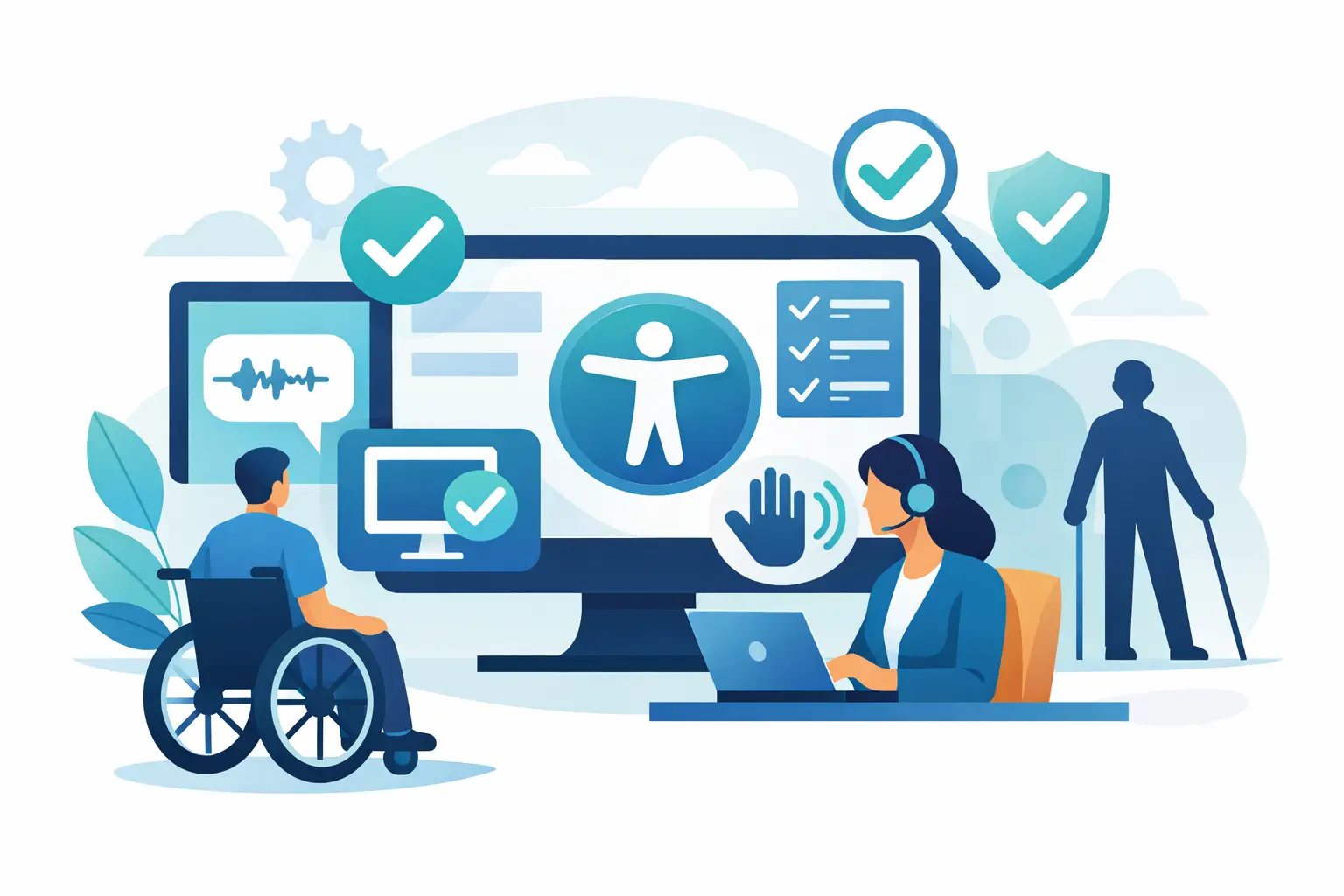
Accessibility Compliance Software That Works
A website can look polished, load quickly, and still fail the tests that matter most in an accessibility review. Missing form labels, empty links, low-contrast text, inaccessible PDFs, and broken keyboard navigation are the kinds of issues that trigger complaints, delay procurement, and create legal exposure. That is why accessibility compliance software has become a practical requirement for organizations that publish content at scale, especially in WordPress.
For most teams, the real problem is not whether accessibility matters. It is whether they can enforce it consistently across pages, posts, templates, media, menus, and documents without turning every update into a manual audit. Compliance work breaks down when it depends on memory, scattered checklists, or one-time scans. Software is useful when it turns accessibility from a periodic project into an operating process.
What accessibility compliance software should actually do
The term gets used loosely. Some products are overlays. Some are simple page scanners. Some only flag a narrow set of front-end issues. If you are responsible for ADA readiness, WCAG conformance, or Section 508 obligations, that distinction matters.
Accessibility compliance software should do more than detect obvious errors on a public page. It should evaluate content against recognized standards, identify where the issue exists in code or editable content, and give your team a realistic path to remediation. If the system cannot tell users what failed, why it failed, and where to fix it, it creates another review layer without reducing risk.
For WordPress environments, useful software also needs to account for how accessibility issues are introduced. They do not come only from blog posts. They come from theme files, page builders, reusable blocks, widgets, navigation menus, custom post types, third-party embeds, and uploaded PDFs. A tool that scans only visible page content may miss the exact issues that create the biggest compliance gaps.
Why WordPress teams need specialized accessibility compliance software
WordPress is flexible, and that flexibility is part of the problem. Multiple authors publish content. Plugins add markup. Themes control structure. Editors upload files from outside sources. Agencies hand off builds that internal teams later modify. Over time, accessibility drift is common.
That makes generic scanning tools less effective in practice. A broad website checker might catch some front-end failures, but it often lacks the workflow detail needed inside WordPress. Teams need reporting that points to the specific post, field, template location, or asset responsible for the issue. They also need controls that fit publishing operations, not just audit outputs.
This is where accessibility compliance software built for WordPress has a clear advantage. It can evaluate published content in context, surface problems where site managers can act on them, and support remediation before inaccessible content spreads across a large site. For agencies and institutional web teams, that difference affects labor, accountability, and turnaround time.
The standards question is not optional
Any serious evaluation of accessibility compliance software should start with standards coverage. If a vendor is vague about what rules are being checked, that is a warning sign.
Most US organizations are working against WCAG requirements, typically WCAG 2.1 and increasingly WCAG 2.2, with Section 508 obligations also relevant for government and related entities. ADA enforcement does not provide a simple technical checklist in statute form, so standards-based evaluation is what gives compliance programs structure.
That does not mean software alone can certify legal compliance. Automated tools cannot judge every accessibility issue, especially where human review is required for context, meaning, and usability. But software should still map its checks to recognized standards and make the scope of those checks clear. Buyers should know whether a platform is checking a limited subset of errors or a broader ruleset that reflects real operational risk.
What to look for in accessibility compliance software
Coverage is the first criterion. A useful platform should scan more than top-level pages. It should reach templates, menus, widgets, theme elements, linked resources, and document files where possible. If your organization publishes PDFs, this area deserves special attention. Many accessibility programs fail because documents are treated as outside the web workflow when users experience them as part of the site.
Actionability matters just as much as coverage. Reports should identify the exact issue, the impacted element, and the editing path needed to fix it. A list of errors without remediation guidance creates backlog, not progress. Non-technical content managers need explanations they can act on, while developers need enough detail to correct structural problems efficiently.
Automation can be a major advantage, but only if it is transparent. Some software can automatically correct a defined set of error types. That can save time and reduce recurring failures, particularly for common implementation mistakes. The trade-off is that buyers need to understand what is being auto-corrected, what still requires manual review, and whether changes are traceable.
Publishing controls are another overlooked feature. If your workflow allows known accessibility failures to go live unchecked, your compliance posture is reactive by design. Stronger platforms support operational guardrails, such as blocking or flagging inaccessible content before publication. For teams managing multiple editors or decentralized departments, this can be more valuable than another dashboard metric.
Where software helps, and where it does not
The fastest way to be disappointed by accessibility compliance software is to expect it to replace policy, training, and human review. It will not.
Software is excellent at scale, repetition, and pattern detection. It can scan thousands of pages faster than any internal team. It can catch recurring failures, support documentation, and provide consistent reporting over time. It can also make accessibility work visible to stakeholders who otherwise only pay attention after a complaint or demand letter arrives.
What it cannot do reliably is evaluate every question of meaning or usability. Alternative text quality, the appropriateness of link language, reading order in complex layouts, and the actual usability of interactive components still require human judgment. The right software supports that work. It does not pretend to eliminate it.
That is why mature organizations use accessibility compliance software as part of a broader process. They combine automation with targeted manual testing, author guidance, developer remediation, and documented governance. The software reduces noise, speeds up triage, and provides evidence of ongoing effort. Those are meaningful compliance benefits, even if they are not the whole program.
Choosing a platform without buying the wrong promise
When comparing tools, buyers should be careful with claims that sound comprehensive but are operationally thin. A product may promise accessibility support while offering only a front-end toolbar or a lightweight scan of public pages. That may help with basic awareness, but it is not the same as a compliance workflow.
Ask practical questions. What standards are checked? How many individual error conditions are evaluated? Can the system scan the full WordPress environment, including theme files and custom content structures? Does it identify exact locations for remediation? Can it support non-technical users as well as developers? Are reports exportable for compliance documentation and stakeholder review?
For agencies, another factor is account management across multiple client sites. For higher education and government, reporting depth and repeatable audit processes often matter more than visual convenience. For small businesses, ease of use and remediation guidance may be the deciding factor. The best choice depends on who is doing the work and how often content changes.
A WordPress-specific tool such as WP ADA Compliance Check is built around those operational realities. That matters because accessibility failures are rarely caused by one bad page. They come from publishing systems that lack enforcement.
Accessibility compliance software is a control system
The most useful way to think about accessibility compliance software is not as a scanner, but as a control system. It helps organizations detect issues early, standardize review, document remediation, and reduce the chances that the same failures keep returning.
That shift is important. Compliance is rarely lost in one dramatic moment. More often, it erodes through routine publishing decisions, inconsistent QA, and assets that no one rechecks after launch. Software gives teams a way to monitor those moving parts without relying on perfect habits.
If your website is tied to public services, student access, customer transactions, or regulated communications, accessibility should be treated with the same seriousness as security, privacy, and uptime. The right software will not make the work disappear, but it will make the work measurable, manageable, and far harder to ignore.
The organizations that improve fastest are usually not the ones chasing a perfect score. They are the ones that put accessibility checks inside everyday publishing and keep fixing what the reports reveal.
Subscribe
Subscribe to receive daily Web Accessibility - Did you know? articles in your inbox.
