
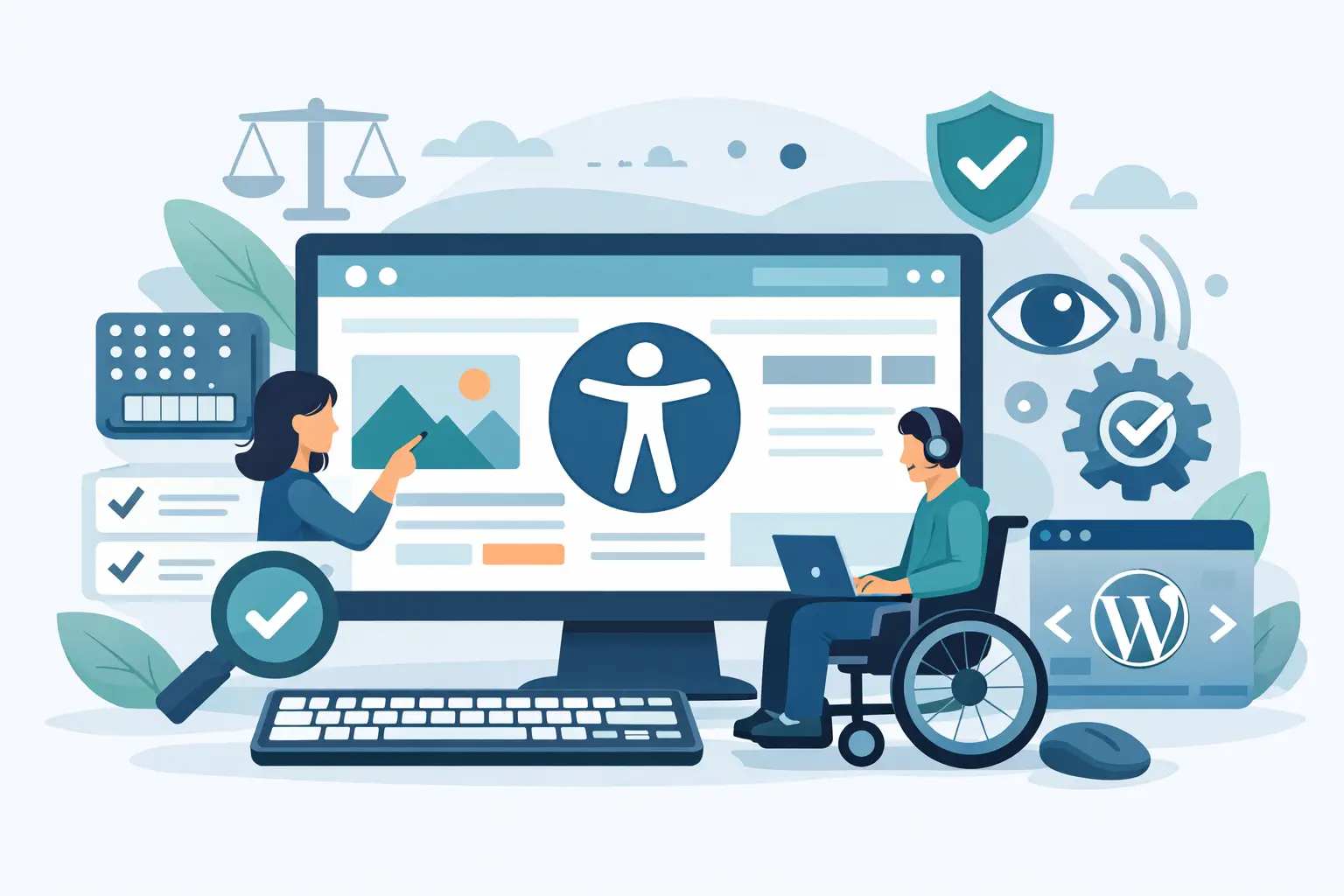
Section 508 WordPress Website Requirements
A section 508 WordPress website is not just a site with alt text, a contrast checker, and a widget in the footer. For public sector teams, schools, contractors, and organizations serving regulated audiences, Section 508 compliance is a publishing and governance issue. If your WordPress environment allows inaccessible pages, forms, menus, PDFs, or theme components to go live, the problem is operational – not cosmetic.
That distinction matters because Section 508 is not evaluated page by page in isolation. Real compliance risk shows up across templates, media libraries, navigation systems, third-party embeds, document repositories, and editor habits. WordPress can support accessibility well, but only if the site is managed with standards-based controls and repeatable review.
What a section 508 WordPress website actually means
Section 508 requires federal agencies, and organizations working with them in many cases, to make information and communication technology accessible. For websites, that generally means aligning digital content and functionality with recognized accessibility standards, including success criteria reflected in WCAG. In practice, a section 508 WordPress website needs to work for users with disabilities across content, structure, navigation, forms, documents, and interactive elements.
For WordPress owners, this changes the question from “Is my theme accessible?” to “Can my entire website consistently produce accessible output?” Those are very different standards. A theme may start with decent semantic markup, but if editors upload untagged PDFs, add vague link text, skip heading order, or install inaccessible plugins, the site can still fail.
That is why compliance teams should treat Section 508 as an ongoing website management requirement. One clean launch does not solve the issue if the next ten content updates reintroduce errors.
Why WordPress sites commonly fail Section 508 checks
Most failures are not caused by one dramatic accessibility breakdown. They come from volume, inconsistency, and blind spots in the publishing workflow.
A typical WordPress site has multiple failure points. Content creators control headings, images, tables, and links. Developers control templates, forms, widgets, and custom functionality. Plugin vendors affect front-end behavior. Marketing teams add popups, sliders, and embedded media. Each layer can introduce defects that are easy to miss without automated scanning and structured remediation.
PDFs are another major issue. Many organizations assume web accessibility ends at the HTML page, but Section 508 exposure often extends to linked documents. If your WordPress site hosts policy documents, reports, applications, or forms in PDF format, those files need review as part of the compliance process.
Then there is scale. A small brochure site may be manually reviewed with reasonable effort. A university department, municipal site, or agency subsite with hundreds or thousands of pages cannot rely on occasional spot checks. Once volume increases, manual review alone becomes too slow and too inconsistent.
Section 508 WordPress website problems to watch for
The most common issues are familiar, but their impact depends on where they appear and how often they recur. Missing alternative text on images is a basic example. On one page, it is an isolated defect. In a media-heavy site with years of uploads, it becomes a systemic compliance problem.
Heading structure is another frequent failure. WordPress editors often use headings for visual styling instead of content hierarchy. That creates confusion for screen reader navigation and undermines document structure across large sections of the site.
Forms deserve special attention because they affect real transactions. Labels, instructions, error identification, keyboard operation, and focus behavior all matter. A contact form that looks fine visually may still block access if users cannot identify required fields or recover from errors.
Navigation and repeated components also deserve scrutiny. If your menus, search features, accordions, modal windows, or mobile navigation are inaccessible, the problem repeats across the entire site. Template-level defects carry more compliance risk because they affect every page using that component.
Accessibility depends on workflow, not just design
Organizations often start by asking whether they need a new theme. Sometimes they do. More often, they need tighter control over how content is created, scanned, reviewed, and approved.
A compliant workflow starts before publication. Editors need guidance inside WordPress so errors are caught when content is created, not weeks later during an audit. Developers need visibility into template-level issues and exact code locations. Compliance managers need reporting they can use to track remediation, assign responsibility, and document progress.
This is where many accessibility efforts break down. The organization knows the standard, but it lacks a practical process inside WordPress. The result is reactive cleanup instead of controlled publishing.
For that reason, the best approach is usually a combination of automated scanning, targeted manual review, and publishing controls. Automation is efficient at finding recurring code and content defects at scale. Manual review is still necessary for context-dependent issues, usability validation, and edge cases that tools cannot interpret fully. Neither method is enough on its own.
How to build a section 508 WordPress website process
Start with site-wide scanning, not assumptions. You need visibility into pages, posts, theme files, widgets, menus, custom post types, and linked resources. If your audit only reviews published page content while ignoring templates or documents, your compliance picture is incomplete.
Next, prioritize issues by scope and severity. Template and navigation defects usually deserve immediate attention because one fix can resolve problems site-wide. High-impact form errors should also move to the front of the queue because they can block access to services, applications, or communication.
Then standardize remediation. Teams waste time when every issue has to be interpreted from scratch. Good reporting should identify the error type, explain why it matters, and show the exact location so the right person can fix it quickly. Editors should know what to change in content. Developers should know what to change in code. Managers should be able to verify that both groups are closing the right problems.
Finally, control new content before it goes live. This is one of the most practical steps a WordPress team can take. If inaccessible content is blocked or flagged during publishing, the site stops accumulating compliance debt.
Manual audits versus automated tools
There is no serious compliance program that relies entirely on one or the other. Automated tools are strong at scale, consistency, and repeatability. They can scan large WordPress environments far faster than a human reviewer and identify recurring failures across the site. That makes them essential for ongoing monitoring.
Manual audits bring judgment. They help validate reading order, link purpose in context, keyboard usability, screen reader behavior, and task completion. They also catch situations where technically valid code still creates a poor user experience.
The trade-off is cost and coverage. Manual review is deeper, but slower and harder to repeat across every content update. Automated review is broader, but it cannot replace human testing for all issues. The practical answer for most WordPress teams is continuous automated scanning supported by scheduled manual verification.
What to look for in a Section 508 compliance tool for WordPress
If your site runs on WordPress, the compliance tool should fit the actual publishing environment. That means scanning more than visible page text. It should evaluate theme files, plugin output, media, menus, forms, custom content types, and documents where possible.
It should also produce remediation guidance that non-developers can use. Many accessibility issues are introduced by editors and site managers, not just developers. If reports are too technical for the people making daily content changes, the workflow will stall.
Coverage matters. So does operational usability. The strongest tools help teams identify exact problem locations, monitor standards-based errors against WCAG and Section 508, and support governance through reporting, exports, and publication controls. WP ADA Compliance Check is designed for that type of workflow inside WordPress, especially for organizations that need repeatable auditing rather than occasional spot testing.
The real goal is defensible accessibility management
A section 508 WordPress website is not defined by a claim on an accessibility statement page. It is defined by whether your site can be audited, improved, and maintained against recognized standards over time.
That means knowing what is on the site, where problems exist, who is responsible for fixing them, and how new issues are prevented from slipping into production. For government teams, contractors, schools, and risk-aware businesses, that level of control matters as much as any individual fix.
If your WordPress site is growing, changing hands, or publishing content across multiple departments, accessibility cannot remain an occasional cleanup project. It needs to become part of how the website operates every day. That is where compliance gets more realistic, and where the work starts to hold.
Subscribe
Subscribe to receive daily Web Accessibility - Did you know? articles in your inbox.
