Manual vs Automated Accessibility Testing
A homepage can return a clean automated scan and still leave a keyboard-only visitor trapped inside a navigation menu. It can have no obvious missing alt text while a screen reader user hears a form field announced without meaningful instructions. That is the central issue in manual vs automated accessibility testing: neither method provides sufficient coverage alone.
For WordPress site owners, agencies, educational institutions, and public-sector teams, accessibility testing must support more than a one-time cleanup. It must identify issues across a changing site, guide remediation, and verify that real people can complete critical tasks. The strongest compliance workflow uses automation for continuous, broad detection and manual testing for the judgment-based requirements software cannot reliably determine.
Manual vs Automated Accessibility Testing: The Core Difference
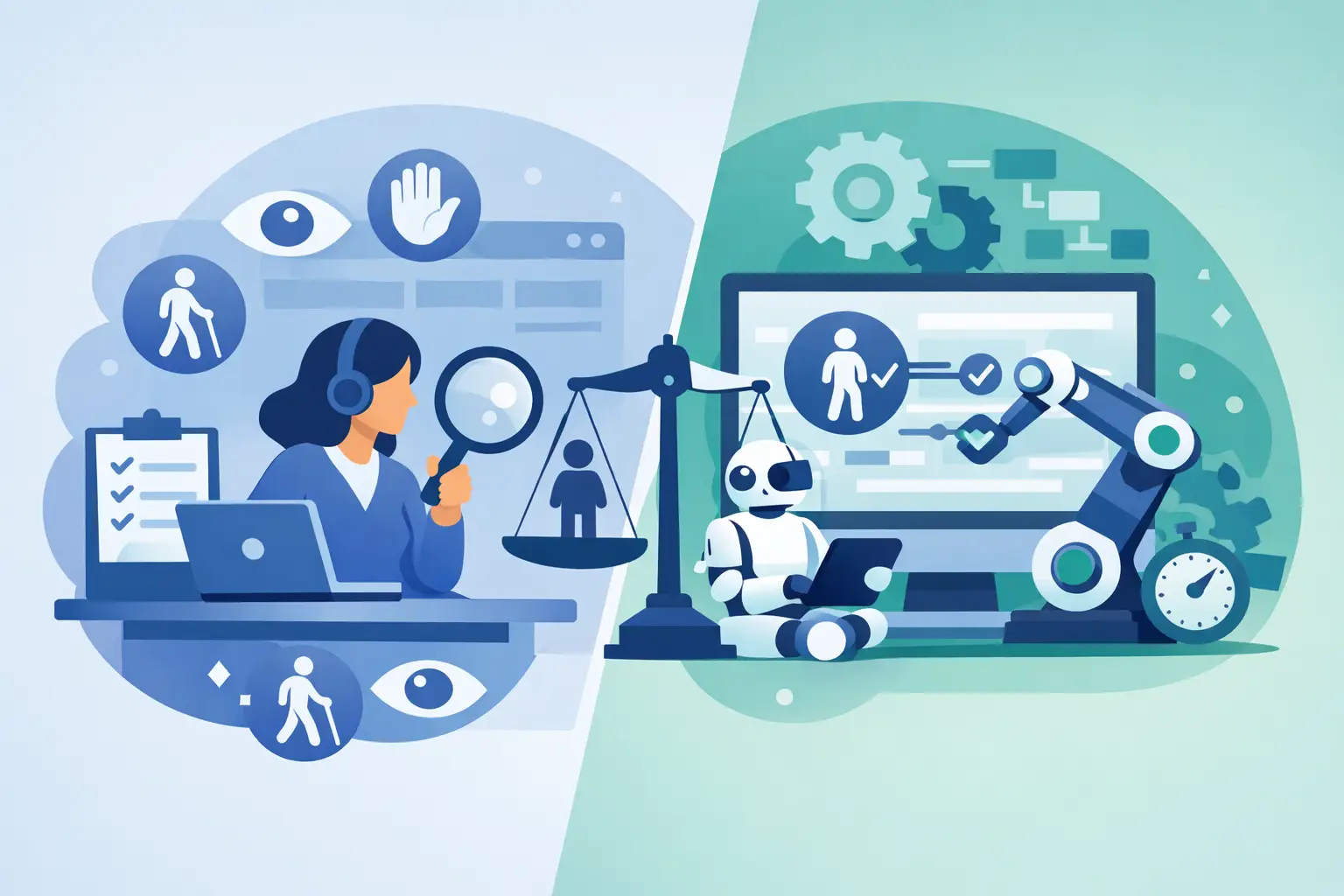
Automated accessibility testing uses software to inspect pages, content, code, and site components against rules that can be evaluated programmatically. A scanner can identify missing image alternative text, empty links, duplicate IDs, skipped heading levels, form inputs without labels, and many color contrast failures. It can check hundreds or thousands of pages far faster than a person could review them individually.
Manual accessibility testing is performed by a qualified reviewer using a combination of code inspection, keyboard navigation, screen reader testing, zoom and reflow checks, and task-based evaluation. The reviewer determines whether an alternative text description is useful, whether a modal communicates its purpose, whether focus moves logically, and whether instructions make sense outside their visual context.
The distinction matters because WCAG conformance includes both objective and contextual requirements. An automated checker can confirm that an image has an alt attribute. It cannot consistently determine whether `alt=”image”` communicates the purpose of a chart, product photo, or button. It can flag a potential heading problem, but it cannot fully assess whether the page structure creates a logical outline for a person navigating by headings.
Automation identifies detectable conditions at scale. Manual testing evaluates experience, intent, and behavior.
What Automated Testing Does Well
Automated testing should be the operational foundation of an accessibility program, especially for websites with frequent publishing activity. WordPress environments commonly include posts, pages, custom post types, templates, widgets, menus, media libraries, PDFs, and third-party integrations. Checking this inventory by hand after every update is not realistic.
A capable automated audit can consistently evaluate recurring WCAG and Section 508 issues across the site. This is particularly valuable for problems introduced through routine editorial work, such as missing alt text, unclear links, empty headings, improper table markup, inaccessible embedded content, or contrast issues in newly published blocks.
Automation also creates repeatability. A compliance manager can establish a baseline, assign remediation work, document completed fixes, and scan again after changes are made. Agencies can apply the same process across client sites instead of relying on a different reviewer’s memory or interpretation each time. Publishing controls can further reduce risk by preventing known accessibility errors from reaching the public site.
For WordPress teams, the practical advantage is not merely speed. It is coverage. A WordPress-native tool such as WP ADA Compliance Check can scan published content, theme files, menus, widgets, custom post types, linked pages, and other parts of the site that are easy to overlook during a page-by-page review. Detailed error locations and remediation guidance reduce the time required to move from a finding to a correction.
Automated results also provide useful evidence of ongoing oversight. They do not establish legal immunity or guarantee full WCAG conformance, but reports, scan histories, and documented remediation demonstrate that accessibility is being managed as an active operational responsibility.
Automated testing has real limits
A scanner can only test what it can detect and interpret through defined rules. This creates two familiar limitations: false positives and false negatives.
A false positive is an item flagged as potentially inaccessible that proves acceptable after review. For example, a checker may flag a complex visual element that has been intentionally hidden from assistive technology because equivalent information appears immediately beside it.
A false negative is more serious because it is an issue the tool does not identify. A page may technically contain labels, headings, and ARIA attributes while still creating a confusing or unusable experience. Automation cannot reliably judge whether error messaging is understandable, whether a checkout flow is logical, or whether a screen reader announces dynamic updates at the right time.
Treat automated reports as a prioritized work queue, not a certificate of complete compliance.
What Manual Testing Finds That Scanners Miss
Manual testing is where technical compliance requirements meet real user interaction. It is essential for high-value user journeys, complex components, and any area where context changes the meaning of otherwise valid code.
Keyboard testing is a basic but revealing example. A reviewer tabs through navigation, search, forms, popups, accordions, sliders, and embedded tools without using a mouse. They confirm that every interactive element can receive focus, that the visible focus indicator is clear, that focus order follows the visual and functional sequence, and that focus does not become trapped in a component.
Screen reader testing adds another layer. A reviewer checks whether controls have accessible names, whether buttons communicate state changes, whether form errors are announced, and whether page regions and headings support efficient navigation. This work is especially important for custom JavaScript, page-builder components, membership portals, ecommerce carts, calendars, and third-party forms.
Manual review also evaluates content quality. Consider these common situations:
- An image has alt text, but the text repeats a nearby caption instead of describing the image’s purpose.
- A link says “Read more,” and the surrounding layout makes its destination visually obvious, but the link is meaningless when screen reader users navigate through links alone.
- A form displays a red error message, but the message is not programmatically associated with the affected field or described clearly enough to correct the problem.
- A PDF passes a limited technical check but lacks a usable reading order, tagged headings, meaningful document title, or accessible tables.
These are not edge cases. They are routine accessibility failures that affect whether visitors can obtain information, submit an application, register for a program, make a purchase, or contact an organization.
Build a Testing Process Around Risk and Change
The right balance depends on site size, publishing frequency, functionality, and regulatory exposure. A five-page brochure site and a university department site with hundreds of PDFs do not require the same testing schedule. Neither does a government portal with online forms, account access, and public records.
Start with automated scanning across the full WordPress environment. Address high-severity issues first, particularly barriers involving keyboard access, forms, missing labels, contrast, headings, media alternatives, and inaccessible documents. Configure scans to run after meaningful content, theme, plugin, or template changes rather than treating accessibility as an annual project.
Then define the user journeys that require manual validation. For many organizations, these include finding services, using site search, completing contact or application forms, registering for events, downloading documents, creating an account, completing a checkout, and accessing support information. Test these journeys on desktop and mobile views, with a keyboard and with appropriate assistive technology.
Manual testing does not need to mean reviewing every static page from scratch each month. Focus human effort where the risk is highest: new templates, redesigned navigation, interactive components, transactions, critical forms, and content that has received automated flags requiring judgment. This approach keeps the process sustainable without lowering the standard.
Make Remediation Part of Publishing, Not a Cleanup Event
Accessibility failures often return because the underlying workflow has not changed. An agency may repair a client site, only for new posts to introduce empty headings and untagged PDFs. A public organization may update a form plugin and unintentionally break keyboard focus. A redesign may replace accessible controls with visually appealing components that lack usable labels.
Preventing recurrence requires clear ownership. Content authors need guidance on headings, alternative text, links, tables, documents, and captions. Developers need acceptance criteria for keyboard behavior, semantic markup, focus management, and accessible error handling. Administrators need scan reports, remediation priorities, and a defined process for reviewing exceptions.
When a finding cannot be corrected immediately, document the issue, its affected users, the planned remediation date, and any available alternative access method. An alternative should provide comparable access, not simply direct a visitor to call or email for information they should be able to obtain online.
The most defensible accessibility program is not the one with the longest report. It is the one that can show consistent detection, informed human review, timely remediation, and controls that reduce the chance of repeating known failures. Use automation to keep the entire WordPress site under observation, and use manual testing to ensure the people relying on it can actually complete what they came to do.