
What Are Skip Links? A WCAG Accessibility Essential
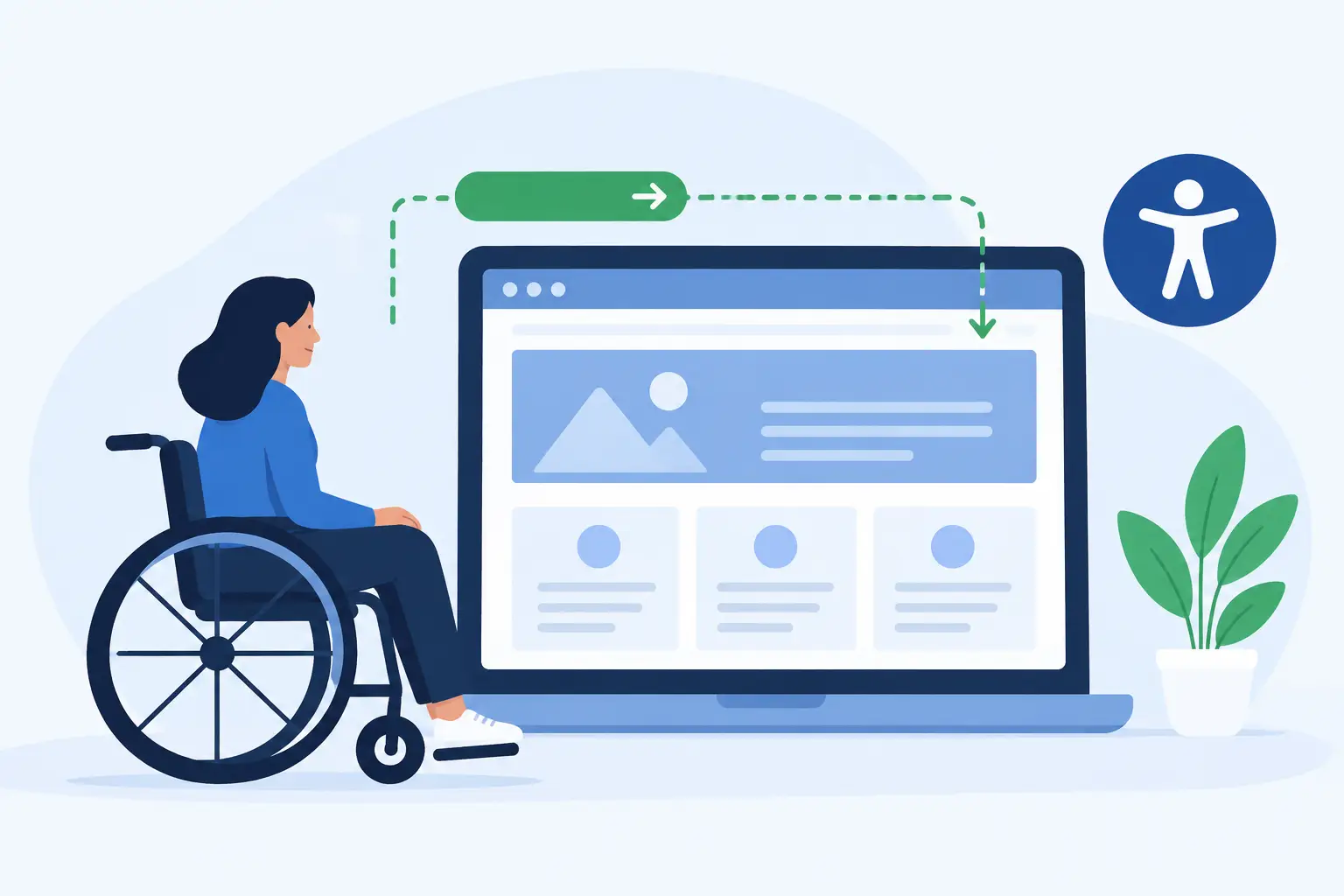
A keyboard user arrives on your homepage and presses Tab. Before they can reach the page’s main content, they may need to move through a utility bar, logo link, primary navigation, search, account controls, promotional banners, and other repeated elements. What are skip links? They are keyboard-accessible links that let users bypass that repeated content and move directly to a meaningful destination, usually the main page content.
For a WordPress site with complex menus, skip links are not a decorative accessibility feature. They are a practical requirement for efficient keyboard navigation and a common focus in WCAG audits. When they are missing, hidden incorrectly, or connected to the wrong page target, visitors who rely on a keyboard can face a frustrating and unnecessary barrier on every page.
What Are Skip Links and Why Do They Matter?
A skip link, also called a bypass block link, is typically the first focusable element on a page. It is often visually hidden until a person navigates with the keyboard and gives it focus. When activated, it moves focus past repeated blocks of content to a target such as the main content area.
The most common label is “Skip to main content.” Depending on the site structure, additional skip links may allow users to skip to navigation, search, footer content, or another major page region. The goal is not to add links simply because they are available. The goal is to reduce repeated keystrokes and give users a reliable route through a page.
This addresses WCAG Success Criterion 2.4.1, Bypass Blocks. Under WCAG 2.1 and WCAG 2.2, a mechanism must be available to bypass blocks of content that repeat across multiple web pages. Skip links are one widely used mechanism for meeting that requirement, although they are not the only possible solution.
The impact is especially clear on sites with large navigation systems. A visitor using a keyboard should not have to tab through 30 menu items before reaching a news article, service page, course description, or form. The same issue can affect people using screen readers, switch devices, voice input, or other assistive technology that depends on predictable keyboard behavior.
How a Skip Link Should Work
A properly implemented skip link has three parts: a focusable link, a clear destination, and correct focus behavior. Each part matters.
The link must be reachable with the keyboard. In most implementations, it appears when the user presses Tab near the beginning of the page. Hiding the link visually until it receives focus is acceptable. Removing it from the keyboard focus order is not. If users cannot tab to it, it cannot provide a bypass mechanism.
The destination must be meaningful and present on the page. Usually, this is the HTML `main` element or a main content container with a unique ID, such as `#main-content`. The target should begin where the primary content actually starts, not at a wrapper that still contains breadcrumbs, a duplicate heading, or other repeated interface elements.
Finally, activating the link must move users where they expect to go. On a simple page, an anchor link may appear to work because the browser scrolls to the target. But visual scrolling alone is not enough in every situation. Keyboard focus should also be managed so a person using a screen reader or keyboard can continue interacting from the main content area. This is particularly important when custom JavaScript, page builders, or single-page application behavior changes normal browser handling.
A basic semantic pattern
A common page structure uses a skip link near the start of the document and a `main` landmark for the target:
<a class="skip-link" href="#main-content">Skip to main content</a>

<header>
  <!-- Site header and navigation -->
</header>

<main id="main-content" tabindex="-1">
  <!-- Primary page content -->
</main>
The `tabindex=”-1″` can allow programmatic focus on a target that is not ordinarily focusable. Whether it is necessary depends on the markup and browser behavior, but it is frequently used to support dependable focus movement. The implementation should be tested, not assumed correct because the page scrolls.
Skip Links Are Not a Substitute for Semantic Structure
Skip links work best alongside a logical document structure. A site still needs properly labeled navigation, headings in a meaningful hierarchy, form controls with accessible names, visible focus indicators, and landmarks such as `header`, `nav`, `main`, and `footer`.
Landmarks can help screen reader users move between major page regions. However, landmark navigation is not a complete replacement for skip links. Not every visitor uses a screen reader, and not every keyboard user knows or can use landmark shortcuts. WCAG allows more than one method of bypassing repeated content, but a visible-on-focus skip link remains a direct, understandable solution for a broad range of users.
There is also a practical compliance consideration. A page may contain a valid `main` landmark and still create a poor keyboard experience if the first interactive elements are buried beneath large, repeated navigation sections. Skip links address that specific workflow problem.
Common Skip Link Failures in WordPress
Many WordPress themes include a skip link by default, but theme presence does not guarantee compliance. Theme customizations, caching, page builders, menu plugins, CSS overrides, and JavaScript can all interfere with expected behavior.
One frequent issue is a skip link hidden with `display: none` or `visibility: hidden`. These styles prevent keyboard users from reaching the link. A better approach is to position it off-screen or otherwise visually conceal it until it receives keyboard focus, then make it clearly visible with sufficient color contrast.
Another common failure is an invalid target. The link may point to an ID that does not exist on some templates, including archive pages, search results, custom post types, or WooCommerce layouts. It may also point to a duplicated ID, which creates unpredictable behavior. Every relevant template needs a unique, valid main-content target.
Focus styling is another compliance concern. A skip link that appears on focus but has low contrast, is covered by a sticky header, or disappears immediately can be effectively unusable. Users must be able to perceive the focused link and activate it without fighting the interface.
Sites should also watch for target placement problems. If the skip link lands on an empty container, a visually hidden heading, or a location after the meaningful start of the article, the shortcut does not provide the expected benefit. Test actual templates, not just a single page in a staging environment.
How to Test Skip Links
Manual testing is essential because automated scans can identify missing elements and suspicious markup, but they cannot fully judge whether navigation feels logical to a keyboard user.
Start on a representative page and refresh the browser. Press Tab before clicking anywhere on the page. The skip link should receive focus early, usually first. Its text should be readable, its focus indicator should be visible, and pressing Enter should take you to the intended content region.
Then continue tabbing. Focus should proceed through the primary content without returning to navigation controls that were supposed to be bypassed. Repeat this test on the homepage, standard pages, blog posts, archives, search results, forms, and custom templates. If your site uses a page builder or interactive components, test those layouts separately.
For broader auditing, WP ADA Compliance Check can help WordPress teams identify accessibility issues across published content, theme files, menus, widgets, custom post types, and other site components. Use automated findings to prioritize review, then confirm skip-link behavior through keyboard testing before treating the issue as resolved.
When You May Need More Than One Skip Link
A single “Skip to main content” link is appropriate for many websites. Larger institutional, government, education, and ecommerce sites may benefit from additional choices when their repeated interface is extensive or their user tasks vary significantly.
For example, a portal with a large navigation system and a prominent site search may offer links to both main content and search. A dense application layout might need a shortcut to page controls or results. The trade-off is complexity: too many links at the start of the focus order can create their own burden. Add destinations only when they solve a clear, repeated navigation problem.
Clear labels matter. “Skip navigation” can be acceptable, but “Skip to main content” usually states the result more directly. Avoid vague labels such as “Continue” or “Jump,” which do not tell users where the control will move them.
Build Skip Links Into Your Publishing Standards
Skip links are easy to overlook because mouse users rarely see them. That is exactly why they should be part of a defined accessibility review process rather than a one-time theme check. A redesign, plugin update, header modification, or template change can quietly break a control that keyboard users depend on.
Treat the skip link as a required part of every WordPress template: reachable by keyboard, visible on focus, connected to the correct main-content target, and verified after changes. That small control reduces repeated effort for users and helps turn accessibility compliance from a reactive cleanup task into a dependable publishing standard.
⚡ Automate Your Accessibility Fixes: Manually tracking down every hidden code violation across hundreds of pages can be exhausting. If your website runs on WordPress, WP ADA Compliance Check can scan your full site architecture and resolve structural errors like missing skip links automatically—saving you hours of manual development time while keeping your site compliant.
Subscribe
Subscribe to receive daily Web Accessibility - Did you know? articles in your inbox.
