
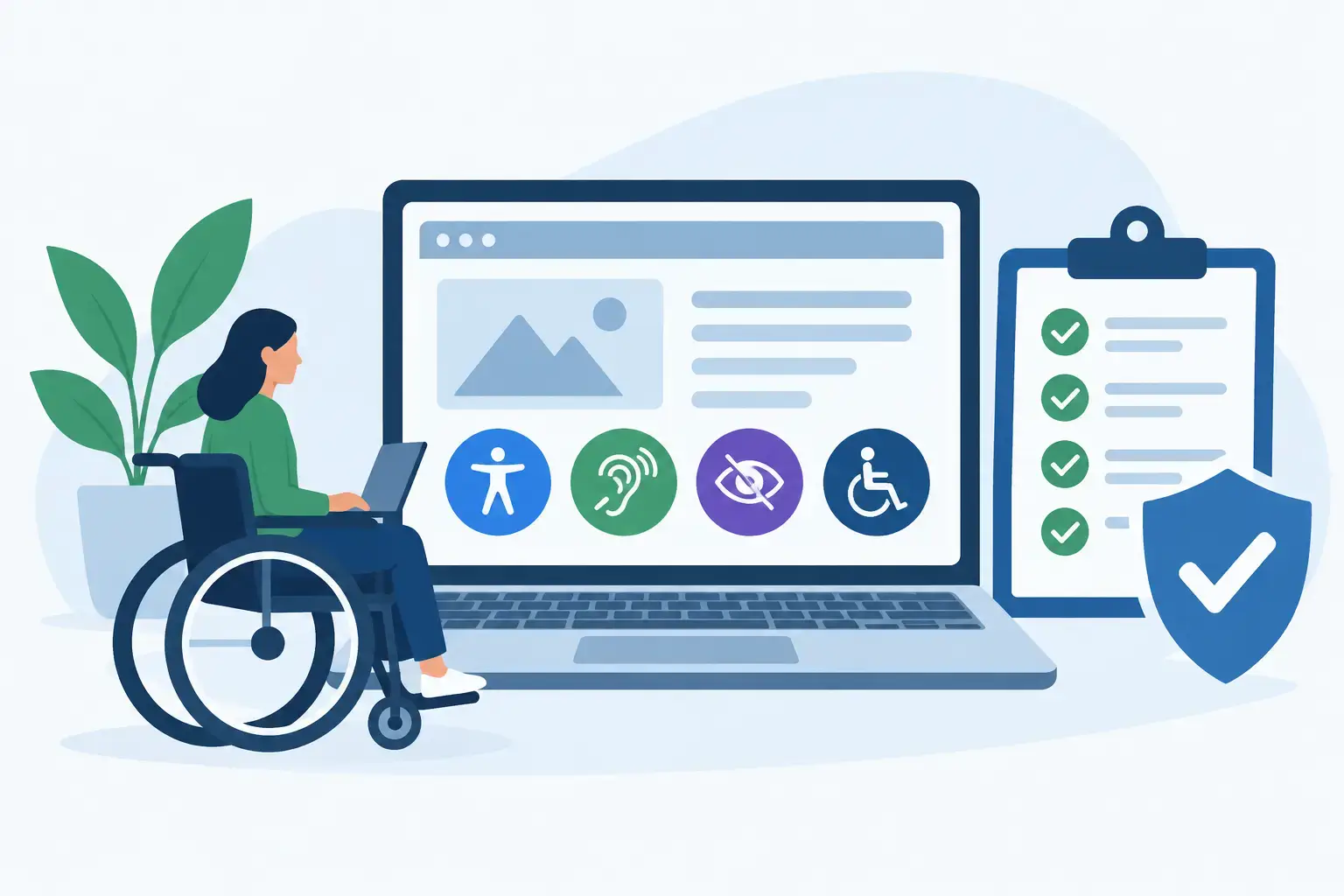
Web Accessibility Is a Compliance Process
A website can look polished, load quickly, and still exclude people from completing basic tasks. A form field without a label, a PDF that cannot be read by assistive technology, or a menu that fails under keyboard navigation can block a student, customer, resident, or patient from accessing information and services. Web accessibility is therefore not a design preference or a one-time technical cleanup. It is an ongoing compliance responsibility tied directly to how your WordPress site is built, managed, and published.
For organizations subject to ADA expectations, Section 508 requirements, or internal accessibility policies, the practical question is not whether errors will appear. They will. The question is whether your team has a repeatable process to find them before users, regulators, or plaintiffs do.
What Web Accessibility Requires in Practice
Web accessibility means people with disabilities can perceive, operate, understand, and interact with digital content. This includes visitors who use screen readers, keyboards, voice controls, screen magnification, captions, alternative input devices, or other assistive technologies.
The Web Content Accessibility Guidelines, commonly called WCAG, provide the technical framework most organizations use to assess accessibility. WCAG 2.1 and WCAG 2.2 organize requirements around four principles: content must be perceivable, operable, understandable, and robust enough to work with assistive technologies.
That framework becomes concrete quickly on a WordPress website. Images need meaningful alternative text when they communicate information. Headings need to follow a logical hierarchy. Color cannot be the only way to communicate an error or status. Interactive controls need accessible names, visible focus indicators, and keyboard support. Video may require captions, while documents may require a separate accessibility review.
The hard part is scale. A few issues in one landing page can be manageable. Hundreds of posts, custom post types, navigation menus, embedded forms, theme templates, downloadable PDFs, and editor-created content create a different operational challenge. Manual spot checks alone do not provide reliable coverage.
Why Accessibility Problems Persist on WordPress Sites
Most accessibility failures are not caused by a single careless decision. They emerge through normal publishing activity. A content editor uploads an image without alt text. A page builder module produces an invalid heading structure. A plugin update changes form markup. A new PDF is posted without tags. A developer adds a custom button that looks correct but cannot receive keyboard focus.
WordPress makes publishing efficient, but it also distributes responsibility across administrators, editors, developers, agencies, and third-party vendors. Without controls in the workflow, accessibility standards become inconsistent from one page or department to another.
Theme files and custom code are another frequent source of risk. Many site owners audit visible page content but miss accessibility issues in search templates, archive pages, mobile menus, modal dialogs, widgets, error messages, and footer components. These elements can affect every visitor journey across the site.
There is also a trade-off between speed and certainty. An automated scan can review large volumes of content far faster than a human auditor and consistently identify detectable failures. But automated testing cannot determine whether alternative text is meaningful, whether instructions are understandable, or whether a complex workflow is usable for a person navigating by keyboard. Effective compliance programs use automation for ongoing coverage and manual review for context-dependent issues.
Build Web Accessibility Into Publishing Workflows
The most reliable accessibility programs treat remediation as a routine publishing control, not a special project activated after a complaint. That begins with defining a target standard. For many US organizations, WCAG 2.1 AA remains a common benchmark, while WCAG 2.2 adds newer requirements that should be considered in current development and procurement work. Government entities and federal contractors may also need to address Section 508 obligations.
Once the standard is clear, establish a baseline scan of the full site. Review public pages, posts, custom post types, menus, widgets, templates, media libraries, linked content, and downloadable documents. The baseline should identify the issue, affected URL or code location, severity, and responsible party. A report that only says a site has errors is not enough for remediation work.
Prioritize barriers by user impact and exposure. Problems affecting navigation, forms, account access, checkout, applications, appointment scheduling, payments, emergency information, or primary public services should move first. A missing decorative-image attribute may require cleanup, but an inaccessible login form can prevent a person from using the site entirely.
After the initial remediation cycle, make accessibility checks part of each publishing path. Editors should know how to write useful alt text, select proper headings, create descriptive links, and avoid using color alone. Developers should test components with keyboards and assistive technology considerations before deployment. Agencies should include accessibility acceptance criteria in project handoffs, rather than treating compliance as an optional add-on.
Publishing controls are particularly valuable when content is created by many people. Preventing known accessibility errors from reaching production is less expensive than finding them months later across dozens of pages.
What an Effective Accessibility Audit Should Cover
A meaningful audit must look beyond the page currently open in a browser. WordPress sites frequently contain accessibility defects in areas that are less visible to content teams but highly visible to users and automated scanners.
A comprehensive review should include published content, draft and scheduled content where appropriate, theme and template files, custom post types, navigation menus, widgets, forms, page builder output, media attachments, embedded elements, and linked PDFs. It should also account for responsive states. A navigation menu that works on desktop may fail on a mobile viewport, and a modal that appears only after an interaction may escape a basic page-level review.
Reporting quality matters as much as scan volume. Teams need to know where the problem occurs and how to correct it. Exact code references, editing paths, issue explanations, and standards-based guidance reduce the time between detection and remediation. They also make it easier to assign work across technical and non-technical teams.
WP ADA Compliance Check is designed for this operational reality. Its WordPress-native auditing workflow scans site content and technical areas against WCAG 2.1, WCAG 2.2, and Section 508 checks, identifies specific accessibility errors, provides remediation guidance, and can automatically correct a defined set of issue types. For organizations managing large sites, the ability to scan beyond individual pages and integrate checks into the publishing process is central to maintaining control.
Avoid the False Security of Quick Fixes
Accessibility overlays and browser-based widgets are often marketed as a fast answer to compliance pressure. They may offer user-facing adjustments, but they do not replace accessible source code, accessible documents, semantic markup, keyboard functionality, or a documented remediation program.
The same is true of a single audit performed during a redesign. A report is useful only if it leads to fixes, verification, and repeat checks. Websites change constantly. New content, plugin updates, campaign pages, staff turnover, and vendor integrations can all introduce new barriers after an initial review.
Claims of full legal compliance should also be treated carefully. No software can guarantee that every interaction, document, third-party integration, and human-authored description meets every legal or accessibility expectation. What a strong tool can do is give your team broad, consistent visibility into detectable problems, reduce recurring error types, document ongoing effort, and make remediation substantially more manageable.
Make Accessibility Measurable and Defensible
Compliance readiness improves when accessibility work is visible. Establish ownership for remediation, define turnaround times for high-impact issues, and maintain records of scans, fixes, exceptions, testing decisions, and training. Agencies may need client-facing exports and white-labeled reporting. Government and education teams may need documentation that supports procurement reviews, policy requirements, or internal oversight.
Metrics should focus on more than a total error count. Track whether critical issues are declining, how quickly newly published content is reviewed, which templates repeatedly generate failures, and whether departments are following publishing standards. These measures reveal whether accessibility is becoming part of normal operations or remaining a recurring emergency.
The next page your team publishes is the right place to improve the process. Scan it, correct what the report identifies, verify the user experience, and make the same check a required step for the page after that.
Subscribe
Subscribe to receive daily Web Accessibility - Did you know? articles in your inbox.
