
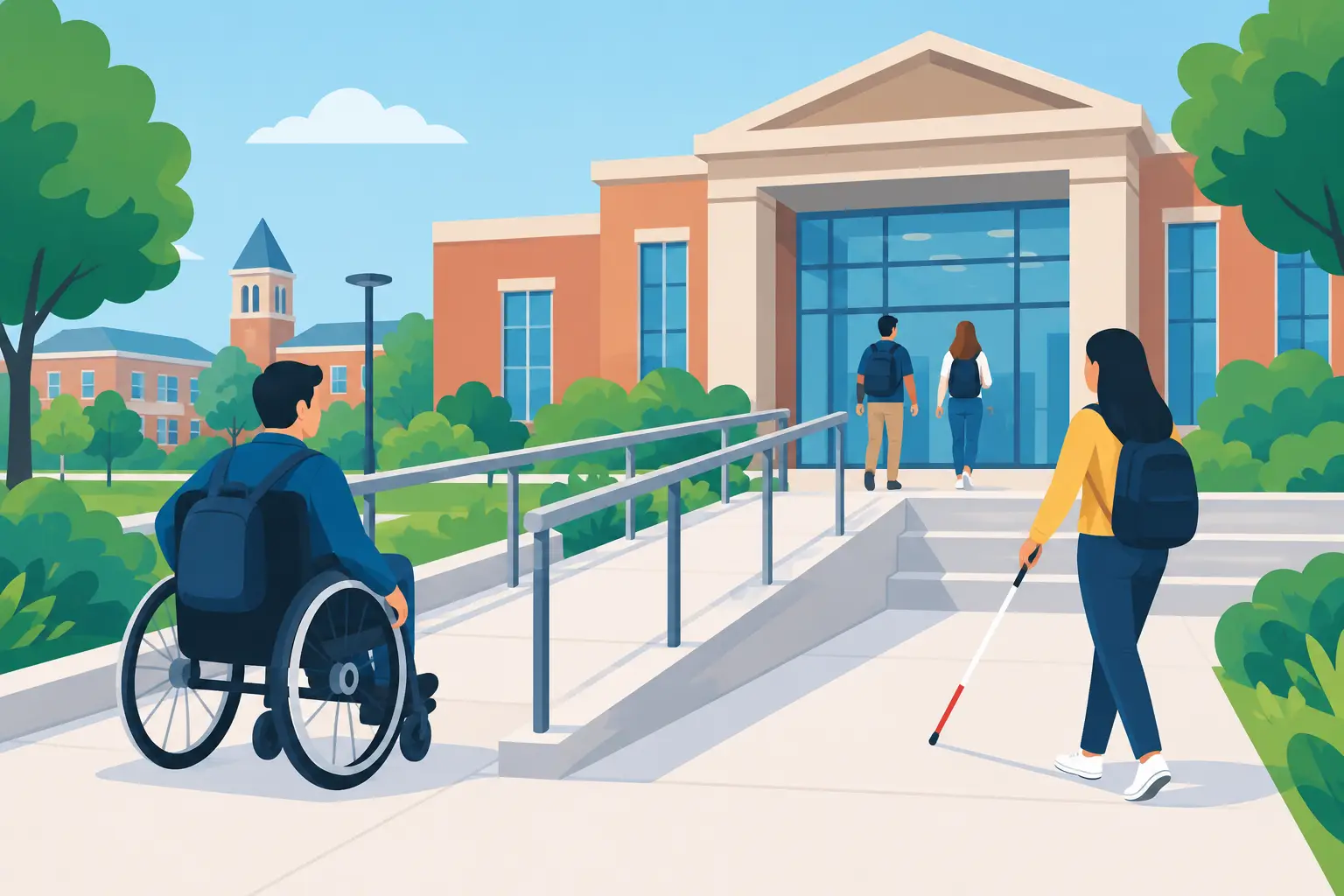
A University Accessibility Compliance Example
A university accessibility compliance example is rarely a single website fix or an annual audit report. For most institutions, it is an operating model: clear standards, defined ownership, repeatable testing, and publishing controls that prevent known accessibility errors from reaching students, faculty, staff, and the public.
A university website may include admissions pages, course catalogs, financial aid forms, department sites, event calendars, faculty profiles, research publications, PDFs, video libraries, and student services. Each area may be managed by different people with different technical skills. That complexity is why accessibility compliance must be built into the content workflow instead of assigned only to a central web team after problems are reported.
University Accessibility Compliance Example: A Working Model
Consider a university with a central WordPress multisite environment and 80 departmental sites. The institution adopts WCAG 2.1 Level AA as its web accessibility baseline, while also tracking WCAG 2.2 success criteria and Section 508 requirements for applicable federal programs and procurement. Its legal and digital teams recognize that meeting a technical standard does not create an absolute legal shield, but it provides a defensible, documented framework for reducing barriers and responding to issues.
The university begins by assigning responsibility across four groups. The digital accessibility coordinator owns policy, training, and escalation. The central web team manages the WordPress platform, themes, plugins, and shared components. Departmental content editors are responsible for the accessibility of pages, posts, documents, and media they publish. Procurement and IT review third-party tools, embedded services, and software vendors before renewal or purchase.
This division matters because many accessibility failures originate outside the theme. An inaccessible PDF uploaded by a department, a video posted without captions, or a form created in a third-party platform can create a barrier even when the main university template is well built.
The baseline audit
The first step is a full inventory and audit. The university does not limit the review to the homepage or its most visible admissions pages. It identifies public-facing WordPress sites, high-traffic student service content, pages used during enrollment periods, online forms, downloadable documents, and recurring communication templates.
Automated scanning identifies common errors at scale: missing alternative text, empty links, incorrect heading order, insufficient color contrast, unlabeled form controls, duplicate IDs, missing language attributes, and invalid ARIA use. The scan should include published pages, custom post types, menus, widgets, templates, and linked files where possible. A scan that only reviews individual posts misses the shared theme and component issues that can affect thousands of pages.
The university then prioritizes remediation based on user impact and exposure. A keyboard trap in a financial aid form is more urgent than a minor heading issue on an archived news article. Content required to apply, enroll, pay tuition, request accommodations, access coursework, or receive emergency information belongs at the top of the queue.
Automation is essential for coverage, but it cannot confirm every requirement. The web team also performs manual checks with keyboard-only navigation, screen readers, zoom and reflow testing, and review of interactive workflows. This is particularly important for menus, modal dialogs, error messages, dynamic search results, document viewers, and third-party embedded applications.
Turning Audit Findings Into Publishing Controls
The university’s original audit produces a remediation backlog, but that backlog will never shrink if new content introduces the same errors every day. The next operational decision is to move checks into the WordPress publishing process.
For example, a departmental editor creates a new scholarship page. Before publication, the accessibility checker flags an image without alternative text, a color combination below the required contrast threshold, and a skipped heading level. The editor receives instructions tied to the affected element rather than a vague compliance score. They add meaningful alternative text, revise the color choice, and restructure the headings before publishing.
This is a practical use case for WP ADA Compliance Check. The plugin can scan WordPress content and site components against WCAG 2.1, WCAG 2.2, and Section 508 checks, identify specific error locations, and provide remediation guidance within the workflow where staff are already working. For institutions with many non-technical publishers, that context is more useful than sending a spreadsheet of errors to a central team weeks later.
Publishing controls should be calibrated to the institution’s risk tolerance. A university may initially use warnings while it trains editors and cleans up legacy content. Once teams understand the process, it can block publication for selected high-confidence failures, such as missing image alternative text or empty links. Not every issue should create a hard stop. Some findings require human judgment, and overly rigid controls can encourage users to enter meaningless alternative text simply to clear a warning.
A practical remediation schedule
In this example, the university separates work into three tracks. Critical barriers in high-impact journeys receive immediate attention. Shared theme, navigation, and template defects are assigned to the central web team because one correction can improve many sites. Department-owned pages, PDFs, and media are assigned to local editors with due dates and training support.
The accessibility coordinator reviews progress monthly. Reports show open issues by site, issue type, severity, and responsible department. This gives leadership a way to see whether accessibility is improving across the institution or whether the same failures continue to appear after training.
A meaningful report does more than total errors. It distinguishes between a site with 500 repeated contrast failures caused by one shared button style and a site with 500 separate content problems. The remediation approach, owner, and time estimate are different.
Documents and Third-Party Tools Need Their Own Controls
Universities often underestimate the compliance risk created by documents. Admissions packets, course syllabi, policy manuals, meeting agendas, research reports, and accommodation forms are commonly distributed as PDFs. A PDF that appears readable visually may have no usable heading structure, no tags, inaccessible tables, or scanned pages with no text layer.
The example university adopts a document policy: essential public documents must be accessible before publication, while older archive materials are prioritized according to demand and institutional function. When immediate remediation is not feasible, the department provides an accessible alternative and a clear contact process. That is not a substitute for remediation, but it can reduce the time a person waits for critical information.
Third-party services require similar scrutiny. A WordPress site may embed appointment schedulers, payment tools, virtual tours, learning platforms, maps, chat tools, and event registration systems. The central team cannot fix inaccessible vendor code from within WordPress. It can, however, test critical workflows, require accessibility documentation during procurement, contract for remediation commitments, and provide an alternative path when a vendor product presents a barrier.
Evidence Matters When a Complaint Arrives
Accessibility work should produce records, not just cleaner pages. In this university accessibility compliance example, the institution maintains its accessibility policy, audit dates, testing methods, issue logs, remediation assignments, training records, and vendor review documentation. When a user reports a barrier, the coordinator logs the complaint, acknowledges it promptly, provides access to the needed information or service, and tracks the permanent fix.
This evidence supports accountability. It also prevents the organization from treating every complaint as an isolated technical ticket. A report that a student cannot complete a form with a keyboard may reveal a platform-level defect affecting many users.
Make Accessibility a Normal Publishing Requirement
The strongest university accessibility programs do not depend on one annual cleanup project or one person who understands WCAG. They make accessible publishing an expected condition of digital work, alongside privacy, security, and brand standards.
Start with the pages and services people cannot reasonably avoid. Give editors clear instructions at the point of publication. Scan broadly, test manually where automation stops, and use reporting to assign ownership instead of merely counting errors. Over time, the goal is not a perfect-looking dashboard. It is a university website where students and community members can complete essential tasks without encountering preventable barriers.
Subscribe
Subscribe to receive daily Web Accessibility - Did you know? articles in your inbox.
