
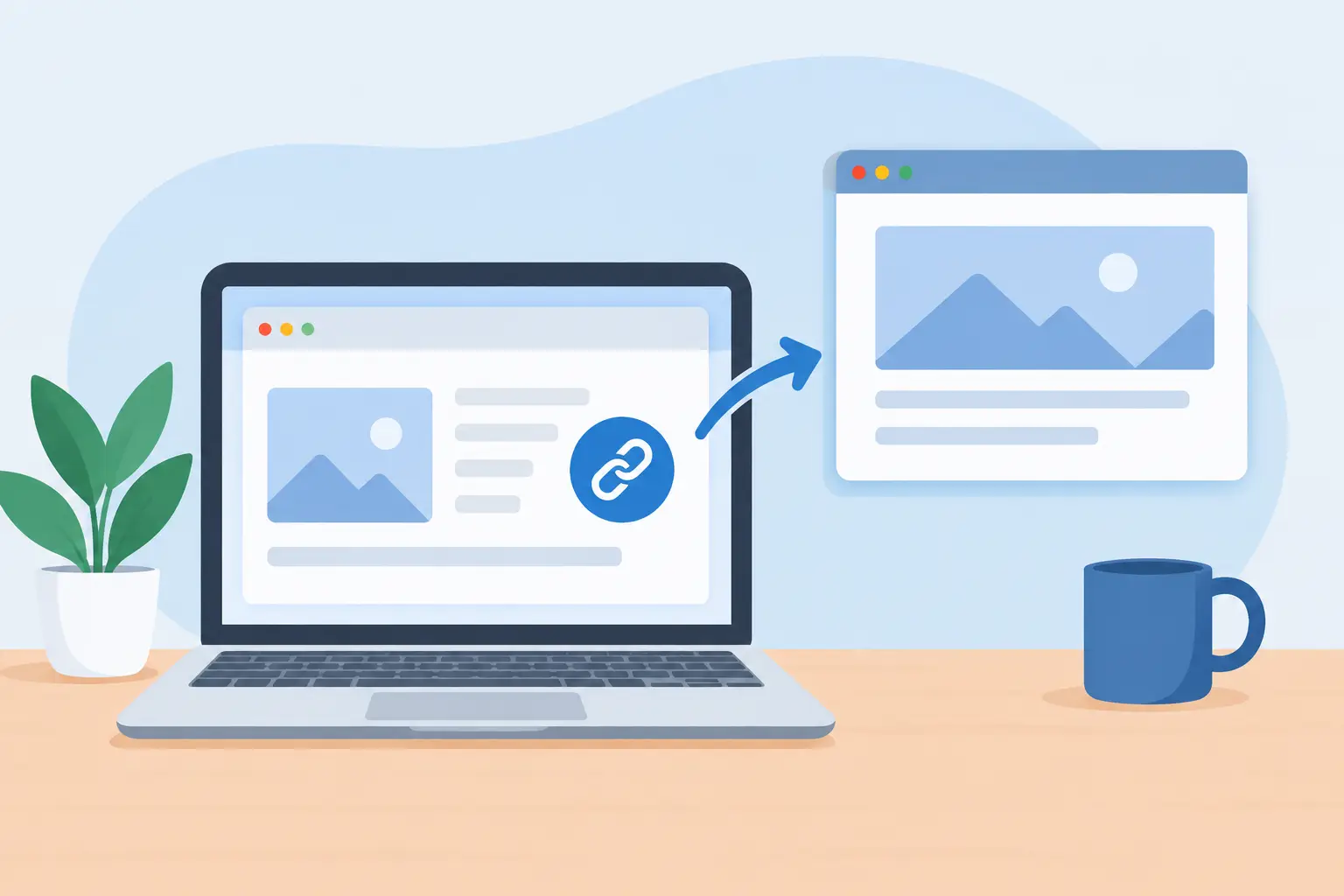
The Problem With Opening Links in a New Window
A link that unexpectedly opens a new browser window or tab can interrupt a user at the exact moment they are trying to complete a task. The problem with opening links in a new window is not that new windows are always prohibited. It is that unexpected changes of context can disorient people who use screen readers, keyboards, magnification software, or other assistive technology. On a public-facing WordPress site, that confusion can become an accessibility defect, a failed conversion, or an avoidable compliance risk.
Why new windows create accessibility concerns
Most users expect a link to take them to another page in the same browsing context. When a website silently forces a new tab or window, the Back button may no longer return the user where they expect. The original page may remain open behind the new one, while the visitor has little indication of what changed or how to resume their previous task.
For a mouse user, this may be a brief annoyance. For a person navigating by keyboard, a person with low vision using screen magnification, or a screen reader user moving through page content sequentially, it can be far more disruptive. They may not realize a new context has opened, may assume content failed to load, or may close the new window and lose their place altogether.
This concern is addressed by WCAG Success Criterion 3.2.1, On Focus, and is closely related to the broader principle that websites should behave predictably. A new browser context should not be triggered merely because a user tabs to a control. More broadly, links should not create unexpected changes that users were not informed about before activating them.
The technical detail matters. The HTML `target=”_blank”` attribute is not automatically a WCAG failure. However, using it without clear advance notice can create an accessibility issue because the user was not told that activating the link would produce a different result than expected.
The problem with opening links in a new window by default
Organizations sometimes configure all external links to open in new windows because they want to keep visitors on their website. That approach usually prioritizes a perceived marketing benefit over user control. The visitor, not the website, should generally decide whether to open a link in a new tab.
Forced new windows can also make ordinary website tasks harder. Consider a student reviewing a course catalog, a resident reading a city permit requirement, or a customer comparing service details. If every referenced resource opens separately, the browser becomes cluttered with tabs. Returning to the original page becomes less intuitive, especially for visitors who do not use tab management confidently.
The issue becomes more serious when the link appears inside a required workflow. A form may direct a user to instructions, a policy document, a payment service, or a downloadable PDF. If the new window opens without notice, the user can lose track of the form, assume their progress was erased, or fail to return to finish the process.
For government, education, healthcare, and commercial organizations, these are not minor usability preferences. Predictable navigation supports equal access to information and services. It also supports a more defensible accessibility posture when the site is reviewed against WCAG 2.1, WCAG 2.2, Section 508, or internal digital accessibility policies.
Who is affected and how
Screen reader users may receive limited feedback when a new tab opens, depending on their browser, screen reader, settings, and the way the page is coded. The page title may be announced, but that does not necessarily explain that the prior page remains open in another browsing context. If the destination title is vague, the user may have even less orientation.
Keyboard-only users face a different challenge. After activating a link, they need to determine where focus has moved and how the new page is structured. When they want to return, they may try the Back button, only to find that it does not produce the expected result. They may need to close the tab or use browser shortcuts they do not know.
Users with cognitive disabilities can be affected by abrupt, unexplained changes in task flow. Predictability reduces the memory burden of using a website. A visitor should not have to diagnose why the page they were reading seems to have disappeared or why navigation behaves differently from one link to the next.
Mobile users are affected as well. On a smaller screen, tab switching is more cumbersome, and the relationship between the original page and the newly opened page may not be obvious. A site that forces new tabs can add friction to an already constrained interaction.
When opening a new window may be appropriate
There are limited cases where a new window or tab can be reasonable. A help document that a user needs to reference while completing a long application is one example. Another is a secure, third-party transaction service where the user must retain the original page state. Some complex web applications also have legitimate workflow requirements that make a separate context useful.
Even then, the decision should be intentional, consistent, and communicated before activation. Link text such as “Download the application PDF (opens in new window)” gives the user meaningful notice. An accessible text label is generally more dependable than relying only on an icon, color, or a visual cue that some users may not perceive.
Do not use a generic “click here” followed by an unexplained external-link icon. The user needs to know both where the link goes and that it opens a new browser context. Clear destination names and clear behavior notices are more useful for all visitors, not only people using assistive technology.
A practical remediation process for WordPress sites
Start by identifying every place links can be created. In WordPress, that may include page and post content, navigation menus, buttons, widgets, callouts, custom post types, theme templates, page-builder modules, PDFs, and custom code. A review limited to visible blog posts will miss many of the links that create real compliance exposure.
Next, review whether each `target=”_blank”` use is necessary. In many cases, the best remediation is simply to remove the target attribute and let the link open in the current tab. This restores normal browser behavior and lets users choose a new tab themselves with their preferred method.
Where a new window is justified, add a clear warning within the link’s accessible name. The notice should be available to screen reader users and should not depend solely on a visual icon. Keep the language consistent across the website so visitors learn what to expect.
Then test the interaction. Use keyboard navigation to activate the link, confirm where focus lands, and make sure the user can return without confusion. Review the destination page title, because a meaningful title gives users needed orientation after a context change. Test representative links in the browsers and assistive technology combinations used by your audience when possible.
Finally, build the requirement into publishing governance. Editors, agency teams, and developers should know that external links do not automatically need a new window. Publishing standards should define the limited situations where a new context is allowed and the exact disclosure language required.
Why automated scanning should be part of the workflow
Manual review is necessary for judging whether a new window is justified and whether the warning is meaningful. But manual review alone is difficult to sustain across a large WordPress environment, particularly when content is published by multiple teams and link behavior is controlled by plugins, themes, or custom templates.
Automated auditing can identify links configured to open in new windows and help teams locate the relevant content or code for review. That is especially valuable when the issue exists in navigation menus, widgets, reusable blocks, template files, or older content that is no longer actively maintained.
WP ADA Compliance Check supports this operational approach by scanning WordPress content and site components for accessibility issues, providing detailed remediation guidance, and helping teams establish more controlled publishing workflows. Scanning should not replace accessibility judgment, but it can prevent common defects from remaining hidden across thousands of pages.
Treat predictable navigation as a publishing requirement
Opening a link in a new window is a small implementation choice with a direct effect on user orientation. Remove forced new windows when they do not serve a clear user need. When they are necessary, disclose them clearly, test the behavior, and apply the same rule across content, templates, and third-party integrations.
A predictable website gives users control over how they navigate. That is good usability, sound WCAG practice, and a practical way to reduce avoidable accessibility risk before a routine content decision becomes a compliance issue.
Subscribe
Subscribe to receive daily Web Accessibility - Did you know? articles in your inbox.
