
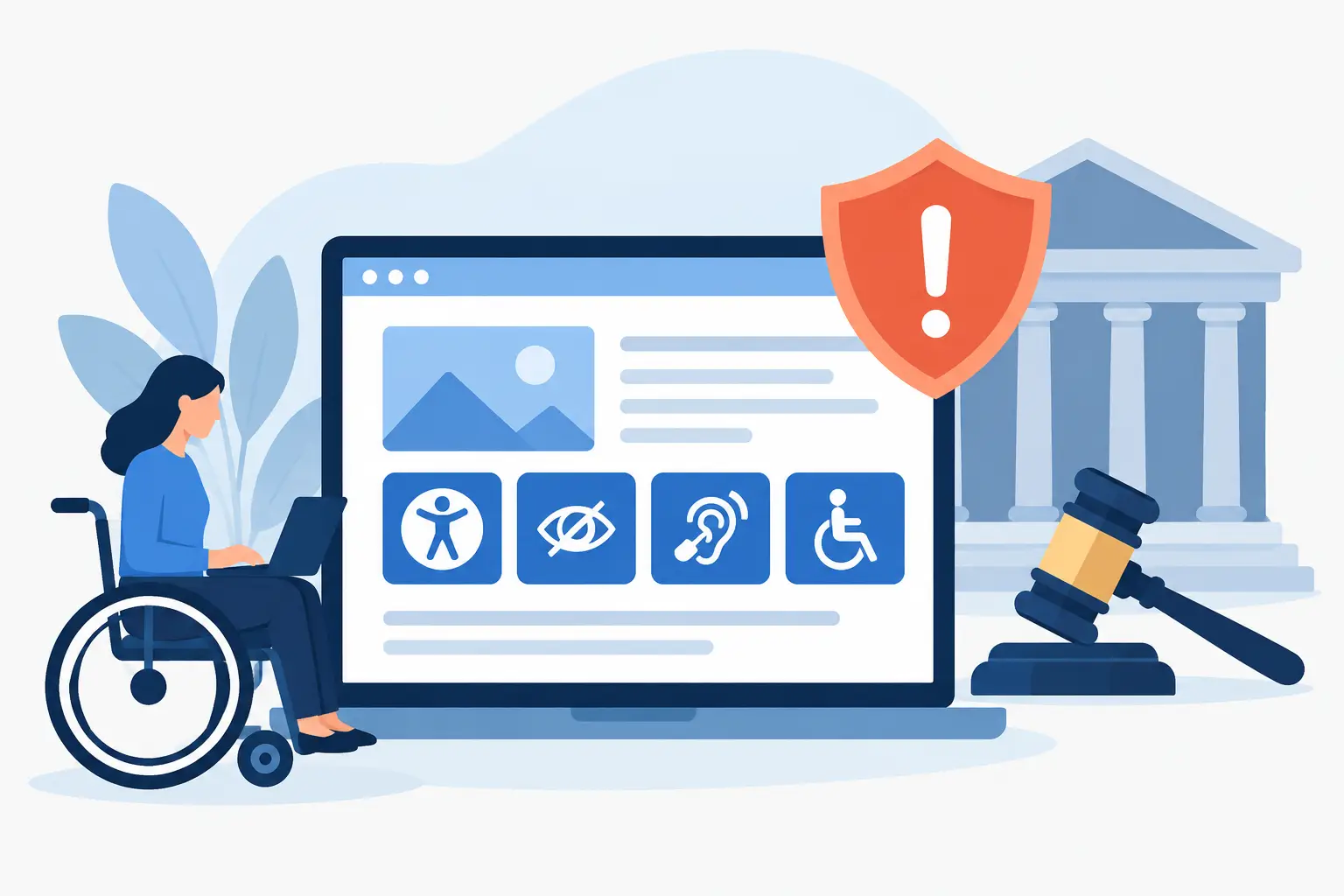
ADA Enforcement: What Puts Websites at Risk
A demand letter about an inaccessible website rarely arrives because a business intended to exclude anyone. It arrives because an ADA enforcement risk was left unmanaged: an unlabeled form field, a menu that cannot be used by keyboard, a PDF that screen readers cannot interpret, or a checkout process that breaks under assistive technology.
For WordPress site owners, agencies, public entities, and educational institutions, accessibility cannot be treated as a one-time redesign task. Websites change constantly. New pages, documents, plugins, themes, forms, and media can introduce barriers long after an initial audit is complete. A defensible accessibility process requires ongoing standards-based testing, documented remediation, and controls that prevent known errors from reaching published content.
How ADA Enforcement Affects Website Owners
The Americans with Disabilities Act does not provide a single technical checklist for every website. But courts, plaintiffs’ attorneys, government agencies, and accessibility professionals often look to the Web Content Accessibility Guidelines, or WCAG, when evaluating whether digital content is accessible. WCAG 2.1 Level AA has become a common benchmark, while WCAG 2.2 adds requirements that many organizations are beginning to incorporate into their accessibility programs.
Enforcement can take several forms. A private plaintiff may file a lawsuit or send a pre-suit demand letter. The Department of Justice may investigate alleged discrimination under the ADA. State laws can add separate exposure, particularly for organizations serving customers in states with active accessibility litigation. Government agencies, schools, and contractors may also face Section 508 obligations, procurement requirements, or internal policy violations.
The cost is not limited to a settlement or legal defense. Teams may need to pause planned work, hire outside consultants, rebuild templates under deadline pressure, remediate large document libraries, and respond to requests for information. A site that lacks audit records and a repeatable remediation workflow has a harder time demonstrating that accessibility is being actively managed.
The Website Failures That Create Exposure
Many accessibility problems are ordinary publishing and development errors, not exotic technical defects. They become serious when they block a visitor from completing a task independently.
A visitor using a keyboard must be able to reach navigation, controls, dialogs, and forms in a logical order. A screen reader user needs meaningful page structure, descriptive links, labels for form inputs, and alternative text when images convey information. People with low vision may need sufficient color contrast, visible focus indicators, and the ability to resize content without losing functionality. Captions and transcripts matter when audio or video contains essential information.
Complex WordPress environments create additional risk because content does not live only in posts and pages. Accessibility issues can exist in theme templates, page-builder modules, widgets, navigation menus, custom post types, embedded forms, WooCommerce flows, pop-ups, downloadable PDFs, and linked documents. A homepage may pass a quick visual review while a required form or a linked policy PDF remains inaccessible.
Automated testing is especially valuable for recurring, machine-detectable issues such as missing alternative text, empty links, heading-order problems, duplicate IDs, missing form labels, and contrast failures. It does not replace manual accessibility testing. Automated tools cannot reliably determine whether alternative text is meaningful, whether a keyboard interaction is understandable, or whether content makes sense when read aloud. The practical answer is not choosing automation or manual review. It is using automated scanning to find and prioritize defects at scale, then applying human review where context and interaction matter.
What a Defensible Accessibility Program Looks Like
Organizations cannot guarantee that a website will never receive a complaint. They can reduce risk substantially by showing consistent, documented efforts to identify barriers, fix them, and prevent their recurrence.
Start by defining the standards that apply to your organization. For many commercial websites, WCAG 2.1 AA is a practical baseline. Federal agencies and many organizations working with government entities must also account for Section 508. If your organization is building for current and future requirements, include WCAG 2.2 in the testing plan rather than treating it as a later cleanup project.
Next, establish ownership. Someone must be accountable for reviewing scan results, assigning remediation tasks, verifying fixes, and maintaining records. On a smaller site, that may be a site administrator working with a developer. On a larger institution, responsibility may be shared across web governance, IT, content teams, procurement, and legal or risk management staff.
Your process should cover the full publishing lifecycle. Test existing content to establish a baseline, remediate high-impact barriers first, and scan new content before or immediately after publication. Review major theme, plugin, and template changes before deployment. For sites with downloadable documents, include PDFs and other files in the inventory rather than limiting the scope to HTML pages.
Documentation matters. Keep reports showing the issues found, dates of remediation, responsible parties, retest results, and unresolved items with planned timelines. This record supports internal governance and gives the organization concrete evidence of ongoing accessibility work if a complaint arises.
ADA Enforcement Readiness Is an Operational Issue
A common mistake is to treat accessibility as a legal statement in the footer. An accessibility statement can help visitors understand available support and provide a contact path for reporting barriers. It does not correct inaccessible content, and it does not substitute for testing.
The stronger approach is operational. Use recurring scans to detect regressions. Build accessibility checks into editorial workflows. Train authors on headings, links, alternative text, tables, and document uploads. Require developers to test keyboard access and semantic markup before releasing new components. When an issue is discovered, fix the underlying pattern instead of repeatedly correcting individual pages.
Agencies should apply the same discipline across client portfolios. A launch-time audit has value, but a client site can become noncompliant after the next marketing campaign, plugin update, or editor-created landing page. Offering scheduled audits, remediation reporting, and publishing controls turns accessibility from a one-off project into a managed service.
There are trade-offs. Scanning every linked page and document takes more time than reviewing a small group of primary pages, but narrow testing can miss the exact content a visitor needs. Blocking publication when known errors are present may slow an editorial team at first, but it reduces the cost of cleaning up avoidable defects later. The appropriate level of control depends on site size, content volume, regulatory exposure, and the critical tasks visitors must perform.
Building Accessibility Controls Into WordPress
WordPress makes frequent publishing easy, which is precisely why accessibility controls need to sit inside the publishing workflow. Teams need visibility into issues while they are still editing content, not weeks later in a spreadsheet disconnected from the page that created the error.
WP ADA Compliance Check is designed for that operational need. The plugin audits WordPress content against WCAG 2.1, WCAG 2.2, and Section 508 criteria, with coverage that can extend across published content, theme files, custom post types, widgets, menus, PDFs, and linked pages. Its reports identify specific issues and editing locations so site managers and developers can move from detection to remediation without manually searching through the site.
For organizations managing large volumes of content, automation also supports consistency. Defined error types can be corrected automatically, while detailed remediation guidance helps teams address issues that require editorial judgment or code changes. Publishing controls can stop known accessibility errors from becoming public content, and exported reports can support agency reporting, internal review, and compliance documentation.
No plugin can make a legal determination or replace knowledgeable manual testing. What the right tool can do is reduce blind spots, make recurring checks practical, and give responsible teams a clear remediation queue. That is the difference between hoping a website is accessible and actively managing the conditions that lead to ADA complaints.
Accessibility work is most effective before a letter, investigation, or lawsuit forces the issue. Treat each scan, fix, and publishing check as part of normal website governance, and your organization will be better prepared to serve visitors while reducing avoidable enforcement exposure.
Subscribe
Subscribe to receive daily Web Accessibility - Did you know? articles in your inbox.
