
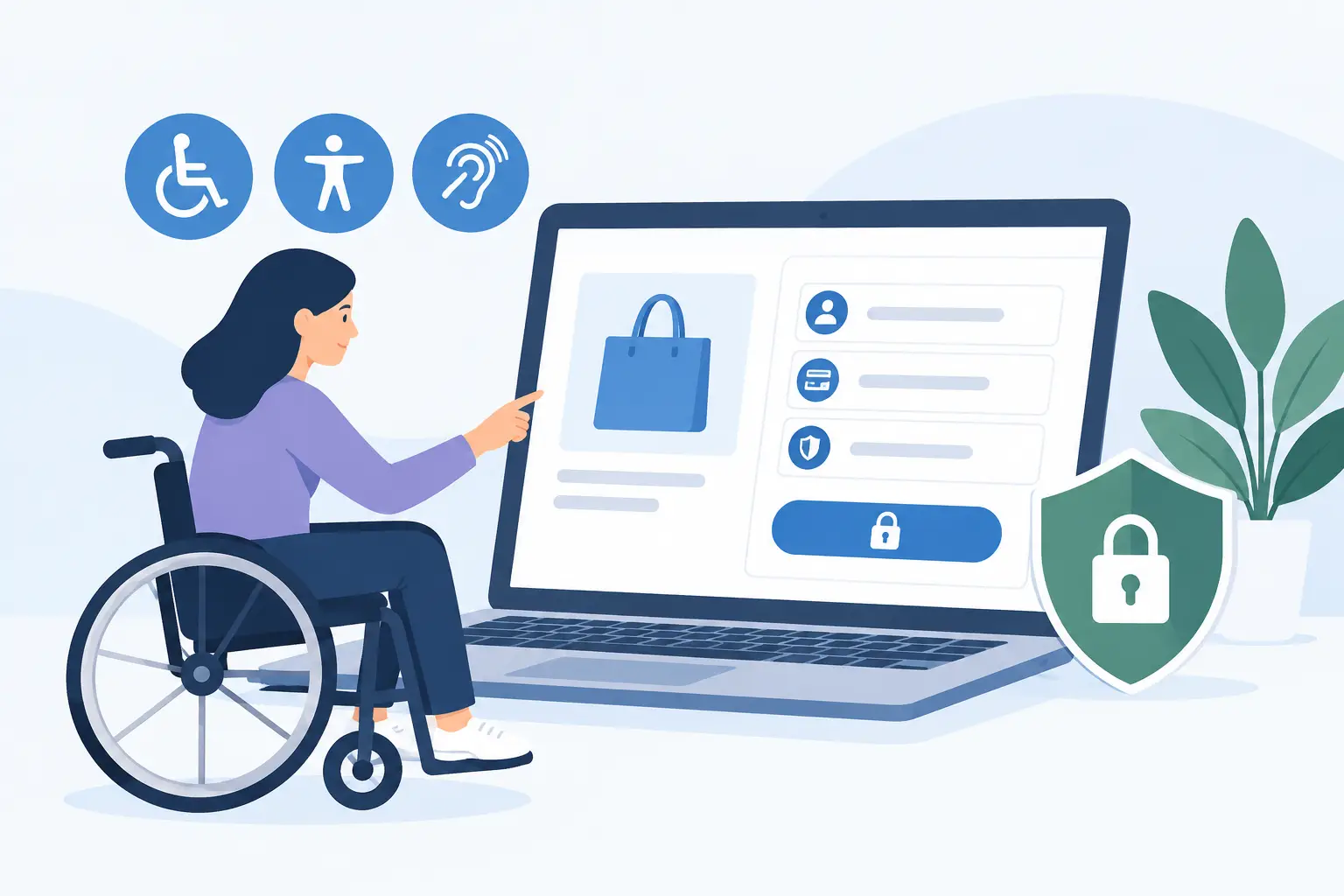
Ecommerce Accessibility Example for Safer Checkout
An ecommerce accessibility example is most useful when it examines the point where an inaccessible interaction costs both a customer and a sale: checkout. A shopper has added products, chosen a shipping method, and is ready to pay. Then the coupon field cannot be reached by keyboard, a required address field shows an error only in red, or the payment dialog traps focus. The transaction ends, and the business has created an avoidable barrier.
For organizations responsible for ADA readiness, this is not a minor design defect. Ecommerce sites are public-facing services. Their product pages, carts, account areas, checkout flows, and supporting documents need to work for people using keyboards, screen readers, magnification, voice input, and other assistive technologies. WCAG 2.1 and WCAG 2.2 provide the technical criteria used to evaluate whether that experience is accessible.
An Ecommerce Accessibility Example: The Broken Checkout
Consider a WordPress store selling school supplies to parents, teachers, and district purchasing teams. Its checkout page uses a custom theme, a third-party shipping-rate extension, and a payment provider’s embedded fields. On a visual review, the page appears polished. On an accessibility review, several failures become clear.
A keyboard user presses Tab from the cart button into the checkout form. Focus reaches the email field and then appears to disappear. It has actually moved to a promotional pop-up close button that is visually hidden off-screen. The user cannot tell where they are, cannot easily dismiss the overlay, and cannot continue reliably through the form.
A screen reader user reaches the shipping-method section. The choices are styled as cards, but the underlying controls lack clear labels and state information. The screen reader announces only “radio button” repeatedly, without identifying standard shipping, expedited shipping, or local pickup. Selecting an option updates the order total, but the change is not announced.
Finally, a shopper submits the form without entering an apartment number required by the shipping system. The page scrolls to the top, displays a red border around the field, and places a brief message beside it. Because the error is identified by color alone, and because focus remains on the submit button, a screen reader user may not know what failed or where to fix it.
Each issue blocks a different interaction. Together, they create a checkout flow that many customers cannot complete independently.
Why This Example Creates Compliance Risk
The ADA does not contain a checklist that names every HTML attribute or checkout component. However, WCAG is widely used as the technical benchmark for digital accessibility work, including ADA-related risk reduction. Many government, education, and enterprise procurement requirements also specify WCAG conformance, often at Level AA.
Checkout barriers are especially significant because they affect a core business function. A missing text alternative on a decorative image may still require remediation, but a form that cannot be completed prevents a customer from accessing goods or services. That can lead to customer complaints, abandoned carts, reputational damage, demand letters, and costly remediation performed under pressure.
The operational concern extends beyond one page. Ecommerce environments change constantly. Marketing teams add banners, product managers install extensions, staff upload product PDFs, and developers release theme updates. A site that passed a manual review six months ago can accumulate new failures quickly if accessibility is not built into the publishing and release process.
What the Audit Would Check
A proper ecommerce review should test real user paths, not just run a scan on the homepage. Automated testing is valuable for detecting repeatable code issues at scale, but it cannot determine whether every interaction makes sense to a person using assistive technology. The strongest process combines automated auditing with targeted manual verification.
Keyboard operation and visible focus
Every control in the cart and checkout must be available by keyboard alone. That includes quantity steppers, navigation menus, product filters, coupon controls, address autocomplete fields, shipping selectors, modals, and payment buttons.
Focus must also remain visible. A developer may remove browser focus outlines for aesthetic reasons, leaving keyboard users unable to identify their current position. Under WCAG 2.2, focus appearance and focus obscuration require particular attention. Sticky chat widgets, cookie notices, and promotional overlays can cover the focused element at the exact moment a user needs to see it.
Form labels, instructions, and error handling
Every checkout input needs a programmatically associated label. Placeholder text is not an adequate replacement because it often disappears once a shopper begins typing and may not be announced consistently.
Required fields should be identified in text, not only with an asterisk that has no explanation. When validation fails, the error needs to describe the problem and identify the field requiring attention. Moving focus to an error summary, then providing links or clear references to each invalid field, is often effective for longer checkout forms.
Color can support an error message, but it cannot be the only signal. “Please enter a valid ZIP code” communicates the issue. A red outline by itself does not.
Screen reader names, roles, and status changes
Custom ecommerce interfaces frequently fail because visual styling replaces native HTML behavior. A clickable shipping card may look like a radio button but be coded as a generic container. An icon-only remove button may have no accessible name. A cart total may change after a quantity update with no announcement to assistive technology.
Where native HTML controls meet the need, they are usually the safer option. When a custom component is necessary, its semantic role, accessible name, keyboard behavior, and state must be implemented correctly. Dynamic changes such as stock warnings, coupon results, shipping-price updates, and successful cart additions may need status messaging that a screen reader can announce.
Product content and supporting files
Accessibility does not stop when a shopper reaches checkout. Product images need useful alternative text when the image conveys information. Size charts, nutrition labels, assembly instructions, and warranty documents must be accessible as well. A linked PDF that cannot be read, searched, or navigated by assistive technology can still deny customers essential product information.
For ecommerce teams with large catalogs, the practical challenge is consistency. Individual editors should not need to remember every WCAG success criterion from memory before publishing a product update. They need clear issue detection, remediation guidance, and controls that identify problems before they reach customers.
Remediating the Checkout Problems
Start with the user path that produces revenue: product discovery, product detail, cart, checkout, order confirmation, account access, and customer support. Test each path with keyboard-only operation. Then verify key flows with a screen reader and at high zoom. Testing on mobile is also necessary when mobile templates or responsive controls differ from desktop behavior.
In the checkout example, the team would first correct focus order and restore a clearly visible focus indicator. The promotional pop-up should not receive unexpected focus, and it must have a labeled close button. If the modal opens, focus should move into it intentionally, remain usable within it, and return to the triggering control when closed.
Next, the shipping choices should use properly labeled native radio buttons where possible. The selected option and price should be available programmatically. If changing a shipping method updates the total, the new total should be announced without interrupting the user unnecessarily.
The validation workflow should provide an error summary after submission, place focus on that summary, and associate each error with its corresponding input. Instructions should be explicit, such as “Apartment or suite number is required for this address.” This gives customers a direct path to successful completion.
Make Accessibility Part of WordPress Publishing
Manual audits remain necessary, especially for checkout behavior and third-party integrations. But manual review alone is difficult to sustain across a WordPress ecommerce site with frequent product, content, and plugin changes. Automated WCAG auditing provides a repeatable control for finding known issues before they become production problems.
WP ADA Compliance Check is designed for that operational need. It scans WordPress content and site components for accessibility errors against WCAG 2.1, WCAG 2.2, and Section 508 requirements, while providing exact issue locations and remediation guidance. For teams managing catalogs, custom templates, menus, widgets, linked pages, and PDFs, that coverage makes accessibility work easier to assign, verify, and document.
The right remediation priority depends on the site. A small store may begin with checkout, contact forms, and product pages. A university bookstore or public-sector retailer may also need to address account portals, procurement documents, and accessibility requirements across multiple site sections. In either case, publish controls and recurring scans help prevent the same failures from returning.
A customer should not need specialized technical knowledge, perfect vision, or a mouse to buy from your store. Treat each failed checkout interaction as a measurable defect, fix it at the source, and make accessibility verification part of every WordPress release.
Subscribe
Subscribe to receive daily Web Accessibility - Did you know? articles in your inbox.
