
The Cost of ‘Click Here’: Fixing Ambiguous Link Text in WordPress
Why generic navigation text violates WCAG standards and how to restore contextual compliance.
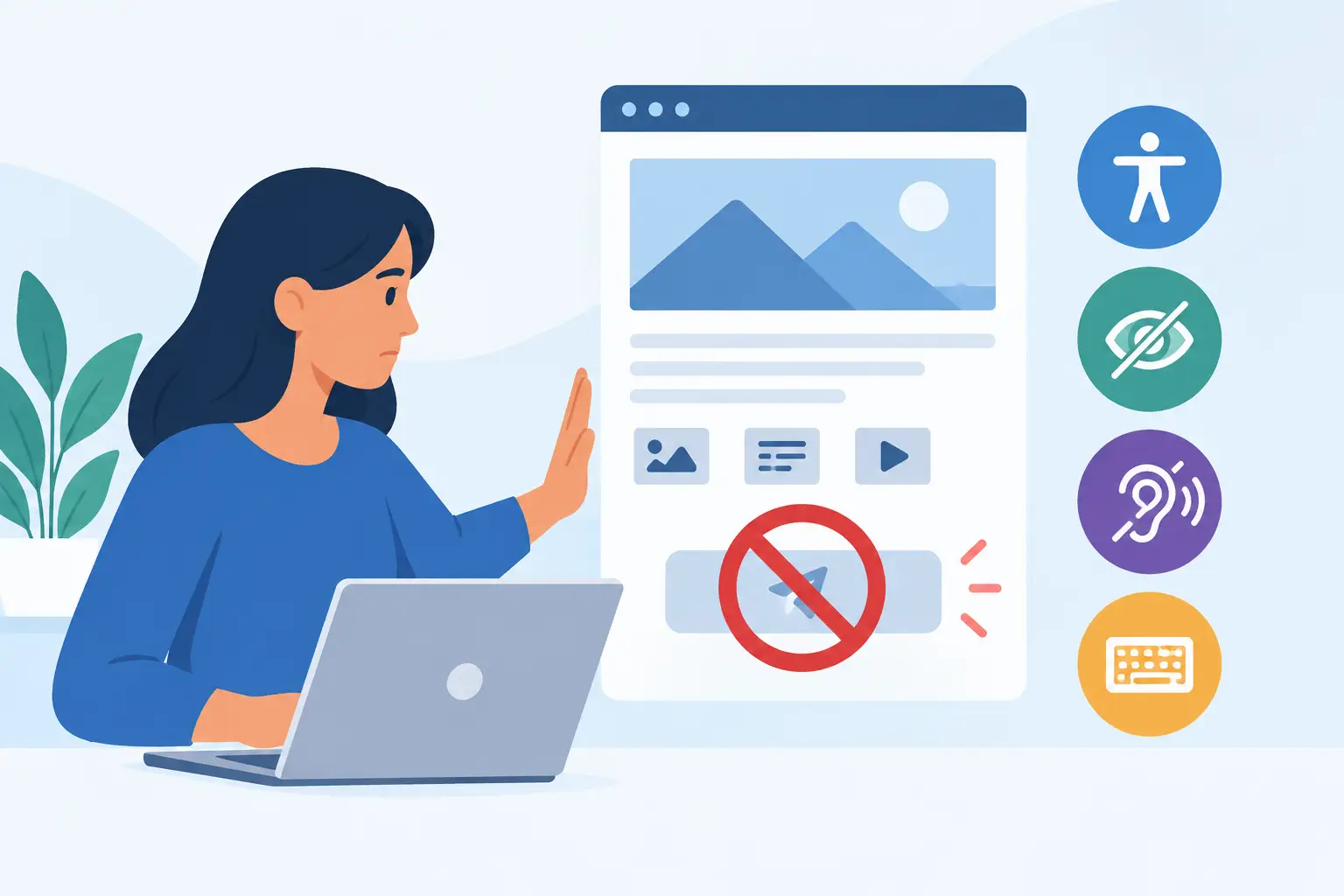
When scanning a webpage, sighted users quickly read surrounding text to understand where a button or hyperlink will take them. However, relying on phrases like “click here,” “read more,” “download,” or “learn more” creates massive barriers for users navigating with assistive technologies. While generic labels seem shorthand and functional, they represent one of the most common accessibility failures on modern websites.
The Accessibility Breakdown: Violating WCAG 2.4.4 & 2.4.9
Screen reader users frequently use shortcuts to pull up a “Links List” to navigate a page quickly. This tool strips away the surrounding body text, isolating the link content entirely. If your page contains five links that all read “click here,” a screen reader user will hear a repetitive, completely meaningless loop: “Link: click here. Link: click here. Link: click here.”
This design flaw directly violates WCAG Success Criterion 2.4.4 (Link Purpose – In Context) and the stricter Criterion 2.4.9 (Link Purpose – Link Only). These guidelines mandate that the specific purpose of each link must be clear from the link text alone, or from the immediately associated programmatically determined context, to prevent cognitive fatigue and navigational blind spots.
Are ambiguous anchor strings lurking in your archives?
Manually reviewing years of blog archives, theme files, and widget modules to spot non-descriptive link labels is a massive operational headache.
How it’s resolved: The WP ADA Compliance Check plugin automatically runs continuous checks across your dynamic content streams to identify empty headers and non-descriptive anchor elements. It flags text gaps automatically, prompting editors with precise alternatives or leveraging automated rules to correct un-descriptive phrases before they affect your audience.
Deploy WP ADA Compliance Check Pro to serve as your continuous editorial gatekeeper and protect your layout from legal risks.
The Compliant Alternative: Descriptive Action Elements
To establish safe navigation paths, you must replace abstract phrasing with text that explicitly states the target destination or action. Consider the following structural adjustments:
- Bad: “To read our latest research report, click here.”
- Good: “Read our Latest Q3 Corporate Research Report.”
- Bad: “We offer custom white-label accessibility tools. Learn more.”
- Good: “Explore our agency white-label compliance features.”
Leveraging ARIA Labels for Strict Layout Constraints
If a specific interface constraint forces your design to display a brief label (like a small “Read More” link under a grid item card), you must apply code properties to pass regulatory audits. Injecting an aria-label directly into the link container overrides the visible text for screen readers, providing necessary context behind the scenes:
<a href="report.pdf" aria-label="Download the full Q3 Accessibility Audit PDF">Download</a>
Subscribe
Subscribe to receive daily Web Accessibility - Did you know? articles in your inbox.
