
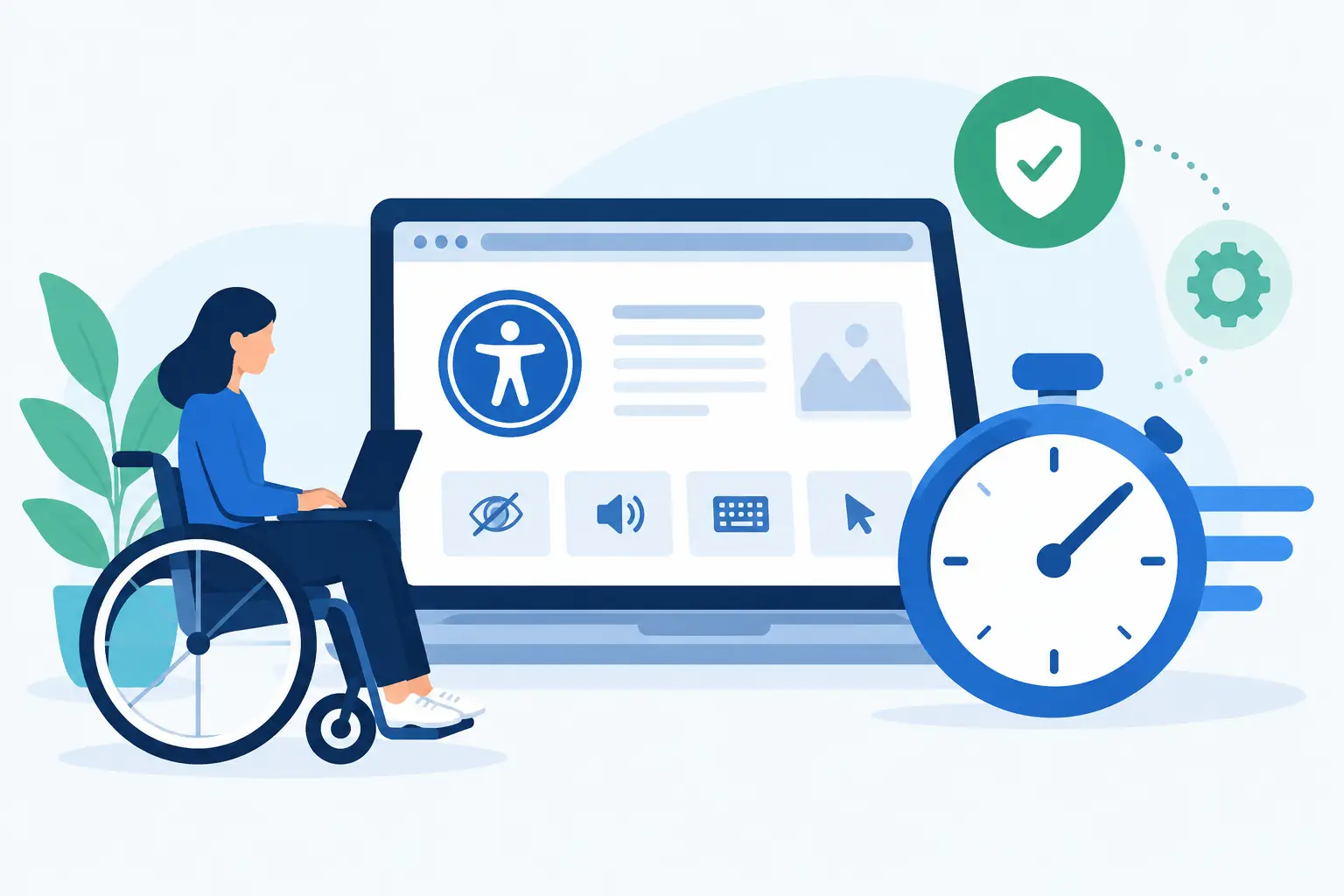
Time-Saving Features in WP ADA Compliance Check
A WordPress accessibility issue rarely stays contained to one page. A missing form label may appear across a template. An incorrect heading structure can be repeated through dozens of posts. A PDF uploaded years ago can still create a barrier for visitors and a compliance concern for the organization responsible for it. The time-saving features included in the WP ADA Compliance Check plugin are designed for this operational reality: find issues across the site, identify where they occur, and give teams a practical path to correction without relying on a separate manual audit for every update.
For agencies, schools, public entities, and businesses managing active WordPress sites, the goal is not simply to generate a score. The goal is to establish a repeatable accessibility workflow that supports WCAG 2.1, WCAG 2.2, and Section 508 requirements while reducing avoidable rework.
Full-site scanning reduces manual review time
Manual accessibility reviews have a necessary role, especially for keyboard operation, content clarity, and real user testing. They are also resource-intensive. Reviewing page source, templates, forms, navigation, and media one URL at a time is not a practical first step for a large or frequently updated site.
The plugin scans published WordPress content and evaluates more than standard pages and posts. Coverage can extend to custom post types, theme files, widgets, menus, linked pages, and PDFs, depending on the site and configured scan scope. That matters because accessibility failures often originate outside the editor. A navigation menu, a reusable widget, or a theme component can affect every visitor-facing page.
This broader scan coverage helps a team locate patterns before spending time on isolated fixes. If the same image alternative text problem occurs on 80 posts, the report makes the scale visible. If a template produces an empty heading or an invalid ARIA attribute, teams can correct the source rather than editing every affected page individually.
Exact issue locations shorten remediation cycles
A report that says a page has accessibility errors is not enough for a developer or content manager to act quickly. The useful question is where the issue appears, what standard it affects, and how to edit it.
WP ADA Compliance Check provides detailed remediation guidance and identifies the relevant code location or WordPress editing path. This reduces the back-and-forth that often slows compliance work. Content authors can address editor-level issues such as missing alternative text or heading order. Developers can focus on theme, template, or custom-code issues that require technical changes.
This distinction is especially useful for agencies managing multiple client sites. Rather than translating raw audit results into a separate ticketing document, the team can use findings that are already tied to the WordPress environment. The result is clearer ownership: editorial issues go to content teams, structural issues go to developers, and higher-risk items can be prioritized by compliance staff.
Automated corrections handle selected recurring errors
Not every accessibility problem can be safely repaired by software. Context matters for meaningful image descriptions, accurate link purpose, reading order, and many interactive controls. A plugin should not encourage teams to assume that automated correction equals complete legal compliance.
However, defined error types can be corrected automatically, which removes repetitive work from the remediation queue. This is most valuable when a site has recurring technical issues that can be addressed consistently without requiring a person to edit hundreds of instances.
The practical benefit is triage. Automatic corrections can reduce the volume of lower-level items that need manual attention, allowing experienced staff to concentrate on issues requiring judgment. Teams should still review results after major theme changes, plugin updates, migrations, and new content launches. Automation accelerates the process; it does not replace governance.
Publishing controls prevent new accessibility debt
The fastest remediation task is the one that never enters production. A site may complete an accessibility cleanup, only to accumulate the same problems again as new staff members publish articles, landing pages, documents, and promotional content.
Publishing controls help turn accessibility from a periodic project into part of normal WordPress governance. When configured to flag or block content with identified errors before publication, the plugin gives authors an opportunity to resolve issues while the content is still being created. This is generally faster than discovering the problem during a later site-wide audit, when the original author may no longer remember the intent behind the content.
For organizations with decentralized publishing, this control is particularly valuable. A university department, government office, or multi-location business may have many people adding content with different levels of technical knowledge. Clear alerts within the publishing workflow create a consistent baseline without requiring every contributor to become a WCAG specialist.
Scheduled scans support continuous compliance work
Accessibility status changes whenever a site changes. New content, a redesigned page template, an updated form plugin, or a revised navigation structure can introduce errors after a previous audit has been completed.
Scheduled scanning saves teams from relying on someone to remember a recurring review date. Regular automated checks can identify new findings and help administrators monitor whether remediation efforts are reducing the issue count over time. For an agency, this also creates a more manageable maintenance process across client accounts. For an internal web team, it provides ongoing visibility without rebuilding the audit process every quarter.
The correct frequency depends on publishing volume and site complexity. A news-heavy or multi-editor website may need more frequent scans than a small informational site that changes only occasionally. High-change environments should also scan after major releases, even if a scheduled scan is already planned.
Reports make prioritization and accountability easier
Large accessibility reports can overwhelm teams when every issue appears equally urgent. Compliance work needs prioritization based on user impact, affected page volume, technical dependencies, and the organization’s risk profile.
The plugin’s reporting and export capabilities help teams convert scan findings into an organized remediation plan. Reports can support internal review, developer assignments, client communication, and documentation of ongoing accessibility efforts. Agencies may also use white-label reporting where appropriate to provide clients with a professional, branded view of identified issues and completed work.
Reporting does not prove that a website is fully compliant, and no automated tool can make that guarantee. What it does provide is evidence of a disciplined process: scans were performed, findings were documented, priority issues were addressed, and the site continues to be monitored. That process is operationally useful and far more defensible than waiting for a complaint to reveal a barrier.
Time-saving features in WP ADA Compliance Check work best with clear roles
The most effective implementation combines automation with defined responsibilities. An administrator should own scan settings and reporting. Content staff should know how to resolve common editor-level errors before publishing. Developers should have a process for fixing theme and custom-code findings. Compliance leaders should decide how issues are prioritized, documented, and verified.
This division of work prevents a common failure point: sending every accessibility finding to one overloaded technical person. Many issues can be resolved by the people who created the content, while development resources are reserved for failures that require code changes or design decisions.
It also helps to establish a review standard for changes the plugin cannot fully evaluate. Keyboard testing, visible focus behavior, meaningful alternative text, caption accuracy, understandable error messages, and the usability of complex interactive components still require human review. Automated scanning is a powerful first line of defense, but accessibility is ultimately measured by whether people can use the site.
A WordPress accessibility program becomes more manageable when scanning, correction, reporting, and publishing safeguards are built into the same workflow where content is created. Use the time saved by automation to review the issues that require judgment, test critical user paths, and keep accessibility from becoming another deferred maintenance problem.
Subscribe
Subscribe to receive daily Web Accessibility - Did you know? articles in your inbox.
