
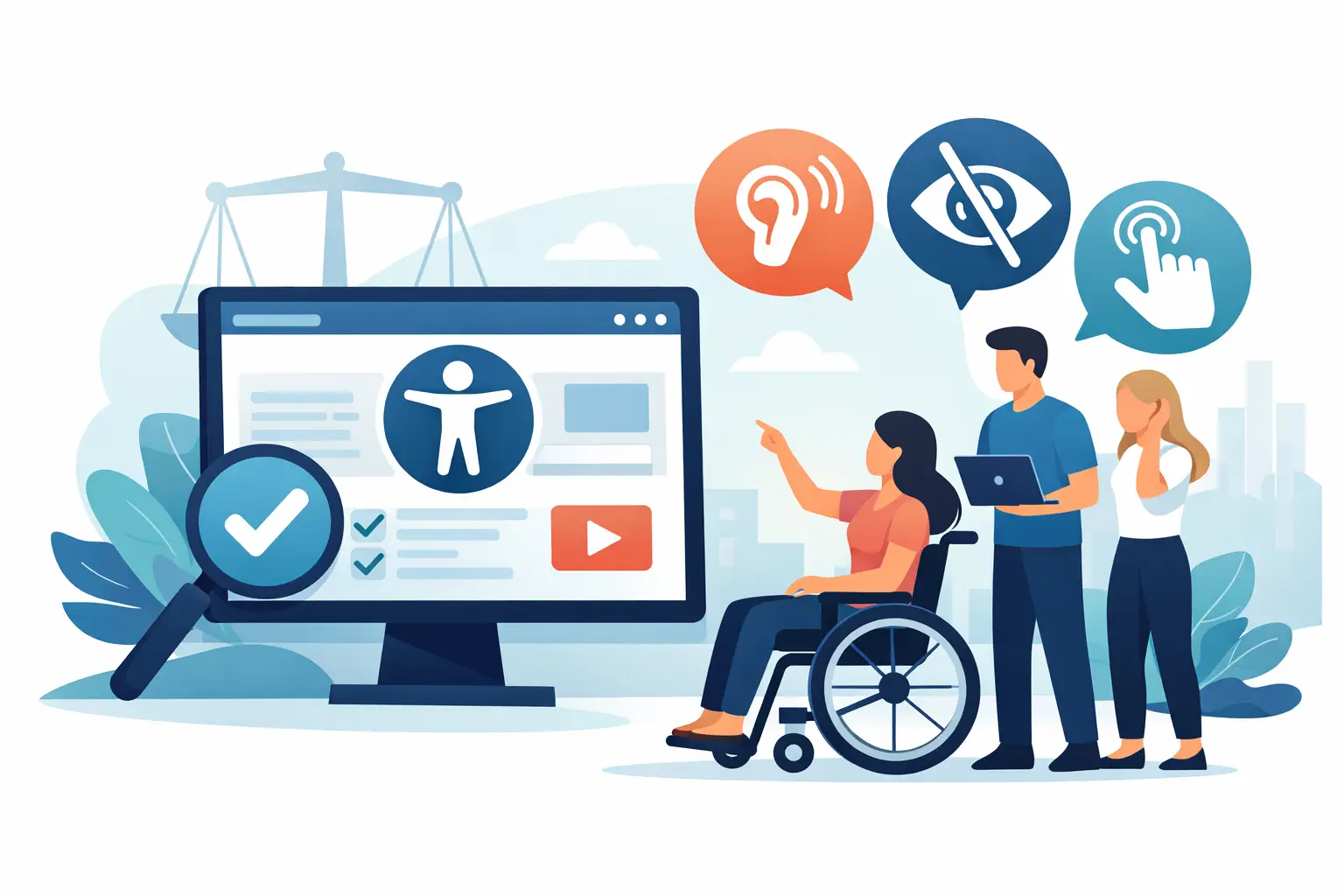
What Does ADA Website Compliance Mean for You?
A customer cannot complete checkout with a keyboard. A prospective student cannot read an admissions PDF with a screen reader. A resident cannot submit an online permit application because the form errors are communicated only by color. These are not minor user-experience defects. They are accessibility barriers that can prevent people with disabilities from using services, obtaining information, or participating in public programs.
So, what does ADA website compliance mean? In practical terms, it means operating a website that people with disabilities can use effectively and that is aligned with the accessibility obligations that may apply to your organization. For most website teams, that work is measured against the Web Content Accessibility Guidelines, commonly called WCAG.
ADA Website Compliance Is More Than a Legal Label
The Americans with Disabilities Act prohibits disability discrimination in areas of public life. For websites, the relevant provisions usually depend on the organization.
Title II applies to state and local government entities. In 2024, the Department of Justice issued a final rule requiring covered public entities to make web content and mobile applications conform to WCAG 2.1 Level AA, subject to limited exceptions. For many entities serving populations of 50,000 or more, the compliance deadline is April 24, 2026. Smaller entities and special district governments generally have until April 24, 2027.
Title III applies to places of public accommodation, including many businesses open to the public. The ADA does not contain a single, universal technical checklist specifically written for every private business website. However, the Department of Justice has consistently taken the position that the ADA applies to web accessibility in appropriate circumstances, and private businesses continue to face demand letters, litigation, and settlement requirements related to inaccessible digital services.
That is why “ADA compliant” should not be treated as a badge a website earns once and keeps forever. It is an ongoing operational practice: identify barriers, remediate them, prevent new barriers from being published, and maintain evidence of the work.
What Standards Define ADA Website Compliance?
WCAG is the technical framework most commonly used to evaluate website accessibility. It is organized around four principles: content must be perceivable, operable, understandable, and robust enough to work with assistive technologies.
For example, perceivable content includes text alternatives for meaningful images, captions for prerecorded video, sufficient color contrast, and documents that can be read by assistive technology. Operable content requires keyboard access, visible focus indicators, logical navigation, and enough time for users to complete tasks. Understandable content includes properly labeled forms, clear error feedback, and predictable interactions. Technical compatibility depends on valid semantic structure, correctly associated labels, and code that works with screen readers and other tools.
The usual target is WCAG Level AA. Level A addresses fundamental barriers, while AA covers many additional requirements that affect practical usability, such as color contrast and visible keyboard focus. Level AAA is more demanding and can be valuable in specific contexts, but it is not a realistic universal requirement for most sites.
WCAG 2.1 Level AA is specifically required by the DOJ’s Title II rule. Many organizations also assess against WCAG 2.2 because it adds criteria addressing focus visibility, target sizes, drag interactions, and accessible authentication. A site can follow WCAG 2.2 practices while still documenting its compliance position against the version required by a particular contract, policy, or regulation.
What Compliance Looks Like on a Real WordPress Site
A compliant website is not defined only by its homepage or a clean accessibility statement. Every path a visitor may need to use matters: navigation, search, forms, product pages, event registration, embedded content, downloadable documents, and custom templates.
On WordPress, common barriers often come from routine publishing decisions as much as custom code. An editor may upload an image without meaningful alternative text, select low-contrast brand colors, skip heading levels, or attach an untagged PDF. A developer may introduce a modal that traps keyboard focus, a menu that does not announce its expanded state, or form validation that gives no programmatic error message.
Theme files, page builders, plugins, widgets, menus, custom post types, and third-party integrations all expand the scope. A site may have accessible blog posts while its donation form, appointment scheduler, map, chat tool, or account portal remains unusable. That distinction matters because users experience the complete transaction, not the portion your team directly controls.
Automated Testing Finds Repeatable Problems
Automated scanning is essential for managing a large WordPress environment. It can identify many detectable issues quickly, including missing alternative text, empty links, duplicate IDs, missing form labels, structural heading errors, certain contrast failures, and improper use of ARIA attributes.
The value is not just a count of errors. A useful audit identifies the affected page, the relevant code or content element, the applicable WCAG criterion, and a practical path to remediation. For a team responsible for hundreds or thousands of pages, this turns accessibility from an open-ended concern into a prioritized work queue.
WP ADA Compliance Check is built around that workflow. It scans published content and broader WordPress site components, provides remediation guidance, and can automatically correct a defined set of error types. Publishing controls can also help prevent known issues from moving from draft to live content.
Automated Testing Does Not Prove Full Compliance
Automation has limits. A scanner can detect that an image has alternative text, but it cannot always determine whether “image123” communicates the purpose of a chart or a product photo. It can identify a form field without a label, but it cannot reliably judge whether a label is understandable. It also cannot fully evaluate keyboard behavior, screen-reader announcements, reading order, or whether an embedded application supports a critical task.
Manual testing remains necessary, particularly for high-value user journeys. Test the site with a keyboard only. Verify that focus moves in a visible, logical order and that no controls are unreachable. Use a screen reader to review navigation, forms, status messages, and modal dialogs. Ask people with disabilities to test complex workflows when possible. Their feedback often reveals obstacles that a standards-only review can miss.
A Practical ADA Compliance Process
The right process depends on site size, organizational risk, and how often content changes. A small service business may begin with its highest-traffic pages, contact forms, booking process, and legal documents. A university, agency, or government department needs governance that reaches decentralized editors, departmental subsites, and a large document inventory.
Start by establishing the standard your organization will use, typically WCAG 2.1 AA or WCAG 2.2 AA. Then inventory the public-facing content and critical tasks that need review. Include PDFs, downloadable forms, videos, embedded tools, and authenticated areas where applicable.
Next, run a sitewide automated audit and triage findings by severity and user impact. Fix issues that block task completion first: keyboard traps, inaccessible forms, inaccessible menus, missing error identification, and documents required for a service. Address recurring template-level problems before making the same correction page by page.
After remediation, conduct manual validation of core workflows. Keep records of scans, fixes, testing notes, content policies, training, and vendor communications. Documentation does not replace accessibility, but it demonstrates that accessibility is actively managed rather than ignored.
Finally, make accessibility part of publishing. Require meaningful alt text, enforce heading structure, provide accessible document templates, review new plugins before deployment, and scan regularly after theme or plugin updates. Accessibility failures frequently reappear when a new campaign, redesign, or integration bypasses established checks.
Common Misunderstandings That Create Risk
An accessibility widget or toolbar may offer useful visitor controls, but it does not repair inaccessible source code, retroactively make a PDF tagged, or guarantee legal compliance. The same is true of an accessibility statement. A statement can explain your commitment and provide a contact method, but it cannot substitute for an accessible website.
Another misunderstanding is that a passing automated scan means there are no barriers. It means the scanner did not detect particular machine-testable failures. Treat the report as evidence for targeted remediation, not as a legal certification.
It also depends on your organization whether every legacy item needs the same remediation timeline. Public entities operating under the Title II rule must assess the rule’s defined scope, exceptions, and deadlines carefully. Private organizations should consider the role of each asset, user demand, contractual requirements, and legal exposure. A clear prioritization process is more defensible than leaving inaccessible content online without review.
Accessibility is most manageable when it is handled as a continuing quality-control requirement inside WordPress. Every corrected form, readable document, and keyboard-accessible interaction removes a barrier for a real person – while giving your organization a clearer, more controlled path toward ADA readiness.
Subscribe
Subscribe to receive daily Web Accessibility - Did you know? articles in your inbox.
