
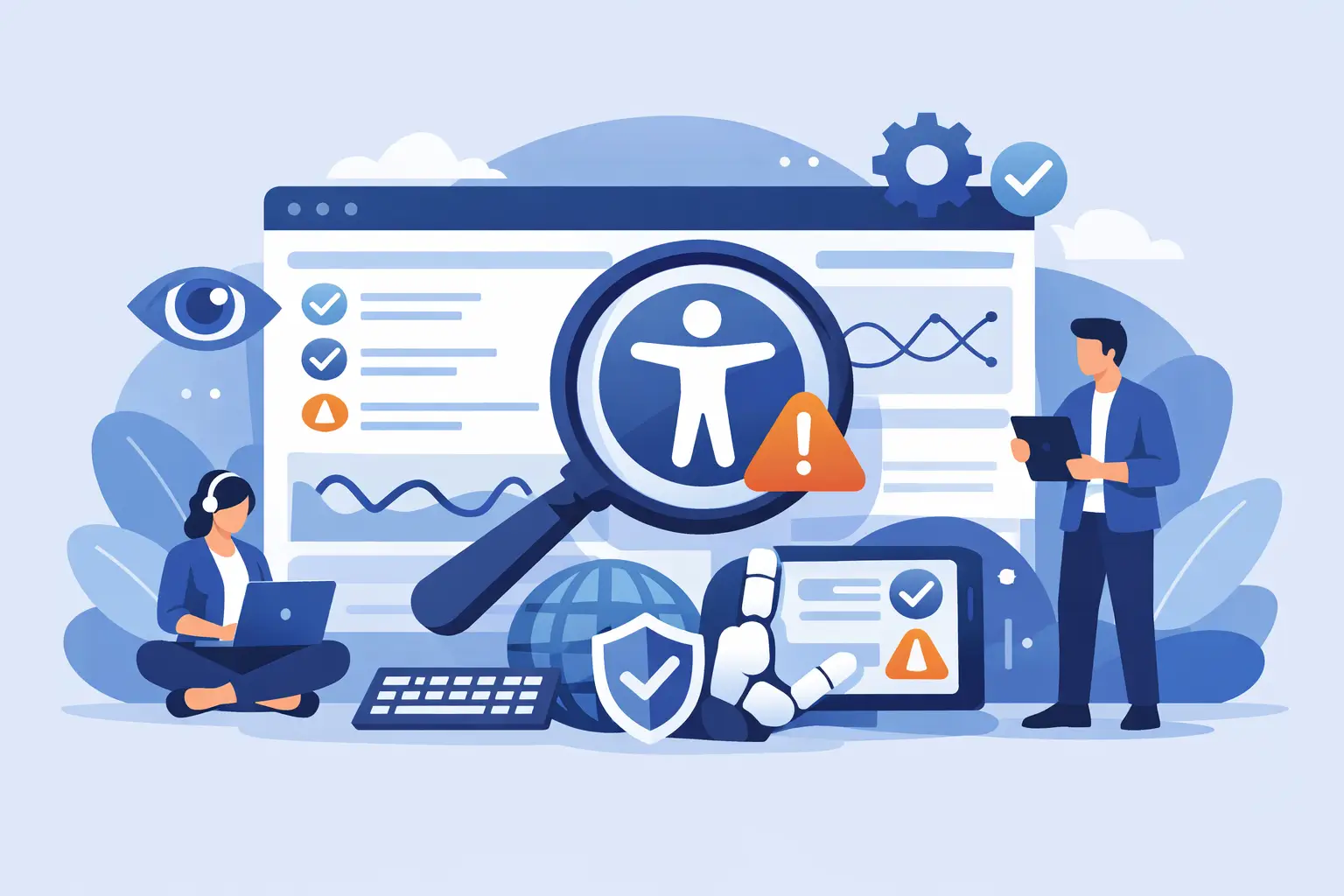
Recurring Accessibility Monitoring Software
A site can pass an accessibility review on Monday and fail it by Friday. A new plugin update changes navigation markup, a department uploads an untagged PDF, or a content editor pastes a table that makes sense visually but breaks for screen reader users. That is why recurring accessibility monitoring software matters. Accessibility is not a one-time project. It is an ongoing operational requirement tied to WCAG conformance, publishing quality, and legal risk.
For WordPress teams, that ongoing requirement is harder than it sounds. Sites change constantly. New pages are published, themes are updated, widgets are swapped, and custom post types expand over time. A manual audit can identify issues at a point in time, but it cannot keep pace with an active website. If your organization is responsible for ADA readiness, Section 508 obligations, or internal digital accessibility standards, recurring monitoring is what turns accessibility from a periodic scramble into a controlled process.
What recurring accessibility monitoring software actually does
At a basic level, recurring accessibility monitoring software scans a website on a schedule instead of waiting for a manual review. The schedule may be daily, weekly, or tied to publishing activity. The software checks pages, templates, and supporting assets for accessibility errors and flags problems that need remediation.
The useful distinction is not simply automation. It is continuity. A one-time scanner tells you what is wrong now. A recurring system shows what changed, what regressed, what remains unresolved, and where your workflow keeps producing the same class of issue. For a compliance manager or site administrator, that history matters because it helps separate isolated mistakes from structural problems.
The strongest tools do more than count errors. They map issues to specific content, identify code locations, classify findings by standard, and help teams assign fixes. In WordPress, that often means tracing an issue back to a page editor, a theme file, a widget area, a menu item, or a PDF in the media library. Without that level of detail, alerts become noise instead of action.
Why one-time audits are not enough
A one-time audit still has value. It establishes a baseline and often uncovers high-risk defects quickly. But websites do not stay still, and accessibility failures rarely come from a single source.
Content editors can introduce missing alternative text, empty links, skipped headings, or low-contrast text during routine publishing. Developers can deploy code changes that alter keyboard behavior or form labeling. Third-party tools can inject inaccessible interfaces after launch. Even well-managed sites see drift over time.
This is where recurring accessibility monitoring software earns its place. It reduces the gap between issue introduction and issue detection. That gap matters because unresolved barriers affect real users immediately, and delayed detection increases remediation cost. Fixing a heading structure problem on one newly published article is simple. Fixing the same issue after it has spread across hundreds of pages through a reusable block or template is not.
There is also a governance reason to monitor continuously. Many organizations need evidence that accessibility controls are active, not just promised. Scheduled scans, archived reports, remediation logs, and consistent standards-based checks create a stronger compliance posture than occasional informal reviews.
What to look for in recurring accessibility monitoring software
Coverage is the first requirement. If the software only scans a small sample of public pages, it may miss the parts of a WordPress site that create the most risk. A serious platform should evaluate not just posts and pages, but also theme files, custom post types, navigation menus, widgets, linked documents, and other site elements that affect user access.
Standards alignment is just as important. The software should check against current WCAG requirements relevant to your organization, commonly WCAG 2.1 and WCAG 2.2, and where applicable Section 508. Broad claims about being “accessible” are not enough. Buyers need to know what standards are being tested and how findings are categorized.
Reporting quality often separates useful software from software that creates extra work. Compliance teams do not need vague warnings. They need exact issue descriptions, page-level context, code references where possible, severity guidance, and practical remediation direction. For agencies and multi-stakeholder organizations, exportable reports and white-label reporting can also matter because accessibility findings often need to move across departments or clients.
Publishing controls deserve close attention. In many WordPress environments, the best way to reduce accessibility regressions is to stop preventable issues before they go live. Some tools can warn editors during publishing or block publication when defined accessibility conditions are not met. That is a stronger control than relying only on after-the-fact reports.
Automatic correction can also be valuable, but it needs to be understood correctly. Some errors can be fixed safely through automation. Many cannot. If a vendor overstates what auto-remediation can do, that is a warning sign. Good recurring accessibility monitoring software helps automate what is automatable and gives clear guidance for the issues that still require human judgment.
Recurring accessibility monitoring software for WordPress teams
WordPress presents a specific accessibility challenge because it distributes responsibility across administrators, editors, developers, plugins, and themes. A compliance failure may come from editorial behavior, code decisions, or third-party components. That means WordPress teams need software built for the platform’s real architecture, not generic scanning alone.
A practical WordPress solution should understand how content is created and maintained inside the CMS. It should identify issues in published content, but also in reusable templates, theme structures, media assets, and dynamic elements that may appear across large parts of a site. If a menu pattern or theme component is inaccessible, the fix is not on one page. The fix is in the source used everywhere.
This is why many organizations prefer a WordPress-native checker instead of relying exclusively on external scans. Native tooling can fit into editorial workflows, give more precise remediation paths, and support ongoing governance where accessibility is part of normal publishing operations. For example, WP ADA Compliance Check is built around that WordPress-specific workflow problem, combining automated scanning, remediation detail, and content control features that support ongoing compliance management rather than one-off review.
Trade-offs buyers should evaluate
Not every organization needs the same monitoring cadence. A small business website updated monthly may not need the same scan frequency as a university, municipal department, or agency managing dozens of active properties. More frequent monitoring improves visibility, but it also produces more findings to review. The right setup depends on publishing volume, site complexity, and internal capacity to remediate.
There is also a trade-off between breadth and simplicity. A lightweight scanner may be easy to understand, but if it checks too few conditions or ignores key site areas, it can create false confidence. On the other hand, a tool with extensive coverage and detailed reporting may require stronger internal process discipline. For institutional buyers, that is usually a worthwhile trade. For very small teams, ease of adoption may carry more weight.
Another practical issue is false positives and issue prioritization. Automated accessibility testing is powerful, but it is not a full substitute for human review. Some issues require judgment about meaning, context, and usability. The best software helps teams triage findings intelligently instead of treating every flag as equal. If reporting does not distinguish probable defects from items needing manual review, staff time gets wasted.
How recurring monitoring supports compliance operations
The real benefit of recurring monitoring is operational control. It gives organizations a repeatable way to detect problems, assign fixes, verify remediation, and document progress over time. That is useful for legal preparedness, but it is just as useful for day-to-day site management.
For agencies, recurring monitoring helps maintain standards across multiple client sites without relying on ad hoc spot checks. For higher education and government, it supports decentralized publishing environments where many contributors can introduce accessibility problems. For businesses with lean teams, it reduces the need for constant manual inspection by surfacing issues where they occur.
It also changes the internal conversation. Accessibility stops being a periodic emergency and becomes a managed quality process. Teams can see whether error counts are rising or falling, which content types create the most problems, and whether workflow controls are working. That visibility is what allows continuous improvement.
Choosing software that will still work six months from now
If you are evaluating recurring accessibility monitoring software, ask a simple question: will this tool still be useful after the initial cleanup is done? Many products look helpful during the first scan because any scanner can find obvious issues on a neglected site. The better test is what happens after the first remediation cycle.
You want software that keeps pace with content updates, supports changing standards, and remains practical for the people who actually maintain the site. That means reliable scheduling, detailed reports, meaningful coverage, and enough workflow integration to prevent repeat errors. It also means choosing a system that respects the limits of automation and gives your team a realistic path to ongoing compliance work.
Accessibility monitoring should not exist as a separate compliance ritual disconnected from publishing. It should function as part of how your WordPress site is maintained every week. When the software supports that standard of control, recurring monitoring stops feeling like overhead and starts acting like what it is – a necessary part of responsible digital operations.
The most effective accessibility programs are not built on a single audit. They are built on consistent attention, documented checks, and tools that make the next fix easier than the last.
Subscribe
Subscribe to receive daily Web Accessibility - Did you know? articles in your inbox.
