An Agency Accessibility Workflow Case Study
A WordPress agency can deliver a polished website on schedule and still leave its client exposed to accessibility complaints, remediation costs, and preventable legal risk. This agency accessibility workflow case study follows a representative agency team that replaced end-of-project accessibility reviews with a repeatable process built into development, content publishing, and ongoing maintenance.
The agency manages websites for regional businesses, public-facing organizations, and education clients. Its team had capable developers and a dependable QA process, but accessibility work was inconsistent. One project received a manual review near launch; another relied on a content editor to remember image alternative text; a third was audited only after a client raised a concern.
That approach did not scale. The agency needed a process that could identify WCAG issues across complex WordPress environments, assign remediation work to the right person, and reduce the likelihood that resolved issues would reappear in the next content update.
The workflow problem was not a lack of intent
The agency’s previous model treated accessibility as a final checkpoint. A developer would test key templates shortly before launch, while an account manager asked the client to review content. This caught obvious problems, such as missing form labels or poor color contrast, but it did not provide adequate coverage for the whole site.
WordPress made the gap more pronounced. A site may contain content in pages, posts, custom post types, widget areas, menus, reusable blocks, theme templates, PDFs, and linked documents. A homepage can appear acceptable while older landing pages, event archives, downloadable files, and mobile navigation contain barriers for keyboard and screen reader users.
The agency also faced an ownership problem. Developers could repair invalid markup and keyboard traps. Content teams controlled headings, alternative text, link language, and PDF uploads. Clients controlled last-minute publishing decisions. Without defined controls, accessibility issues moved between teams until they became urgent.
Agency accessibility workflow case study: the new model
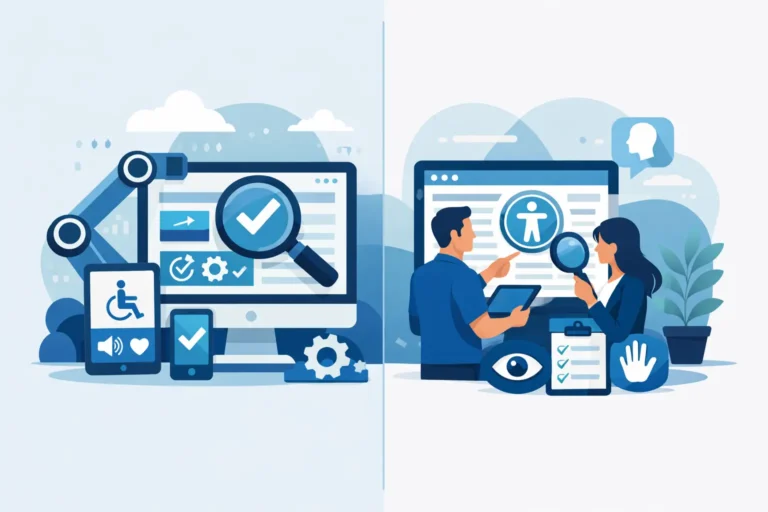
The agency established a four-part workflow: baseline audit, prioritized remediation, publishing prevention, and recurring verification. The objective was not to claim that an automated scan alone certifies legal compliance. Automated testing is highly effective for identifying many detectable errors and maintaining consistency, while manual review remains necessary for issues requiring human judgment, including meaningful alternative text, logical reading order, and whether instructions are understandable.
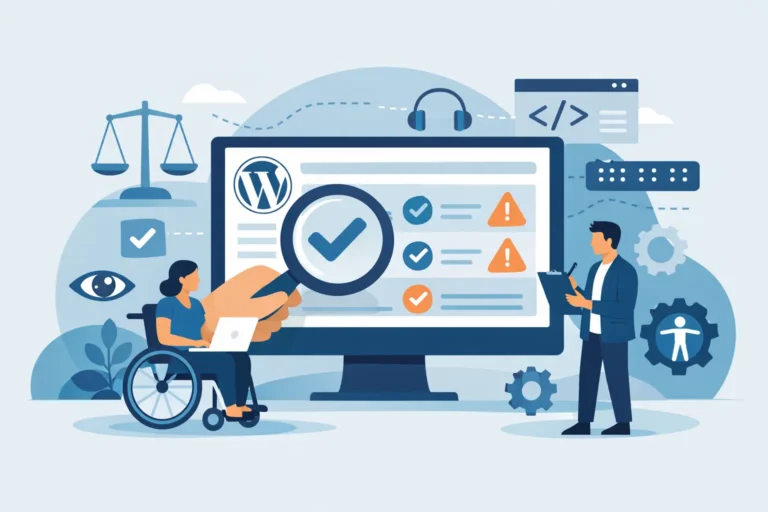
The team selected a WordPress-native auditing tool that could scan published content and broader site components, then report the exact location of each issue and provide remediation guidance. WP ADA Compliance Check fit the workflow because it evaluates WordPress content alongside theme files, custom post types, widgets, menus, PDFs, and linked pages. That scope mattered more than a simple page-level scan because the agency was responsible for maintaining entire client websites, not only the pages included in a launch checklist.
Step 1: Establish a documented baseline
Before changing code, the agency ran a full scan and exported the findings into a project record. It organized issues by severity, affected URL or component, WCAG success criterion, likely owner, and deadline. The report separated recurring template-level errors from isolated content errors.
That distinction changed the remediation effort. If 60 pages had an empty link caused by one card component, the developer repaired the component once rather than asking content staff to update 60 pages. If 40 images lacked alternative text because editors had skipped a field, the agency created content guidance and publishing controls rather than treating each image as an unrelated defect.
The baseline also gave account managers a more accurate client conversation. Instead of promising that a site was “ADA compliant” after a quick check, they could explain what had been found, what could be corrected immediately, what required editorial decisions, and what ongoing monitoring would cover. This is more defensible than broad compliance claims, particularly for clients subject to Section 508 requirements or contractual WCAG obligations.
Step 2: Route fixes by source, not by symptom
The agency created three remediation lanes. Development handled theme, plugin, template, and interactive-component defects. Content specialists addressed editorial issues in WordPress. The client reviewed items where context and business intent were necessary, such as alternative text for specialized images, captions for legacy media, and accessible replacement documents.
For development work, the team prioritized failures that affected core user tasks. Forms, menus, search, checkout paths, appointment requests, and document access came first. A missing programmatic label on a required form control carries greater operational risk than a minor issue on an archived news article, though both require remediation.
For editorial work, the agency did not simply send a spreadsheet of errors to the client. It provided clear paths to the affected content, instructions tied to the WordPress editor, and a short explanation of the user impact. “Add descriptive alternative text” is vague. “Describe the information this chart communicates so a screen reader user receives the same result” gives the editor a usable standard.
The trade-off was speed. Routing every issue carefully required more coordination at the beginning. However, it prevented developers from spending billable hours on editorial tasks and prevented nontechnical users from changing code they did not own.
Step 3: Add accessibility controls before content goes live
The most valuable change occurred after the backlog was reduced. The agency configured publishing controls so new content could be checked before publication. When a contributor created a page with a skipped heading level, an empty link, or an image without required alternative text, the issue could be addressed in the editor instead of becoming a production defect.
This changed accessibility from a quarterly cleanup project into a publishing requirement. Content teams initially worried that controls would slow down urgent updates. The agency addressed that concern by defining which issues should block publication and which should create a warning for review. A broken form label or missing alternative text on a meaningful image may justify a hard stop. A more subjective issue may need a documented editorial review rather than an automatic block.
That distinction is critical. Overly aggressive blocking can lead users to bypass the process, while weak controls merely create another report that nobody reads. The right policy depends on the site type, publishing volume, staff expertise, and risk profile.
Step 4: Verify after releases and on a schedule
Accessibility regressions often arrive through ordinary maintenance. A theme update changes focus behavior. A page builder module adds non-descriptive controls. A new marketing campaign imports inaccessible PDFs. A redesigned navigation introduces a keyboard issue that was not present in the prior version.
The agency therefore added scans to its release checklist and scheduled recurring site-wide audits. Any significant template, plugin, or content workflow change triggered an additional review. The team also performed targeted manual tests on high-value paths using keyboard navigation and screen reader checks, especially for forms, menus, dialogs, media, and transactional steps.
The agency did not treat a clean automated report as the finish line. It used the report as evidence of ongoing technical control, then applied human review where automated analysis cannot determine equivalence, clarity, or task completion.
What changed for the agency and its clients
Within several maintenance cycles, the agency saw fewer repeated content errors and less last-minute launch remediation. Developers received issue reports that pointed to relevant code locations instead of broad statements that a page had failed. Content editors had clearer responsibilities. Account managers could show clients a documented record of scans, corrections, and unresolved decisions.
The workflow also improved scoping. During discovery, the agency could evaluate the condition of an existing WordPress site before quoting a redesign or maintenance agreement. It could identify whether accessibility work involved a manageable content backlog, a theme-level remediation project, or a larger document conversion effort. That helped prevent underpriced work and vague deliverables.
There were limits. Automated checks could not decide whether a complex data visualization had an adequate text alternative, whether a video transcript captured necessary context, or whether a multi-step form was understandable under real user conditions. The agency retained manual accessibility review for those cases and documented client decisions when content owners chose a particular approach.
Build accountability into the WordPress workflow
An accessibility workflow succeeds when it has named owners, evidence of completed work, and a process for preventing recurrence. A scan without remediation ownership becomes a backlog. A remediation project without publishing controls becomes a cycle of repeat defects. A publishing control without periodic verification may miss problems introduced through themes, plugins, documents, or custom development.
For agencies, the practical standard is not perfection through a single audit. It is a controlled process that detects accessible-content failures early, directs them to the person who can fix them, and keeps accessibility visible after launch. When the next urgent update arrives, that process should make the accessible choice the normal publishing choice.