
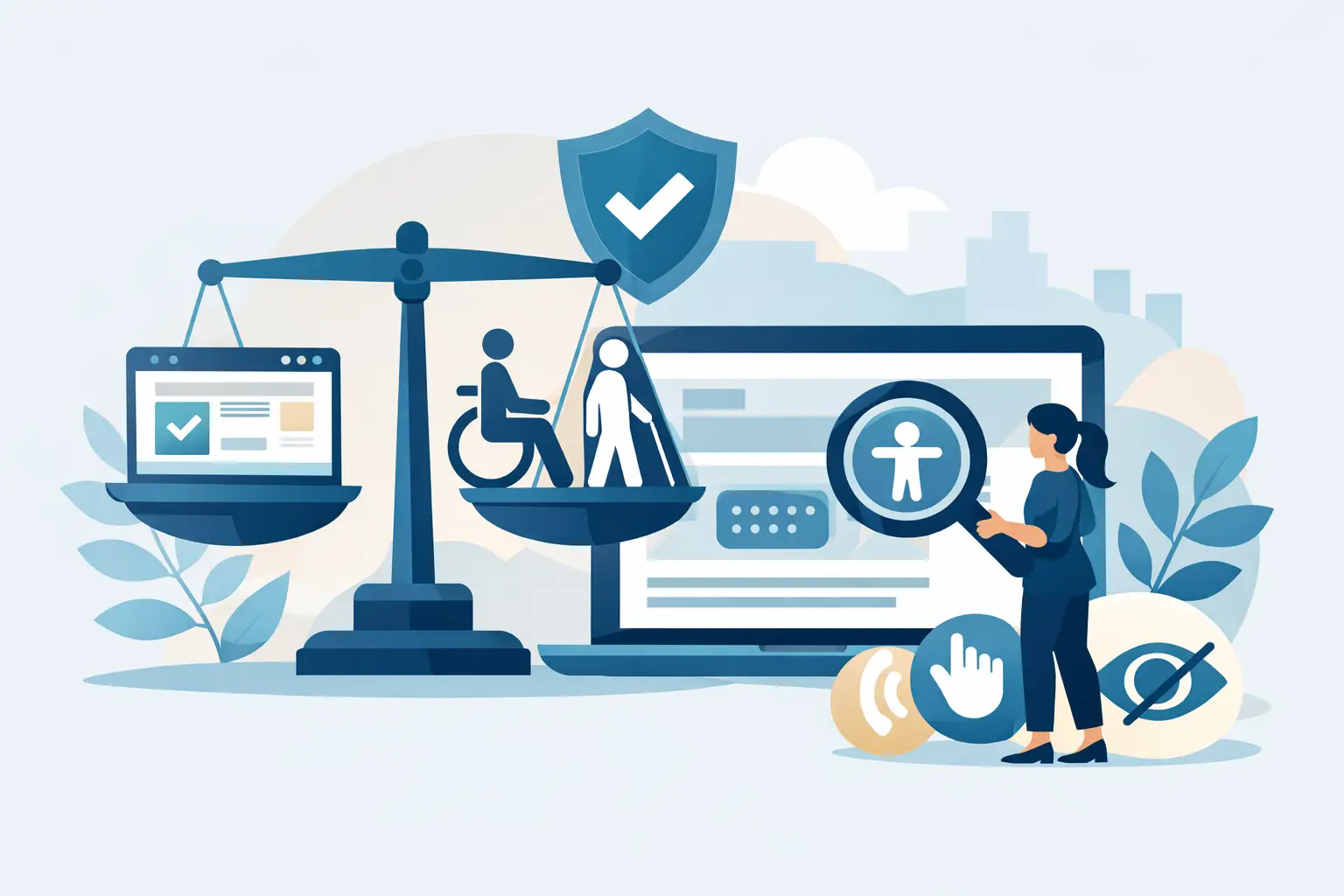
When Do Websites Need ADA Compliance?
A business owner gets a demand letter. A university receives a complaint about inaccessible course materials. A city department is told residents cannot complete an online form with a screen reader. In each case, the question arrives late: when do websites need ADA compliance?
The practical answer is earlier than most organizations expect. Website accessibility is not a task to postpone until after a complaint, a procurement review, or a legal notice. If your website offers information, services, transactions, applications, or public interaction, accessibility obligations and enforcement risk are already part of your operating environment.
When do websites need ADA compliance in practice?
For most organizations, the safest answer is now. The ADA does not work like a permit that becomes necessary only after your site reaches a certain traffic level or revenue threshold. Accessibility expectations apply when a website functions as part of how the public accesses your goods, services, programs, or benefits.
That includes more than ecommerce. A public-facing website with contact forms, appointment scheduling, account access, downloadable PDFs, online applications, menus, calendars, maps, or embedded media can create access barriers that affect blind users, keyboard-only users, people with low vision, deaf users, and users with cognitive or mobility disabilities. Once those barriers interfere with equal access, legal and operational exposure becomes real.
The exact legal theory may vary by organization type, but the compliance question usually comes down to one issue: can people with disabilities use the website in a substantially equivalent way?
The organizations most likely to need ADA-ready websites
Private businesses that serve the public should not assume they are exempt because they are small, local, or online-first. Retailers, law firms, healthcare practices, hospitality businesses, financial services firms, nonprofits, and service providers are frequent targets for accessibility claims. If the website is part of customer service or commerce, it belongs in your compliance program.
State and local governments face even clearer obligations. Public entities are expected to provide accessible digital services, and those services increasingly sit inside websites, portals, forms, document libraries, and payment systems. Accessibility failures can affect basic civic access, which raises the urgency.
Educational institutions also face significant exposure. Colleges, universities, school districts, and training organizations publish course content, admissions materials, calendars, PDFs, videos, and registration workflows. Accessibility is not limited to the homepage. It extends to the full digital environment students, parents, staff, and community members rely on.
Federal contractors and organizations subject to Section 508 or procurement standards may have additional compliance pressures. In those cases, accessibility is not just a litigation concern. It can affect eligibility, contract performance, internal policy enforcement, and vendor review.
Does every website legally require ADA compliance?
This is where nuance matters. Not every website is treated the same way in every legal context, and courts have not always used identical reasoning. Some matters turn on whether the organization operates a physical place of public accommodation. Others focus more broadly on access to goods and services. That variation is one reason website owners still ask when do websites need ADA compliance.
But uncertainty at the margins does not eliminate risk in the middle. If your organization serves the public, relies on digital transactions, or provides essential information online, waiting for a perfect legal bright line is not a strong strategy. The Department of Justice has consistently signaled that web accessibility matters, and plaintiffs’ firms do not wait for unresolved edge cases before sending claims.
For WordPress site owners and agencies, the better question is often not whether a technical argument for delay exists. It is whether the site contains barriers that a user could encounter today, and whether you can show an active process for finding and fixing them.
ADA, WCAG, and what compliance usually means
The ADA itself does not provide a simple checklist for websites. In practice, organizations usually measure accessibility against the Web Content Accessibility Guidelines, commonly WCAG 2.1 and increasingly WCAG 2.2, because those standards define testable success criteria for digital content.
That distinction matters. A site can look modern and still fail basic accessibility requirements. Missing alternative text, poor heading structure, unlabeled form fields, keyboard traps, low contrast, inaccessible menus, broken focus order, and untagged PDFs are common failures. These are not cosmetic issues. They affect whether users can complete tasks.
For many organizations, ADA readiness means building a documented accessibility process around WCAG-based testing, remediation, and ongoing monitoring. That is especially true in WordPress environments, where content editors, plugins, themes, widgets, and media libraries constantly change the risk profile.
When a website moves from low visibility to clear exposure
Some websites face higher scrutiny because of what users must do on them. If your site processes payments, applications, reservations, event registrations, patient intake, employment submissions, or student services, the stakes increase. These workflows often involve forms, time limits, modal windows, downloadable documents, and third-party embeds, all of which can create accessibility barriers.
Exposure also rises when an organization publishes large volumes of content. News archives, blogs, government document repositories, academic resource centers, and enterprise multisite environments are difficult to audit manually. Problems spread quickly when inaccessible templates or editor habits are repeated across hundreds of pages.
A redesign does not eliminate the issue either. In fact, redesigns often introduce fresh failures through custom components, navigation changes, and new page builders. Accessibility needs to be checked during development and after launch, not assumed.
The WordPress factor
WordPress makes publishing easier. It also makes inconsistency easier. A site may begin with an accessible theme and still become inaccessible over time because of plugin conflicts, custom blocks, editor-generated markup, media uploads, and PDF posting practices.
That is why one-time testing rarely solves the full problem. Accessibility on WordPress is operational. You need visibility into pages, posts, templates, theme files, widgets, menus, custom post types, and linked assets. You also need remediation guidance that non-developers can use, because many accessibility failures begin in everyday publishing workflows.
A compliance process is more durable when it identifies exact issues, shows where they appear, and helps teams correct them before inaccessible content goes live. Tools such as WP ADA Compliance Check are built around that reality by scanning across WordPress environments, evaluating against WCAG and Section 508 standards, and supporting remediation at scale.
Signs your website needs ADA attention immediately
If your organization has never run a formal accessibility audit, assume there are issues worth reviewing. The same is true if your site includes legacy PDFs, third-party booking tools, video content without proper captions, image-based buttons, complex menus, or forms built without accessible labels and error handling.
You should also act quickly if multiple people publish content without accessibility controls. Decentralized publishing often creates inconsistent heading structure, missing alt text, empty links, and color-dependent instructions. These problems are common, preventable, and often repeated sitewide.
Another clear trigger is vendor or procurement review. Government buyers, educational institutions, and enterprise clients increasingly ask for accessibility documentation before approval. If your site cannot support those conversations with credible audit data and remediation evidence, that gap can become a business problem even before it becomes a legal one.
What to do if you are unsure
Start with an audit grounded in recognized standards. Not a visual review, not a plugin count, and not a statement page written without evidence. You need testing that covers templates, content, code patterns, forms, media, navigation, and documents.
Then separate issues by severity and scope. Some failures can be corrected quickly, while others require design, development, or content process changes. The point is not to promise perfection overnight. The point is to establish a defensible, ongoing remediation program.
That program should include repeat scanning, editorial guidance, theme and plugin review, and checks before publication. Accessibility is easier to manage when it becomes part of routine website operations instead of a special project triggered by outside pressure.
The organizations that handle this well do not wait for certainty on every legal question. They recognize that public-facing websites are part of service delivery, that WCAG has become the practical benchmark, and that WordPress sites need continuous oversight because content changes constantly.
If you are still asking when do websites need ADA compliance, the operational answer is simple: before a user finds a barrier you failed to catch. That is the moment accessibility stops being theoretical and becomes your responsibility.
Subscribe
Subscribe to receive daily Web Accessibility - Did you know? articles in your inbox.
