
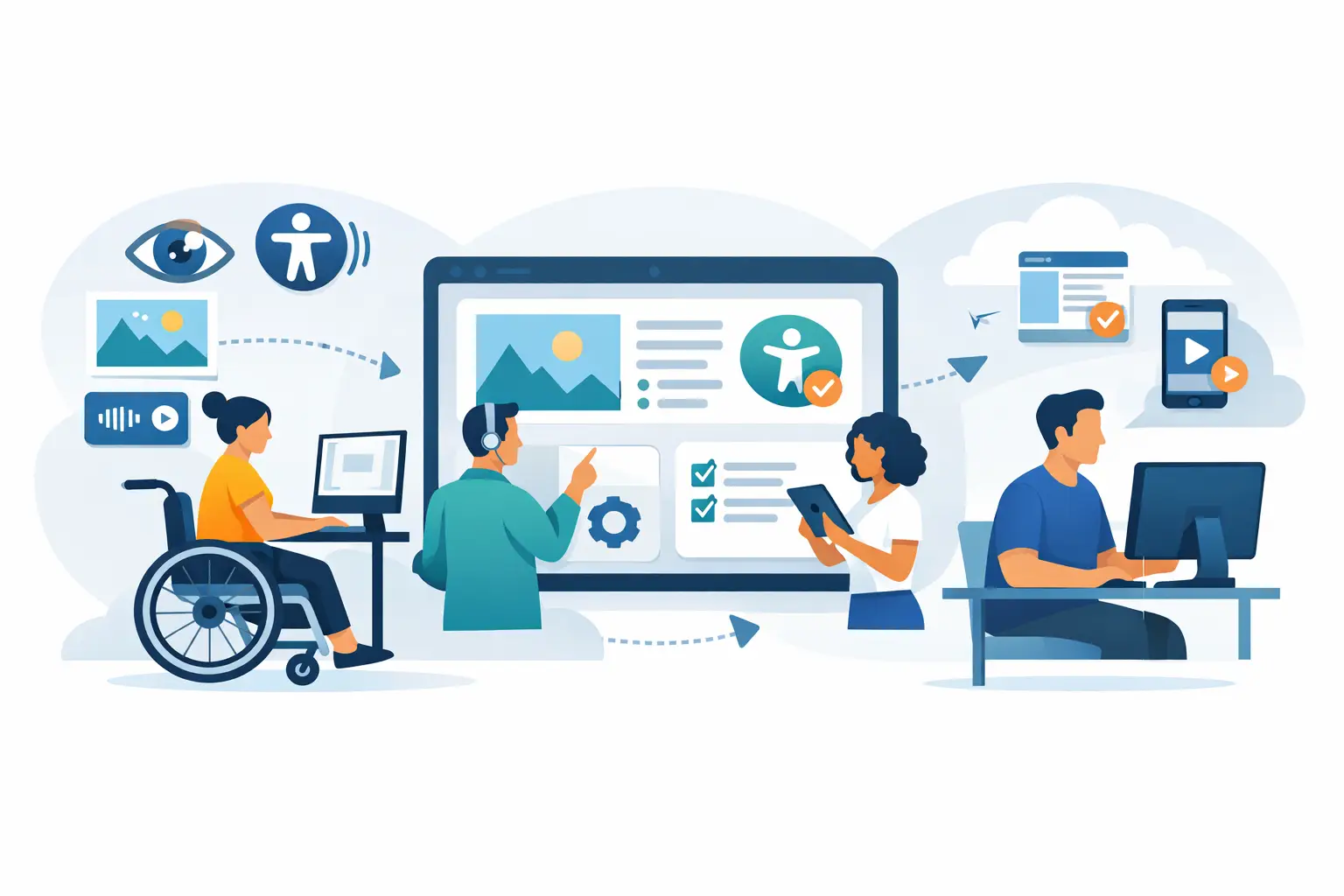
Build an Accessible Content Publishing Workflow
A page goes live, then the complaints start. The PDF is unreadable by screen readers, the form labels are missing, headings jump from H2 to H4, and the video has no captions. For many WordPress teams, that pattern is not a one-time mistake. It is what happens when accessibility is treated as a cleanup task instead of an accessible content publishing workflow.
If your organization publishes frequently, the real issue is rarely one editor or one page. It is the process. A compliant publishing operation needs defined checkpoints, clear ownership, and tooling that catches errors before content reaches the public. That matters for ADA readiness, WCAG conformance, and day-to-day quality control across websites that may include posts, pages, media, menus, widgets, PDFs, and custom post types.
Why an accessible content publishing workflow matters
Accessibility failures are operational failures. They expose public entities, schools, businesses, and agencies to legal risk, but they also create avoidable support burdens and reputational damage. A site that regularly publishes inaccessible content forces staff into reactive remediation, which is slower and more expensive than preventing the problem at the authoring stage.
This is where many teams get stuck. They assume accessibility can be handled through periodic audits alone. Audits are necessary, but they do not replace workflow controls. A quarterly scan may tell you what is broken. It does not stop tomorrow’s editor from uploading another image without alternative text or embedding a noncompliant document.
An effective workflow closes that gap. It treats accessibility as a publishing standard, not a side project. That means content must be reviewed against defined criteria before publication, and issues must be traceable to the exact content item, file, or code location that needs correction.
What an accessible content publishing workflow should include
A strong workflow is not just a checklist in a policy binder. It is a system that combines editorial standards, technical scanning, approval controls, and documented remediation paths.
At the authoring stage, contributors need guardrails they can follow without deep accessibility expertise. That includes clear heading structure, meaningful link text, properly labeled tables, media captioning requirements, and image alternative text practices. These are common problem areas, but the exact risk depends on the content type. A news publisher may struggle most with images and embeds. A school district may have more exposure from PDFs, calendars, and form documents. An ecommerce site may need tighter controls around templates, navigation, and product media.
During review, accessibility checks should be built into the same process used for brand, legal, or editorial approval. If the workflow already requires approval for copy, pricing, or compliance language, accessibility should sit alongside those controls rather than after them.
Then comes technical validation. Manual review catches many issues, but not all of them. Automated scanning is necessary for scale, especially on WordPress sites with many contributors and dynamic templates. The key is coverage. If a tool scans only the current post body, it may miss theme output, menu problems, widget errors, linked PDFs, or accessibility failures introduced through page builders and custom fields.
Building the workflow inside WordPress
WordPress makes publishing easy. That is useful for marketing teams, editors, and administrators, but it also means content can move live quickly without enough control. The goal is not to slow publishing to a crawl. The goal is to add structured checks where they matter most.
Start by defining roles. Authors create and revise content. Editors review content quality and accessibility basics. Developers handle theme-level and template-level issues. Compliance or governance staff monitor reports, exceptions, and recurring failure patterns. When these roles are left vague, accessibility defects get passed around and remain unresolved.
Next, define your pre-publish standards. These should be specific enough to enforce. For example, every image must have appropriate alternative text unless it is decorative. Every video must include captions. Heading order must be logical. Linked documents must be accessible or replaced with HTML equivalents when possible. Forms must have valid labels and instructions. Content that fails required checks should not publish until corrected or formally approved as an exception.
That last point matters. A workflow without a hold point is only guidance. If there is no publishing control, teams under deadline pressure will bypass the standard. This is one reason organizations adopt WordPress-native accessibility tools that can identify issues during content review and support publishing restrictions when required. Use the WP ADA Compliance Check Plugin to enforce compliance before publishing.
Where automated checks fit in
Automation is not a substitute for human judgment, but it is essential for finding repeatable, standards-based failures across large sites. In practice, the best use of automation is continuous enforcement.
A scan should run on published content, but mature programs also scan broader site components that editors may not directly manage. That includes templates, headers, footers, menus, widgets, archive pages, and custom post types. Otherwise, a team can fix every article and still leave major accessibility barriers in the theme layer.
Detailed reporting is equally important. A report that says a page has errors is only mildly useful. A report that identifies the issue type, affected standard, exact code location, and likely editing path is operationally useful. It tells the right person what to fix and where to find it.
For WordPress teams, this can significantly reduce remediation time. Instead of asking a content manager to interpret WCAG criteria from scratch, the system points them to the image, form field, heading, or file that triggered the error. That is the difference between theoretical compliance work and a manageable publishing process.
The trade-offs teams should plan for
There is no single workflow that fits every organization. A small business with one site and two editors does not need the same approval chain as a state agency with dozens of departments. More controls usually improve consistency, but they can also slow down publishing. Less friction speeds content production, but it increases the chance of noncompliant material going live.
That trade-off should be decided intentionally. If your site publishes regulated information, public services, educational resources, or high-volume public communications, stricter controls are justified. If your publishing volume is low, a leaner process may work, provided your scanning and remediation practices are reliable.
Another trade-off is between training and tooling. Training matters, but staff turnover and inconsistent contributor skills make training alone unreliable. Tooling adds enforcement, but no tool catches every issue. The most defensible approach combines both. Staff should know the basics, while automated auditing and remediation support handle scale, consistency, and technical validation.
Common breakdowns in the publishing process
Most accessibility problems do not come from bad intent. They come from repeatable workflow failures.
One common breakdown is treating PDFs as separate from web content. They are not. If staff regularly post agendas, policies, forms, or brochures as PDFs, those files need the same accessibility controls as HTML pages. Another is relying on a final review after publication instead of requiring checks before publication. That turns every fix into rework and leaves users exposed in the meantime.
A third issue is narrow scan coverage. Teams may review blog posts while ignoring navigation, sidebars, popups, and template-generated content. That creates a false sense of compliance. Accessibility risk often lives in reused components because the same defect appears across many pages.
Making remediation part of the workflow
Remediation should not be treated as an emergency lane outside normal operations. It should be built into the same system that governs publishing. That means assigning owners, setting timelines, and distinguishing between content-level errors and platform-level errors.
Content-level issues can usually be fixed by editors or site managers. Platform-level issues often require developer involvement because they originate in theme files, plugins, templates, or custom functionality. If your reporting does not separate these categories clearly, tickets bounce between teams and progress slows.
This is where a compliance-focused WordPress tool can be valuable. A platform such as WP ADA Compliance Check supports a more controlled workflow by scanning broad areas of a WordPress site, identifying exact issues, and helping teams block or remediate inaccessible content before it becomes a larger liability.
How to know your workflow is working
The clearest sign is not a perfect scan. It is a reduction in repeated issue types over time. If the same errors keep appearing, your workflow is not correcting behavior at the source.
Look for operational indicators. Are authors fixing issues before editorial review? Are fewer inaccessible files being uploaded? Are template defects caught once and resolved globally instead of page by page? Are reports understandable to non-developers? Can your team show a documented process for identifying, correcting, and preventing accessibility barriers?
Those are the markers of a mature program. Accessibility is not just a technical standard to test against. It is a publishing discipline that needs process, accountability, and enforcement inside the CMS your team uses every day.
The most useful workflow is the one your organization can actually sustain. Start with the points where inaccessible content enters your site most often, add controls there, and make every scan result lead to a defined action. When accessibility becomes part of how content gets approved and published, compliance stops being a scramble and starts becoming routine.
Subscribe
Subscribe to receive daily Web Accessibility - Did you know? articles in your inbox.
