
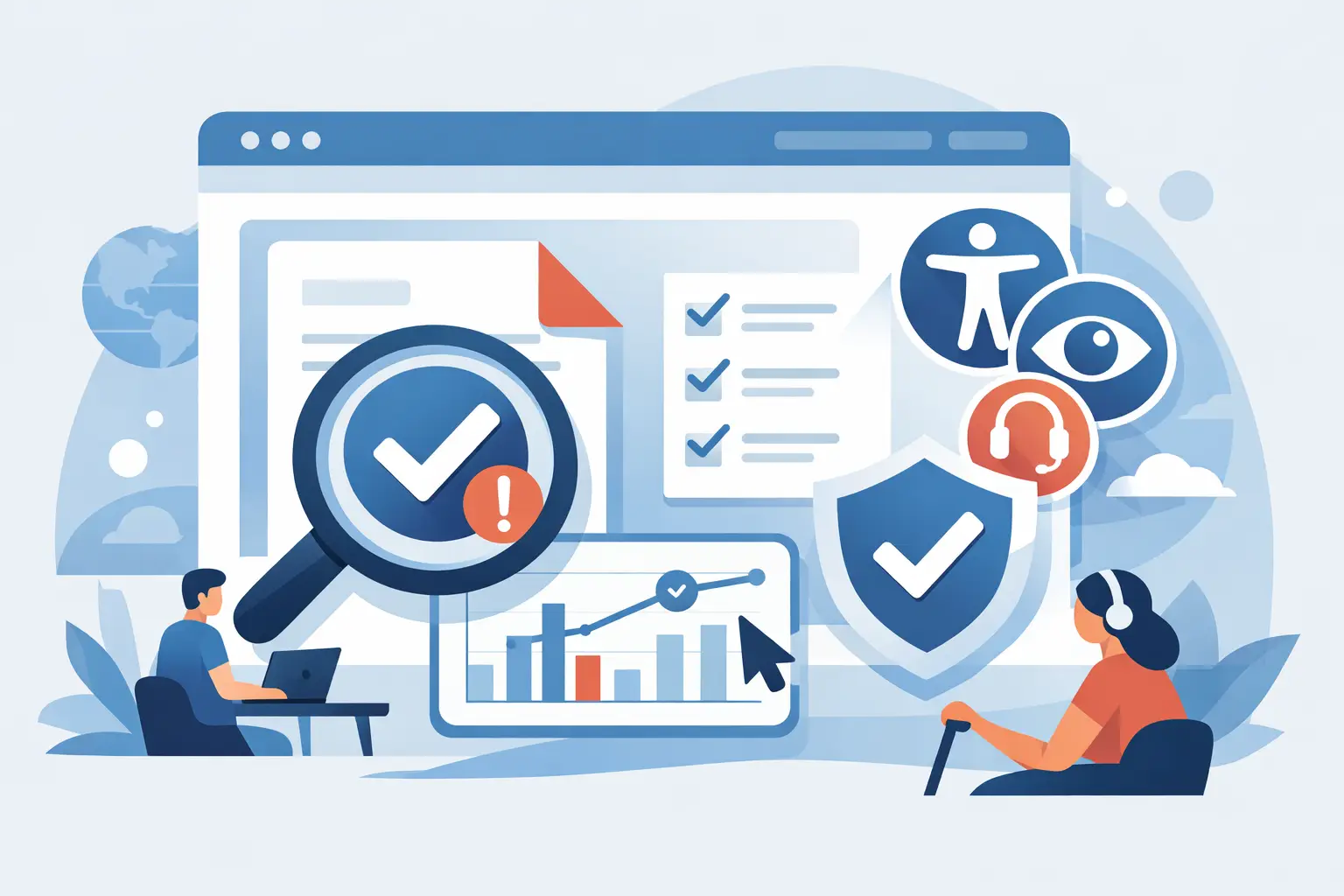
PDF Accessibility Checker for Websites
A website can pass most visual spot checks and still fail accessibility because of one neglected file type – PDF. For many organizations, PDFs hold board minutes, policies, forms, reports, menus, course materials, and archived documents. If those files are not tagged correctly, lack reading order, use poor contrast, or contain unlabeled form fields, they can create real barriers for users and real compliance exposure for the site owner. That is why a pdf accessibility checker for websites is not a niche add-on. It is part of a serious accessibility program.
Why PDF accessibility is a website compliance issue
Many teams treat PDFs as separate from the website because they were created in Word, InDesign, Acrobat, or a third-party system. Regulators and plaintiffs do not make that distinction. If a PDF is published on your website, linked from your navigation, embedded in a page, or used to deliver a public service, it becomes part of your digital accessibility responsibility.
That matters for ADA readiness, Section 508 obligations, and WCAG-based conformance efforts. A web page may be structured properly, while the linked annual report is unreadable to a screen reader. A school district may fix menu accessibility but still post inaccessible IEP forms. A city website may improve keyboard navigation while leaving permit applications in image-only PDFs. In practice, those failures are not peripheral. They are often the exact files users need most.
What a pdf accessibility checker for websites should actually do
A basic PDF checker can flag some document-level issues. A useful checker for websites has to do more than that. It needs to identify where PDFs exist across the site, associate them with pages or content entries, and surface accessibility findings in a way that fits publishing and remediation workflows.
That means scan coverage matters. If the tool only checks one uploaded file at a time, it may help a document specialist, but it does not help a WordPress administrator managing hundreds of pages and media assets. A website-focused checker should detect linked PDFs across posts, pages, media libraries, custom post types, and theme-driven components where documents may appear.
It also needs standards context. A raw list of technical flags is not enough for compliance teams. Findings should map to WCAG success criteria where applicable, explain the issue in plain operational terms, and show users what needs to be fixed in the source document or in the publishing workflow.
The limits of manual PDF review
Manual review still has a place. Some PDF issues require human judgment, especially when evaluating meaningful reading order, accurate alt text, heading hierarchy, table structure, and whether the document should have been a web page instead. But relying on manual review alone usually breaks down once a website grows.
Large institutions rarely have a clean inventory of every PDF published over time. Older files may live in media libraries with vague file names. Departmental editors may upload documents without notifying IT or compliance staff. Agencies managing multiple client sites face the same problem at scale. Without automated scanning, the organization is working from an incomplete picture.
Manual review is also inconsistent. One reviewer may catch missing tags but overlook inaccessible form controls. Another may focus on contrast but miss language settings or title issues. A website-oriented checker creates repeatable coverage and gives teams a defensible process for identifying high-risk files.
What issues matter most in PDF accessibility
Not every PDF failure carries the same operational impact, but several issue types appear repeatedly and create immediate problems. Untagged PDFs are one of the most common. Without tags, assistive technologies often cannot interpret headings, paragraphs, lists, or tables in a usable way.
Reading order is another major problem. A document may look fine visually yet read in the wrong sequence with a screen reader. Missing document titles, absent language declarations, poor heading structure, inaccessible links, image-only scans, and unlabeled form fields also show up frequently.
For website owners, the real question is not just whether these issues exist. It is whether your team can find them before users do, before a complaint arrives, or before legal counsel asks for evidence of your accessibility process.
Why website-level scanning changes the workflow
The strongest case for using a PDF accessibility checker at the website level is operational control. Accessibility work fails when it sits outside the normal publishing process. If PDF review depends on a separate desktop audit or a specialist who only checks files occasionally, inaccessible documents will keep slipping through.
A website-level checker brings document accessibility into the same environment where teams already manage content. For WordPress users, that means identifying PDF issues alongside page-level and template-level issues, rather than treating documents as a disconnected compliance category. It also helps with accountability. Editors can see what they uploaded, developers can trace where a file is used, and administrators can create review rules before publication.
This matters even more for organizations with distributed publishing. Universities, municipalities, healthcare groups, and agencies often have many contributors with different skill levels. They need a system that shows exactly where the problem lives and what the next remediation step should be.
How to evaluate a checker before you adopt it
A checker is only valuable if it fits the way your site is managed. Start with coverage. Ask whether the tool scans only pages or also linked PDFs, media assets, theme files, widgets, menus, and custom post types. A partial scan can create false confidence.
Then look at reporting depth. You need more than a pass-fail label. The best reporting identifies the document, the page or asset path, the relevant accessibility issue, and guidance on how to remediate it. For larger organizations, exportable reporting and audit history also matter because accessibility teams often need to show progress over time.
Workflow features are equally important. Can the tool support remediation by non-developers? Can it help prevent inaccessible files from being published? Can agencies or multi-site teams manage scans across environments without piecing together separate tools? These questions matter more than flashy dashboards.
There is also a trade-off between automated detection and actual correction. Some website accessibility tools can automatically correct certain front-end issues, but PDFs often require source-document fixes. A strong platform should be clear about that distinction. Automation is useful, but it should not imply that every PDF issue can be repaired without document remediation.
WordPress teams need one compliance process, not two
For WordPress site owners, the common mistake is using one tool for web pages and another disconnected process for documents. That split creates reporting gaps, duplicate effort, and delayed remediation. It also makes governance harder because the team has no single view of accessibility risk across the website.
A more effective approach is to use a platform that checks website accessibility broadly and includes PDF discovery and analysis as part of that same process. WP ADA Compliance Check is built around that model. It scans published website content, theme files, menus, widgets, custom post types, linked pages, and PDFs, then delivers actionable issue reporting inside a WordPress-centered workflow. For organizations trying to reduce compliance risk without building a separate document-audit operation from scratch, that kind of integration is practical.
When a PDF should not stay a PDF
A checker can tell you that a document has accessibility issues. It cannot decide whether the document belongs on the website in PDF format at all. In many cases, the better compliance decision is to convert high-use content into HTML.
This is especially true for material users need to access quickly on mobile devices or through assistive technology, such as service instructions, office hours, admissions information, benefit details, and frequently updated policies. PDFs still make sense for some fixed-layout documents, official records, and printable forms, but not every uploaded file should remain a file.
That is where judgment matters. The right accessibility process does not only detect errors. It helps teams choose the most accessible format for the user and the lowest-risk path for the organization.
Compliance value comes from repeatability
The most useful pdf accessibility checker for websites is not the one with the longest feature list. It is the one your team will actually use consistently. Repeatable scans, clear findings, and practical remediation guidance create a process that survives staff turnover, content growth, and changing standards expectations.
If your website publishes PDFs, those files need to be part of your accessibility controls from the start, not after a complaint. The better approach is straightforward: know where the PDFs are, know which ones create barriers, and make document accessibility part of everyday publishing discipline.
Subscribe
Subscribe to receive daily Web Accessibility - Did you know? articles in your inbox.
